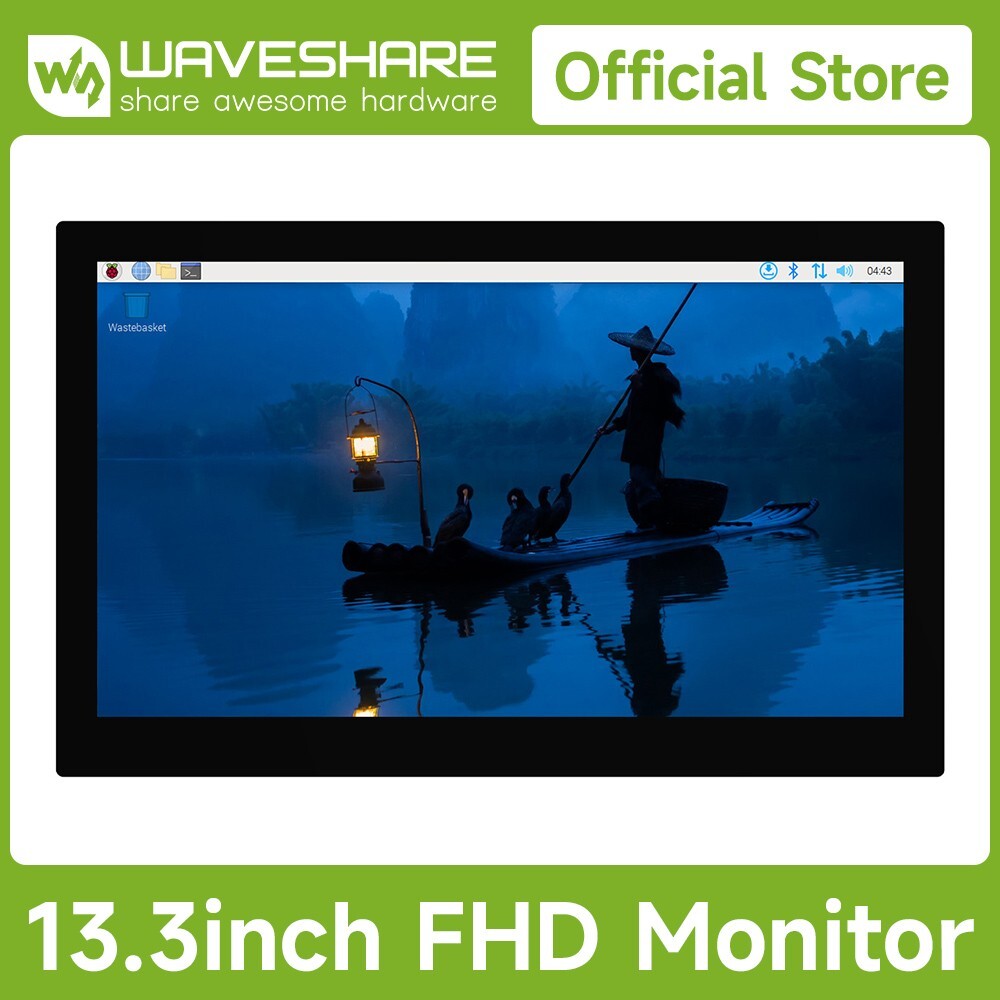
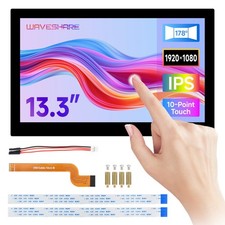
Device & System Support
Raspberry PiSupports Raspberry Pi OS, 10-point touch, driver free
Supports Ubuntu / Kali / WIN10 IoT, single point touch, driver free
Supports Retropie, driver freeSupports all versions of Raspberry Pi
Jetson SeriesSupports Ubuntu, single point touch, driver freeSupports Jetson Nano / TX2 / Xavier NX / Orin series boardsPCSupports Windows 11 / 10 / 8.1 / 8 / 7, 10-point touch, driver freeSmartphoneHuawei, Samsung...(wired projection)Game ConsoleXbox360, Switch...Connection ExamplesWorking with Full-Featured Type-C PC
Working with Full-Featured Type-C Smartphone
Working with Raspberry Pi 5 / 4B
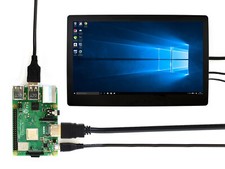
Working with Raspberry Pi 3B+
Working with Jetson series board
- Please make sure that the smartphone or PC itself features a full-featured Type-C interface
- For reference only, the above controller boards or hosts are NOT included
How to InstallPrepare the accessories as shown above, here we take Raspberry Pi 5 as an example.
Step 1:
Connect the cables ①, ④, and ⑤ to the connectors on the back side of LCD display, shown in the picture above.
Step 2:
Install the Raspberry Pi 5 on the back cover via the screws included in the package.
Step 3:
Connect the HDMI adapter ② to the cable ① first (choose HDMI adapter ② or ③ according to your Raspberry Pi model), then insert it into the Raspberry Pi Micro HDMI port; Connect the cable ④ to the USB port of the Pi and connect the cable ⑤ to the GPIO 5V, 5V, GND pin header as shown above.
Step 4:
Complete the assembly as shown in the picture and ensure all connections are correct, then connect to a 5V power supply and power on.
* for reference only, theRaspberry Pi 5is not included.
Full-featured Type-C interfaceSupports audio and video transmission, plug and play. One cable is just enough for either computer dual-screen OR Smartphone wired projection
Computer Dual Screens For Collaborative ProcessingOne screen for work, one screen for study, without interfering with each other
* for reference only, please refer to the Package Content for detailed part list
IPS Wide Viewing AngleIPS panel enhances the display and color performance of the monitor. 178° wide viewing angle, whether it is viewed vertically or horizontally, the display effect is still clear
Supports DDC/CI backlight adjustmentSmooth Gaming ExperienceA good partner for the game consoles, play video games with a wider and clearer vision. Supports Xbox360 / PS4 / SWITCH etc. (Display and Sound Only)
10-Point Capacitive Touch- up to 10-point touch, depending on the operating system
- up to 6H hardness toughened glass panel
Interface Introduction- 5V Type-C power supply
- Full-featured Type-C port
- Standard HDMI port
- 3.5mm audio jack
- 3PIN PH2.0 power connector
- 4PIN PH1.25 speaker header
- HDMI FPC connector
- OSD button board header
- 4pin PH1.25 touch header
- Raspberry Pi mounting holes
- 100×100mm M4 VESA mounting holes
Outline Dimensions
Support touch screen customizationSupport the following ways to customize the touch screen display in bulk order
Over a decade
Waveshare grows with display
* Waveshare has been focusing on display design for over 10 years.
Resources & Services
Package Content
Weight:1.591 kg
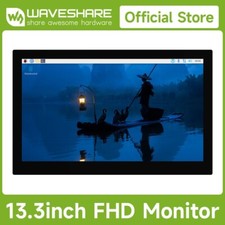
- 13.3inch FHD Monitor × 1
- OPTIONS5V 3A Type-C power supply × 1
- Type-C dual-plug cable ~1m × 1
- HDMI flat cable ~1m × 1
- USB Type-A to USB Type-C cable ~1m × 1
- Cleaning cloth × 1
- Micro HDMI adapter × 1
- HDMI adapter × 1
- Button board × 1
- 3PIN cable × 1
- HDMI to Micro HDMI adapter × 1
- HDMI-Cable-200mm (2PCS) × 1
- 1.27H 4PIN button board cable × 1
- USB Type-A to PH1.25 4P cable × 1
- Screws pack × 1