ANMITE - New 16-inch touch/non-touch portable monitor
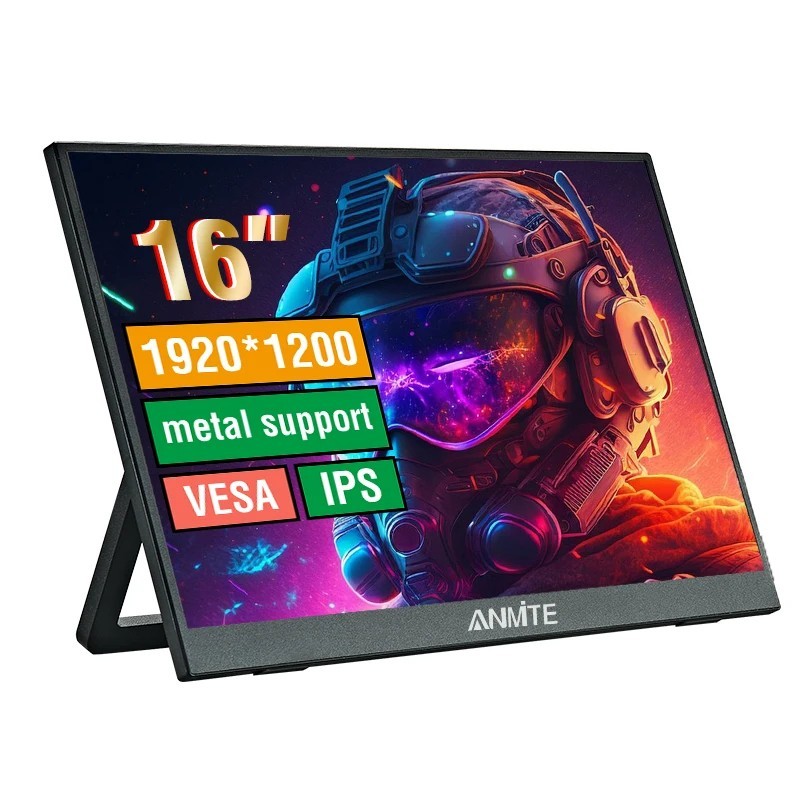
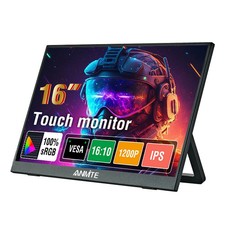
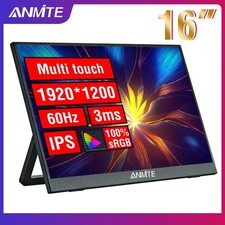
New 16-inch TFT monitor, 60Hz high frame rate, 1920*1200 high resolution, HDR support; 100% sRGB TFT screen, 178° viewing angle, 350nit brightness, brighter, clearer, more natural colors, bringing more vivid visual enjoyment.
Excellent innovation 60Hz portable screen, 8-bit color depth, smoother and more delicate color transition, richer and brighter colors, more accurate restoration of the true color of objects. The higher the number of bits, the more uniform the color transition.
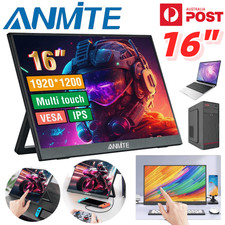
There are two ways to achieve touch. The first is to connect a laptop or PDA directly to a machine with a full-featured TypeC interface, rather than to a device with a full-featured TypeC interface. The second is to connect to a desktop or laptop with an HDMI interface. This computer only supports touch devices with an HDMI interface, just connect the touch cable to the USB port of the device. (Note: The touch function can only be used if you purchase the touch version).
Built-in Mini HDMI interface, tested for more than 3000 plug-in and unplug tests. Type-C interface provides fast and stable data transmission.
Size: 16 inches
Touch: You can choose touch version or non-touch version when purchasing, please choose carefully to avoid purchasing errors
Color: Black
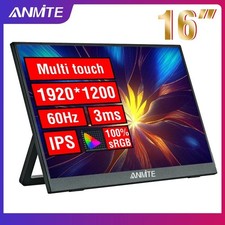
Refresh rate: 60HZ
Brightness: 350cd/m²
Screen ratio: 16:10
Color gamut: 100% sRGB
Screen resolution: 1920*1200
Sound effect: built-in dual speakers
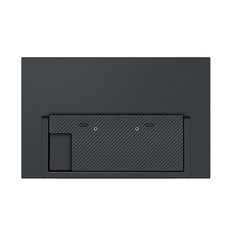
Stand: built-in detachable stand
Packaging accessories:
Portable monitor*1
HDMI cable*1
Type-C cable*1
USB to TPYE power data cable*1
New 16-inch TFT monitor, 60Hz high frame rate, 1920*1200 high resolution, HDR support; 100% sRGB TFT screen, 178° viewing angle, 350nit brightness, brighter, clearer, more natural colors, bringing more vivid visual enjoyment. Excellent innovation 60Hz portable screen, 8-bit color depth, smoother and more delicate color transition, richer and brighter colors, more accurate restoration of the true color of objects. The higher the number of bits, the more uniform the color transition. There are two ways to achieve touch. The first is to connect a laptop or PDA directly to a machine with a full-featured TypeC interface, rather than to a device with a full-featured TypeC interface. The second is to connect to a desktop or laptop with an HDMI interface. This computer only supports touch devices