Description
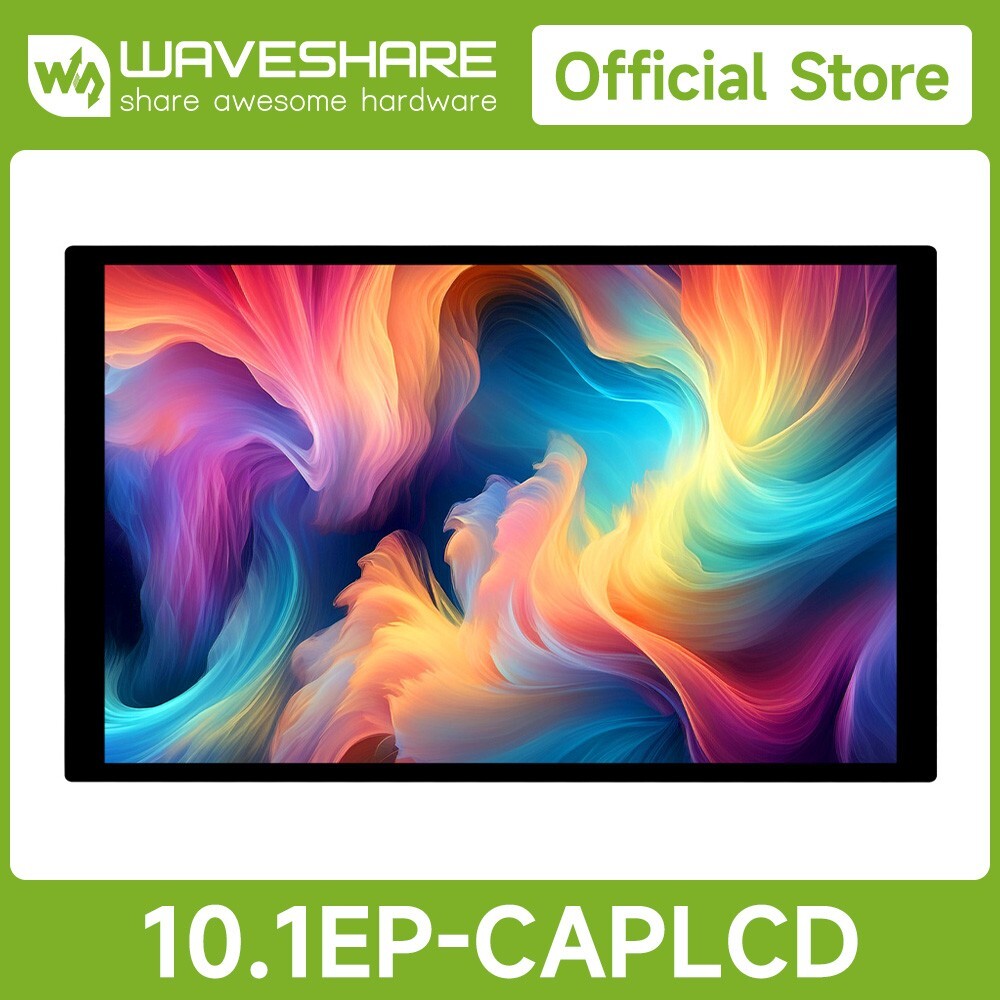
10.1inch High Resolution Capacitive Touch Display, 1920×1200, Optical Bonding Toughened Glass Panel, HDMI Display Interface, IPS Display, 10-Point Touch10.1″ Capacitive Touch Display
High Resolution | Multi-Point Touch | Landscape/Portrait rotation
- Size10.1″
- Resolution1920×1200
- Display InterfaceHDMI
- Display PanelIPS
- Viewing Angle178°
- Touch TypeCapacitive
- Touch Points10-Point
- Touch PortUSB Type-C
- Touch PanelToughened Glass
- Touch Panel TechOptical Bonding
- OSD MenuBrightness/Contrast
- Display OrientationLandscape/Portrait
- Brightness300cd/㎡
- SoundHi-Fi Speaker
- Audio Output3.5mm Jack
Device & System Support
Raspberry PiSupports Raspberry Pi OS, 10-point touch, driver free
Supports Ubuntu / Kali / WIN10 IoT, single point touch, driver free
Supports Retropie, driver free
Supports all versions of Raspberry Pi
Jetson SeriesSupports Ubuntu, single point touch, driver freeSupports Jetson Nano / TX2 / Xavier NX / Orin series boardsPCSupports Windows 11 / 10 / 8.1 / 8 / 7, 10-point touch, driver free
Connection Examples
Working with Raspberry Pi 5 / 4B
Working with Raspberry Pi 3B+
Working with Raspberry Pi Zero
Working with PC
* for reference only, the above controller boards or hosts are NOT included
How to Install
Prepare the accessories as shown above, here we take Raspberry Pi 5 as an example
Step 1:
Connect the cable ①, ②, and ③ to the corresponding positions as shown in the picture above.
Step 2:
Install the Raspberry Pi 5 on the PCB board of the LCD, connect the HDMI adapter ④ to the cable ① (select HDMI adapter ④ or ⑤ according to your Raspberry Pi model) and then connect it to the Raspberry Pi Micro HDMI port.
Step 3:
Connect the cable ② to the USB port of the Pi and connect the cable ③ to the GPIO 5V and GND pins as shown above.
Step 4:
Complete the assembly as shown in the picture and ensure all connections are correct, then connect to a 5V power supply and power on.
* for reference only, the Raspberry Pi 5 is NOT included
Technology upgrade, higher resolution
1920 × 1200 resolution, provides clear image and vivid color display effect
IPS Display Panel
Excellent Display Performance With 178° Wide Viewing Angle
Capacitive 10-Point Touch
- up to 10-point touch, depending on the operating system
- up to 6H hardness toughened glass panel
- Optical Bonding, display well and dustproof
Freely rotate the display orientation
One-button switch between landscape and portrait display to meet the needs of different usage scenarios
Dual-Track Speaker
Ferrite Hi-Fi Speaker, Larger Volume, Wider Sound Range, Better Sound Quality
Interface Introduction
Dimensions
Support touch screen customization
Support the following ways to customize the touch screen display in bulk order
Over a decade
Waveshare grows with display
* Waveshare has been focusing on display design for over 10 years.
Resources & Services
Product Certification
HDMI Certified
Package Content
Weight:0.934 kg
Package Contains
- 10.1EP-CAPLCD ×1
- HDMI flat cable ~1m ×1
- USB Type-A to Type-C cable ~1m ×1
- Micro HDMI Adapter ×1
- HDMI Adapter ×1
- HDMI to Micro HDMI Adapter ×1
- PH1.25 4PIN to Type-A cable ×1
- Capacitive touch pen ×1
- 3PIN cable ×1
- HDMI-Cable-120mm (2pcs) ×1
- Cleaning cloth x1
- OPTIONS5V 3A power supply ×1
- Screws pack x1