WAVLINK BE8800 WiFi 7 PCIe Network Card | Tri-Band BE200 · Bluetooth 5.4 2024 New Release · Wi-Fi 7 Desktop AdapterWAVLINK BE8800
WiFi 7 PCIe Network Card
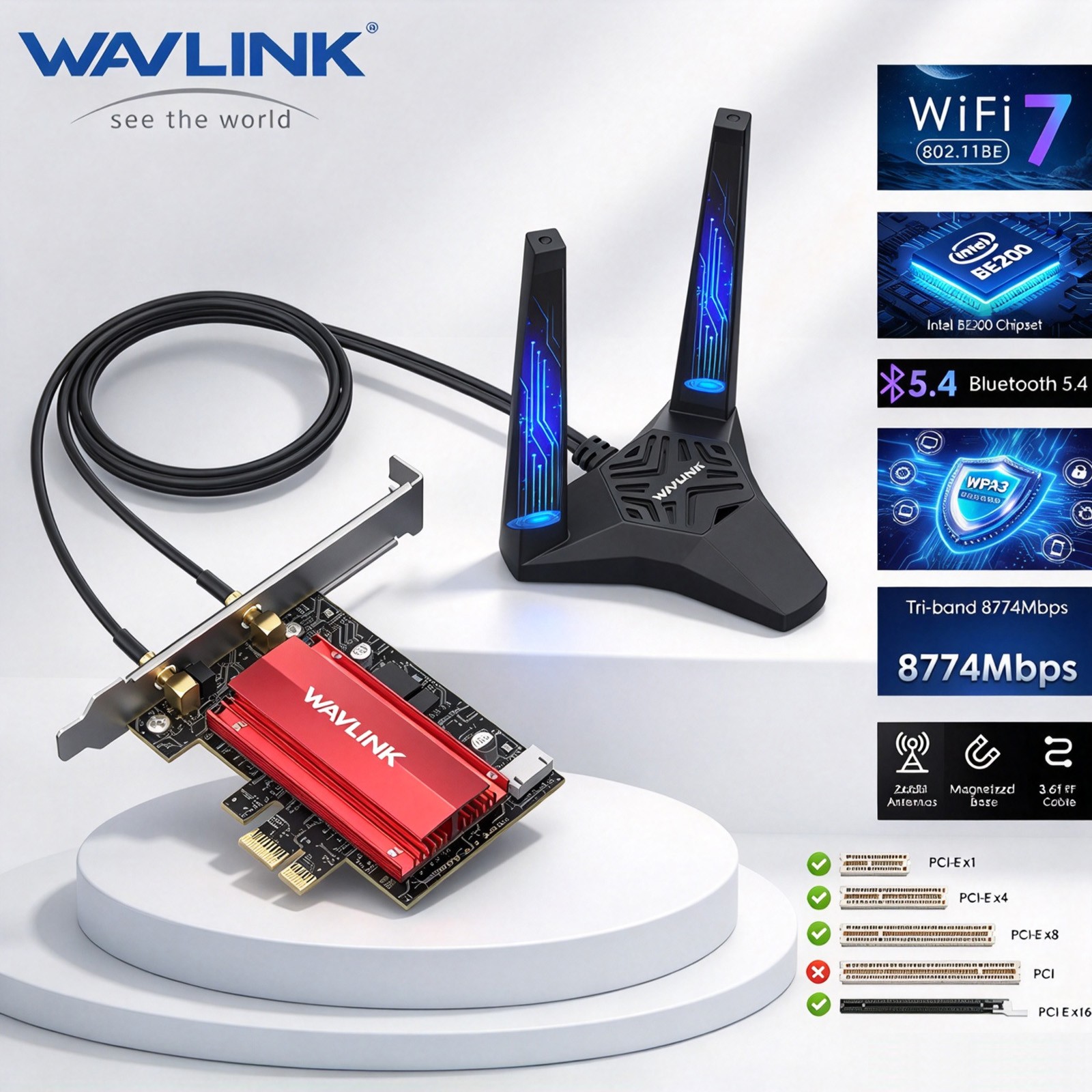
Intel BE200 Chipset · Tri-Band with 6 GHz Extension · Bluetooth 5.4 · MU-MIMO · WPA3
Built for Windows 10 / 11 (64-bit) desktops · Works with PCIe X1/X4/X8/X16 slots
Wi-Fi 7 (802.11be) Intel BE200 Bluetooth 5.4 320 MHz Bandwidth 4096-QAM MLO Multi-Link ⚠️ Please Note: This card is NOT compatible with AMD motherboards. To use the 6 GHz band, Windows 11 is required. 2.4 GHz 574Mbps Long-range coverage · Stable link 5 GHz 2400Mbps High throughput · Low latency 6 GHz 5800Mbps Dedicated band · Congestion-free Key Selling Points Highlights🚀Pioneering Wi-Fi 7 Technology
Empowered by Wi-Fi 7, this card unleashes the complete capabilities of the 6 GHz band, offering outstanding bandwidth and dedicated, congestion-free channels tailored for your desktop. With enhancements like 4096-QAM and 320 MHz, this adapter achieves staggering wireless speeds, enabling seamless playback of multiple media streams at once.
802.11be 📶Unmatched Tri-Band Speed
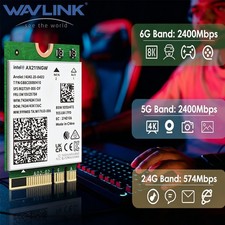
The Intel BE200 chipset takes your WiFi to the next level by extending it into the 6 GHz band. Maximum speeds reach 574 Mbps on 2.4 GHz, 2400 Mbps on 5 GHz and 5800 Mbps on 6 GHz. Meets the demands of high-bitrate 4K/8K video, VR/AR applications, remote working, video conferencing and cloud computing.
Tri-Band 🔒Bluetooth 5.4 & WPA3 Security
The latest BT 5.4 technology revolutionizes your wireless data connection: 2× faster transmission speeds and a 4× greater range deliver seamless connectivity for game controllers, headphones and keyboards. The advanced WPA3 security protocol ensures robust protection against hackers and malware.
BT 5.4 / WPA3 ⚡320 MHz Transfer Rate & 4K-QAM
Wi-Fi 7 makes a further breakthrough based on Wi-Fi 6/6E. High Band Simultaneous (HBS) Multi-Link technology doubles the potential channel bandwidth to a maximum of 320 MHz. 4K-QAM technology packs more data into the waveform signal, featuring faster data transfer rate and better overall network performance.
320 MHz / 4K-QAM 📡Wider Coverage & Compatibility
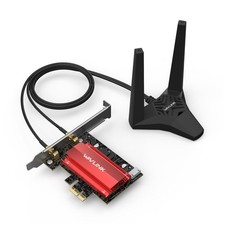
Boost your Wi-Fi reception using two high-performance, multi-directional antennas with a magnetized base. Adjust the antenna base to find the optimal signal reception location on your desktop. Compatible with Windows 10/11 desktop PCs, and works with PCIe X1/X4/X8/X16 slots.
Adjustable Antennas 🔗MLO Multi-Link Operation
Supports Multi Link Operation (MLO), which effectively reduces signal interference and transmission delays, providing a faster and more reliable wireless networking experience. Cooperating with an MU-MIMO compatible router, WN685BE3-A delivers wireless signals faster and more effectively.
MLO / MU-MIMO Specifications Tech Details Product Model WN685BE3-A (Chipset: Intel BE200) Transmission Rate 2.4 GHz: 574 Mbps | 5 GHz: 2400 Mbps | 6 GHz: 5800 Mbps Protocol Standard Supports IEEE 802.11a/b/g/n/ac/ax/be Frequency Band 2.4 GHz / 5 GHz / 6 GHz (Tri-Band) Technical Support MU-MIMO, OFDMA, BSS Coloring, 320 MHz, 4096QAM, Target Wake Time (TWT), Multi Link Operation (MLO), Multi-RU, Enhanced Multi-Link Single Radio (eMLSR) Support System Windows 11 / 10 (64-bit) Bluetooth Version Bluetooth 5.4 Interface Compatible with PCI-E X1 / X4 / X8 / X16 Wireless Security WPA3 / WPA2 Encryption Installation Steps Setup Guide
- Power off the PC, open the case, and find one available PCIe slot.
- Insert the PCIe card into the corresponding slot. Works with PCIe x1, x4, x8 and x16.
- Plug the Bluetooth cable into the 9-pin USB connector on the motherboard and the 4-pin connector on the card.
- Install the antennas and adjust the dock accordingly for better signal.
- Download and install the driver from the WAVLINK official website. Then, enjoy!
Package Contents In the Box1× WiFi 7 BE8800 PCIe Adapter1× Bluetooth Cable1× External Antenna Dock1× Low Profile Bracket3× Screws1× Drivers Download Card1× User ManualWarm Tips Good to Know
- For desktops only. A Bluetooth power cable needs to be connected to the motherboard 9-pin interface, or the Bluetooth function won't work.
- This Wi-Fi card will not boost the speed of the original router. It only helps your computer receive a better signal and speed from the router (increases the maximum wireless bandwidth limit).
- It has nothing to do with the quality of this adapter when you can't get the maximum speed. The network environment, router, barriers, PC internal memory — the interference of many factors can affect the speed.
- Please turn off the built-in Wi-Fi when using this card on a desktop PC (if your desktop PC has a built-in Wi-Fi function).
- Please note that to utilize the 6 GHz band, the PC must be running Windows 11.
- Please remove the plastic film on the gold-plated fingers before connecting to the PC's PCIe slot.
⚠️ Please Confirm Before You Buy
- NOT compatible with AMD motherboards — this card is designed for Intel-platform desktops only.
- 6 GHz band requires Windows 11 — the 6 GHz band is unavailable under Windows 10.
- Bluetooth needs the cable — the Bluetooth cable must be connected to the motherboard 9-pin USB header.
- Remove the protective film — the PCIe gold fingers are covered with a plastic film before shipping; remove it before installation.
WAVLINK Wi-Fi 7 BE8800 PCIe Tri-Band WiFi Adapter — Innovative Wireless Connectivity
Download the driver from the WAVLINK official website · Product images and specifications are subject to change without notice