Independent · Rolling · Built From Scratch VOID LINUX BOOT · TRY · INSTALL · UPDATE A lean, fast, independent system — install once, update routinely, and keep it for years. Try It Live Desktop + Minimal Not A Fork Intel/AMD · ARM64 · Apple Silicon Choose your version at checkout · the Intel / AMD 2-in-1 or the ARM set for ARM64 devices and Apple Silicon Macs on USB or DVD. Try It Without Changing Anything Boot the media and Void runs straight from it — a full desktop with a web browser and everyday applications, or a lean command-line system, whichever you pick from the menu. Your hard drive is untouched while you look round. Take the media out, restart, and the computer is exactly as it was.
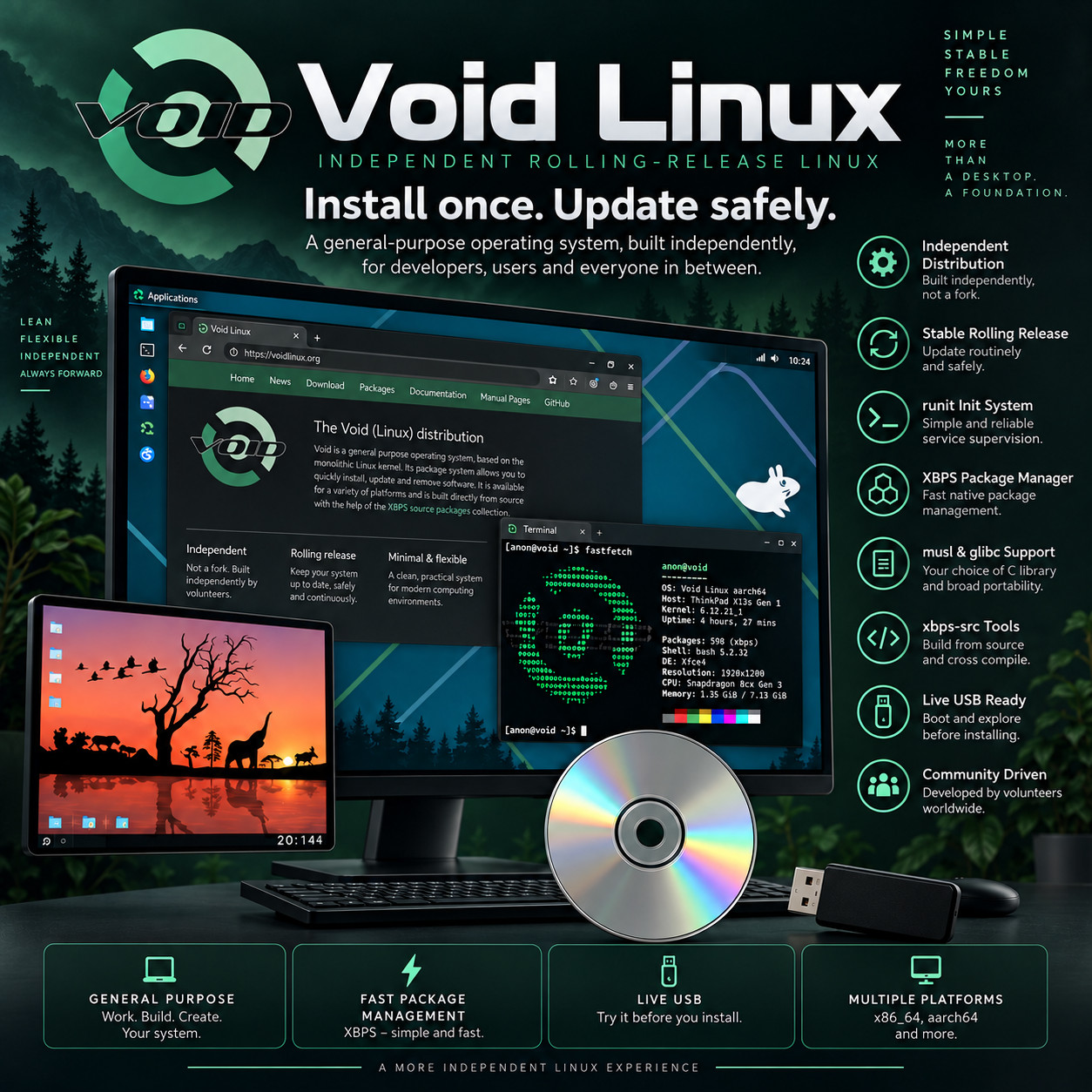
Void Linux is an independent operating system, developed entirely by volunteers and written from the ground up rather than copied from another distribution. Its package manager and build system were created from scratch, it uses a simple and dependable way of starting and supervising the system, and it follows a steady rolling-release model that favours stability over chasing the newest thing. The result is a system that is quick, uncluttered and completely yours: install it once, keep it updated routinely and safely, and it simply stays current for as long as you run it.
Which version is right for you? 🖥️ Intel / AMD For 64-bit PCs, laptops and servers. Two systems on one drive, picked from a menu at start-up: the Xfce desktop — a complete graphical system with a web browser and everyday applications — and the minimal system, a lean command-line base for servers and custom builds. Try either live, then install it to the computer straight from the drive. 🍏 ARM set For ARM hardware. One USB carrying Void for UEFI-capable ARM64 devices and for Apple Silicon Macs, each in both the Xfce desktop and the minimal system — four live systems chosen from a menu. Boot the one that matches your machine and run Void straight from the drive. Why This Edition Stands Out 💾 Plug-in-and-boot ready media Written, tested and verified before shipping. No downloading, no disc burning, no flashing software to learn — plug it in or drop it in, restart, and pick it from the boot menu. 🧩 Two systems on every drive A friendly graphical desktop and a lean minimal base, side by side. Start with the desktop, or build exactly the system you want from the minimal one. 📡 Installs without an internet connection On the Intel / AMD version, the installation data travels on the drive itself, so the desktop installs completely with no network — handy for a machine with no wifi set up yet. 🏗️ Built for your hardware Intel and AMD PCs, UEFI ARM64 devices, and Apple Silicon Macs are all catered for — choose the version that matches your machine at checkout. 📚 Step-by-step PDF setup guide A screenshot-driven "Read Me First" guide ships on the media — boot-menu keys by brand, logging in to the live system, the installer screen by screen, and the Apple Silicon preparation steps. 🚀 Current in one update Each drive carries the current official Void image. Because Void is rolling, a single update after installing brings every package fully up to date. What makes Void different 🧱 Not a fork — written from scratch Most Linux systems are modified copies of a handful of large distributions. Void is not. It was built independently, by volunteers, with its own package manager and its own build system written from the ground up. Nothing in it is inherited by default — every part is there because the project chose to put it there, which is exactly why it feels so clean. ⚡ A remarkably fast package manager Void's own package manager installs, updates and removes software very quickly, and it checks every update for incompatible library changes before applying them — so the programs that depend on each library keep working after every update. Software comes as ready-built packages, or can be built from source with the project's own tools. 🔄 Stable rolling release There are no numbered versions to upgrade between and no reinstall day. Void deliberately favours stability over being first with every new release, and its continuous build system turns changes into ready packages as they are approved. Install once, update routinely and safely, and the system keeps becoming the current one. ⚙️ Simple, dependable start-up with runit Void starts the computer and looks after its background services with runit — a small, straightforward approach that boots quickly and keeps services reliably supervised. It is easy to understand and easy to manage, which is a large part of why people who try Void tend to stay with it. 🪶 Lean enough for modest hardware The minimal system runs from around 520 MB of memory and needs well under a gigabyte of storage, so Void is at home on a small server or an older machine as readily as on a new workstation. The Xfce desktop keeps things light too, leaving your computer's power for your own work. 🔒 Quiet, private and yours No adverts, no account to create before your own computer will let you work, and nothing running in the background that you did not ask for. Void does what you tell it and very little else. Plus more inside 🖥️ A complete Xfce desktop A familiar panel and menu, a file manager, a web browser and the basic applications configured and ready — a friendly place for anyone to start. 🧰 A minimal base to build on Only what is needed to configure a new machine, update it and add software — the clean starting point for servers and hand-built systems. 🎨 Any desktop you like afterwards Other graphical desktops are fully supported by Void and can be added once the system is installed, so the Xfce desktop is a starting point rather than a limit. 🧭 Menu-driven installer On the Intel / AMD version, a guided installer walks through keyboard, network, disks, users and bootloader, one clear screen at a time. ♿ Accessibility at boot The live images offer a screen reader from the boot menu, and the Xfce desktop supports a graphical screen reader that carries over to the installed system. 📖 An excellent handbook The project keeps a thorough handbook covering installation, configuration, services and troubleshooting — and a copy can be installed right on the system. 📦 Containers and virtual machines Tools for containers and virtual machines are all available from the package collection, ready for development, testing and home-lab work. 🔑 No product key, no activation Nothing to type in, no subscription, no account, and no limit on how many of your own machines you run it on. Who it's for 🔧 Tinkerers & enthusiasts A clean, independent system you understand end to end, with a minimal base to build exactly the machine you want. 🖧 Servers & home labs A lean base that runs on modest hardware, with dependable service supervision and routine, safe updates. 🍏 Apple Silicon & ARM owners Void on your ARM64 device or M-series Mac, running live from a single prepared drive. 💻 Older PCs A light desktop and a very small base give a slowing machine a real turn of speed. What you receive in the mail
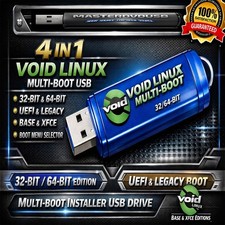
1 × USB flash drive or DVD in the version you choose at checkout - Intel / AMD 2-in-1: the Xfce desktop and the minimal system, each bootable live from a menu and installable straight from the media
- ARM set: the Xfce desktop and the minimal system for UEFI-capable ARM64 devices, and the same pair for Apple Silicon Macs — four live systems chosen from a menu
- Step-by-step setup guide with screenshots — open the "Read Me First" PDF on the media
- Quick reference card — boot-menu keys for the major brands, the live login details, and the first things to do after installing
Compatibility Requirement Supported Intel / AMD Any 64-bit Intel or AMD PC, laptop or server ARM64 ARM64 devices with UEFI firmware Apple Silicon M-series Macs with the Asahi UEFI environment set up from macOS first, which lets the Mac start from the USB. The included guide walks through this preparation step. Memory The minimal system runs from around 520 MB of RAM. The Xfce desktop is happier with more — 2 GB or above is a comfortable starting point. Storage The minimal system needs under a gigabyte; allow 10 GB or more for the desktop and your files. Nothing is written to your disk while running live. Internet Not needed to run live, or to install on Intel / AMD. Recommended afterwards to bring the system fully up to date. Drive A USB port, or a DVD drive for the Intel / AMD DVD option How it works (3 steps) 1 Plug in & start up Insert the USB or DVD, restart, and choose it from the boot menu. The guide lists the key for each brand, plus the Apple Silicon preparation step. 2 Pick a system & try it Choose the Xfce desktop or the minimal system from the menu. It runs live from the media, with your hard drive untouched. 3 Install and update On Intel / AMD, run the installer from the live system and install straight from the media. One update afterwards brings everything current. Owned, not rented No product key. No activation. No subscription, and no account to create before your own computer will let you work. Run it on as many of your own machines as you like, keep it for as long as the hardware lasts, and take the updates the project publishes at no cost — routinely and safely, with no version to reinstall. Frequently asked questions 🖥️ What's the difference between the desktop and the minimal system? The Xfce desktop is a complete graphical system with a web browser and everyday applications — the friendly place to start. The minimal system contains only what is needed to set up a machine, update it and add software, and runs at a text console — ideal for servers and for building a system up exactly as you want it. Both are on every drive. 🍏 How do I use it on an Apple Silicon Mac? First, set up the Asahi UEFI environment from macOS using the Asahi installer — this is a one-time step that gives the Mac the ability to start from a USB drive. Then plug in the ARM set, choose it at start-up, and pick the Apple Silicon system from the menu. The included guide walks through each step with screenshots. 🛟 Will this change what's already on my computer? Only when you choose to. Running Void live from the media leaves your hard drive untouched. When you install on Intel / AMD, the installer shows you the disk choices before anything is written. Back your important files up first, as you would before installing any operating system. 🔄 How do updates work? Void is a stable rolling release, so there are no numbered versions to move between. One command brings every package up to date, and running it routinely keeps the system current for as long as you use it. The package manager checks each update for incompatible library changes before applying it. 🎨 Can I use a different desktop? Yes. Other graphical desktops are fully supported by Void and can be installed once the system is set up. Many people start from the minimal system and add exactly the desktop they prefer. 💻 Can I use it on more than one computer? Yes — run it and install it on as many machines as you own. There are no activation limits of any kind. 🔑 Does it need a product key or account? No. There is no product key, no activation, and no account registration required. 🔁 Do future updates cost anything? No. The project publishes updates at no cost, for as long as you want to keep your system current. 📦 We ship as soon as paid Install once. Update routinely. Keep it for years. An independent system, built from scratch. Have a question? Please do not hesitate to message us before purchasing.
This listing is for professionally prepared physical media. Your USB or DVD arrives preloaded with the operating system, setup guide, and quick-reference card, ready to use. You are paying for the prepared media and the sourcing, organisation, packaging, and shipping that goes into it, not for software licenses.
Condition: brand new prepared USB drive or DVD. Professionally assembled, tested, and verified before shipping.
Important notes: this is a prepared physical USB or DVD device, in the version you choose at checkout. Includes software released under its applicable licenses, prepared and organised for ease of installation. No product keys or paid software licenses are included or required to use the software. For use on systems you own or are authorized to service. Installing an operating system can overwrite existing data — please back up anything important before you begin. The purchase price reflects the cost of the prepared media, the sourcing and organisation of the contents, packaging, and shipping, not a license to the underlying software. Only items shown or described are included. Apple and Apple Silicon are trademarks of their respective owner, used here only to describe hardware compatibility.