DevPurple - Ultimate FlightGear Pack DEVPURPLE
Premium Software Collections
ULTIMATE FLIGHTGEAR PACK
Take off in the simulator that pilots, students and home cockpit builders have been flying since the 1990s: the current release, the full 2.65 GB data package already unpacked, the official manual in six languages, and builds for Windows, macOS and Linux.
FlightGear is a real flight simulator, not a flying game. The aircraft are modeled with the same flight dynamics engines used in research and training, the weather is real weather, and the world is the whole world, with more than 20,000 airports to land at. It is released under the GNU General Public License and built by volunteers since the 1990s. This pack carries the current release, 2024.1.7, for Windows, macOS and Linux, plus the last release of the 2020.3 line for Windows 7 and 8 machines.
The current release is published in two halves, and the second half is the one that catches people out. The program is the small half. The data package is the large half: 2.65 GB of aircraft, airports and scenery. Install the program on its own and it stops at a window that reads "Setup required data files", and the simulator cannot fly until that archive has been downloaded and unpacked. Both halves are included, and the data is already unpacked.
Nothing here needs special knowledge. The installer is a normal Windows setup program, the disk image is a normal Mac disk image, and the Read Me walks through the one step that matters, which is placing the data folder where the simulator finds it. That takes about a minute.
Ready To Fly, With Nothing To Download First
- The complete 2.65 GB data package is included, already unpacked, with the aircraft, the airports and the scenery content in it.
- The program half alone is not enough. The developer publishes it in two halves, and on its own it stops at the window that asks for data files.
- Placing the data takes about a minute, and the Read Me gives the exact folder. After that the simulator finds it on its own.
- One copy of the data serves every system, so the Mac and the Linux builds need no second download.
The Current Release, With Everything The Series Added
- The current stable release: FlightGear 2024.1.7, the version the project itself calls "the latest stable, supported release".
- Its release notes list fixes for a large number of crashes, bugs and memory leaks, along with a high-severity security vulnerability, work that is not in the older line.
- Real-time dynamic shadows and lights, added across this series.
- Preliminary VR headset support through OpenXR, for buyers with a headset.
- A preview of the new World Scenery 3.0 system, which raises frame rates and lowers memory use over long views.
What You Can Fly
- Learn on the Cessna 172P, with a full start up procedure, a checklist and a tutorial flight, in the aircraft the manual teaches with.
- Land at more than 20,000 airports, with layouts from the same navigation dataset that X-Plane uses.
- Fly the weather: live or preset conditions, cloud layers, wind and visibility that the aircraft responds to, at any hour you choose.
- Fly with other pilots: multiplayer servers, with text and voice radio.
- Fly with traffic around you: AI flights that follow real plans, so the sky is alive.
- Fly the airliners and the classics: the launcher installs aircraft from the project's own hangar with one click.
- See the world below you: detailed scenery starts with the San Francisco Bay area, and TerraSync streams more in for wherever you fly, while you fly.
- Use your own hardware: from a single joystick up to a home cockpit build.
Windows, Mac, And Linux In One Pack
- Windows 10 and 11, 64 bit: the official installer for the current release.
- Windows 7, 8 and 8.1: the final 2020.3 release, which the project's own download page listed for those versions. It carries the program and the full data together in one installer.
- macOS 11 Big Sur and newer: one universal disk image with native code for both Apple Silicon and Intel processors.
- Linux, 64 bit: the official AppImage, which runs without installing anything.
- Source code for both release lines, in the same folder, for anyone who wants to build it or read it.
- One data package serves every system, so there is one copy of it rather than three.
The Official Manual, In Six Languages
The developer publishes its manual as finished PDF files, and the whole set is here.
- The developer's own book, covering the cockpit, the controls, the menus, navigation, weather and the flight model, with a tutorial flight in the aircraft that ships with the simulator.
- Six languages: English, German, Spanish, French, Italian and Polish, so a household that does not work in English still has the book in its own language.
- Six PDF files, ready to read straight away, with nothing to download afterwards.
- It is the edition the project publishes, written for the 2020.3 line, which is the same cockpit and the same simulation that the current release uses.
Windows 7 And 8 Are Still Covered
The developer moved its requirements forward with the current release, and the download page states which release serves which Windows version.
- The current release is listed for Windows 10 and 11, 64 bit.
- The 2020.3 release is listed for Windows 7, 8 and 10, and the build here is the last of that line.
- Both release lines are included, and the Read Me says which to use in one line.
- The older build carries its own data, so on those machines it is a single install with nothing to place afterwards.
System Requirements
The figures are the ones the developer's own wiki gives for the current release, rounded to whole numbers. The wiki notes that its guidance comes from community response.
- Operating system: Windows 10 or 11, 64 bit, for the current release. Windows 7, 8 or 8.1 for the older line. macOS 11 Big Sur or newer. A 64 bit Linux for the AppImage.
- Processor: the wiki suggests a processor at or above a PassMark score of about 19,000 for a good frame rate.
- Memory: the wiki suggests 16 GB on Linux and 32 GB on Windows.
- Graphics: a card with a PassMark score of about 10,000 or more, and 6 to 8 GB of video memory. Hardware accelerated OpenGL is required.
- Disk space: about 3 GB for the installed program and the data package, plus whatever scenery is downloaded later. The wiki suggests keeping 250 GB or more of space available if scenery is downloaded as you fly.
- A joystick is optional. A keyboard and mouse fly the aircraft, and a joystick or yoke makes it more enjoyable.
What's Included
- Your Choice Of Format: a USB Drive or a DVD, pre-loaded with the complete pack
- FlightGear 2024.1.7 for Windows: the official 64 bit installer, the current stable release
- FlightGear 2020.3.19 for Windows: the official installer for Windows 7, 8 and 8.1, with its data included
- FlightGear 2024.1.7 for macOS: the official universal disk image, for Apple Silicon and Intel, macOS 11 and newer
- FlightGear 2024.1.7 for Linux: the official AppImage, 64 bit
- The complete data package, fgdata_2024_1, unpacked and ready to place, 2.65 GB
- The source code: the official source releases for both lines, with SimGear
- The manual in six languages: six PDF files in the Documentation folder
- Setup Notes: a Read Me covering which build to pick, where the data goes, and what to expect on the first flight
Shipping & Delivery
- Fast Processing: Orders typically ship within 1-2 business days
- Tracked Shipping: Delivery confirmation included on all orders
- Secure Packaging: Your order arrives protected and ready to use
- Worldwide Shipping Available: Check listing for rates and estimated delivery times
Satisfaction Guarantee
If there is an issue with your order, contact us and we will make it right (including replacements for defective items).
Why Buy From Dev Purple? Ready To Fly On Arrival
The current release is published in two halves, and the program half on its own stops at "Setup required data files". Both halves are here, with the 2.65 GB data folder already unpacked and ready to place.
Three Systems Covered
Windows, macOS and Linux, with the correct build supplied for each, including one universal disk image that carries native Mac code for both processor types.
The Old Windows Still Covered
Windows 7, 8 and 8.1 machines get the final build of the 2020.3 line, which carries its own data, and the Read Me names which installer to use for which version.
The Complete Manual, On The Media
The official manual as six finished PDF files, in English, German, Spanish, French, Italian and Polish, ready to read straight away.
No Subscription
FlightGear is released under the GNU General Public License, with no product key, no account, no monthly fee and no expiry. The source code is included as well.
Fair Pricing For A Complete Set
One purchase, no subscription, and no expiry date.
Compliance
This listing complies with 's software policy. This is a lawful compilation of redistributable software. No paid, commercial, or copyrighted software is included. Every program fits one of these categories:
- GNU General Public License: FlightGear is released under the GNU General Public License, version 2 of the License or any later version. That license explicitly grants anyone the right to copy and redistribute the software, provided the license terms are preserved. The developer also publishes the source code for every release, and that source code is included in this pack.
- Official releases, unmodified: Every file in this pack is the official release as published by the FlightGear project, unchanged. Nothing has been patched, cracked, or rebuilt.
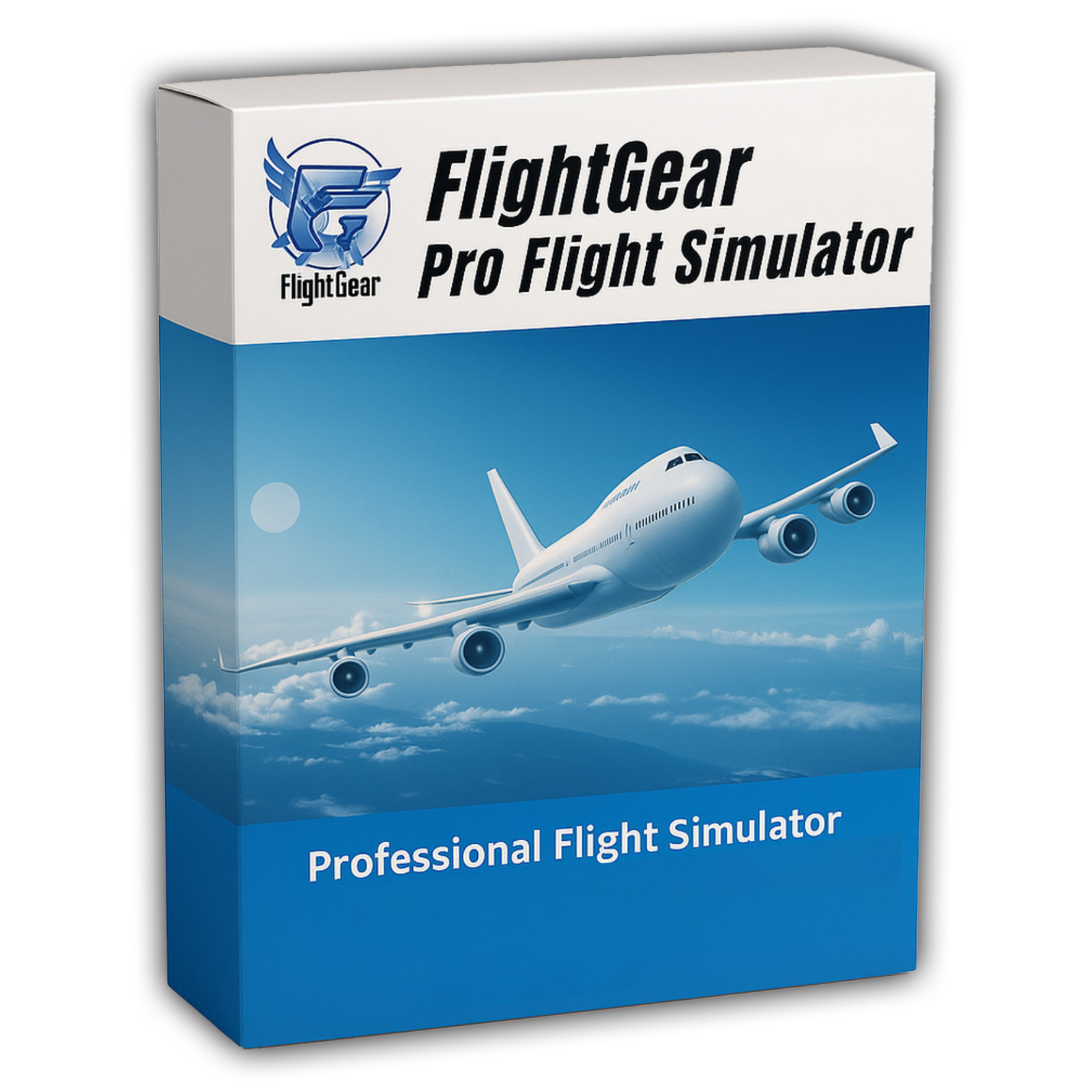
The FlightGear name is used here to refer to FlightGear itself, the flight simulator the project publishes. This pack is an independent compilation and is not endorsed by or affiliated with the FlightGear project. The software box shown in any product images is a display image only and is not included. You receive the pack only.
's Verified Rights Owner (VeRO) program targets listings that infringe intellectual property. This listing does not fall into that category because FlightGear's license already authorizes the copying and redistribution being done here. Buyers receive only the rights the original license grants.
Frequently Asked Questions
How is this item delivered?
This is a physical item (USB drive or DVD) that will be shipped to you. Choose your format when you order.
Which build should I install?
On Windows 10 or 11, install flightgear-2024.1.7-windows-amd64.exe and then place the data package as the Read Me describes. On Windows 7, 8 or 8.1, install FlightGear-2020.3.19.exe, which carries its own data. On a Mac, open the universal disk image. On Linux, run the AppImage.
What is the data package, and why does it matter?
It is the half of the current release that holds the aircraft, the airports and the scenery, 2.65 GB of it. Installed on its own, the program stops at a window that reads "Setup required data files". The folder is included, already unpacked, and the Read Me shows the one place to put it.
Does this work on a Mac?
Yes. One universal disk image covers both Apple Silicon, which is the M1, M2, M3 and M4 family, and Intel Macs, and it needs macOS 11 Big Sur or newer. To check which processor a Mac has, open the Apple menu and choose About This Mac.
Will it run on Windows 7?
Yes, through the 2020.3.19 installer, which is the last release of the line the project listed for Windows 7, 8 and 10. The current release is listed for Windows 10 and 11. Both are in the pack.
Is the manual included?
Yes. The developer's official manual is included as six PDF files, in English, German, Spanish, French, Italian and Polish, in the Documentation folder.
Can I fly anywhere in the world?
Yes. The world model is part of the data package. Detailed scenery starts with the San Francisco Bay area, and everywhere else streams in while you fly through TerraSync, which needs an internet connection. Without one, the Bay area and the world model still work.
Where do the other aircraft come from?
The data package carries the Cessna 172P and a small set of extras. The rest of the project's aircraft live in its hangar, and the launcher installs them with a single click.
Does this software need a product key or activation?
No. FlightGear is released under the GNU General Public License, so there is no product key, no activation step, no registration, and no account.
Is this a portable program?
The Linux build is an AppImage, which is one file that runs without installing. Windows and macOS use their normal installers.
Do I need to copy the pack to my computer first?
Copy the pack folder to your computer (for example, your Desktop) first, then run the installer from there. The simulator reads the data package while it runs, and a local copy is much faster than reading it from the pack where it sits.
Important Notes
- This is a PHYSICAL ITEM (USB DRIVE OR DVD) that will be shipped to you. Choose your format when you order.
- Windows, macOS, and Linux are all covered, and the Mac build is one universal disk image for both processor types.
- Every file is the official release, unmodified, taken from the FlightGear project's own download pages and mirror.
- The data package is included and unpacked. Placing it takes about a minute, and the Read Me gives the exact folder.
- Detailed scenery starts with one region, and the rest of the world streams in while flying when the computer is online.
- Contact us with any questions before or after your purchase.
Thanks for Shopping with DevPurple!
Your premium software collection is here.
© 2026 DevPurple. All rights reserved.