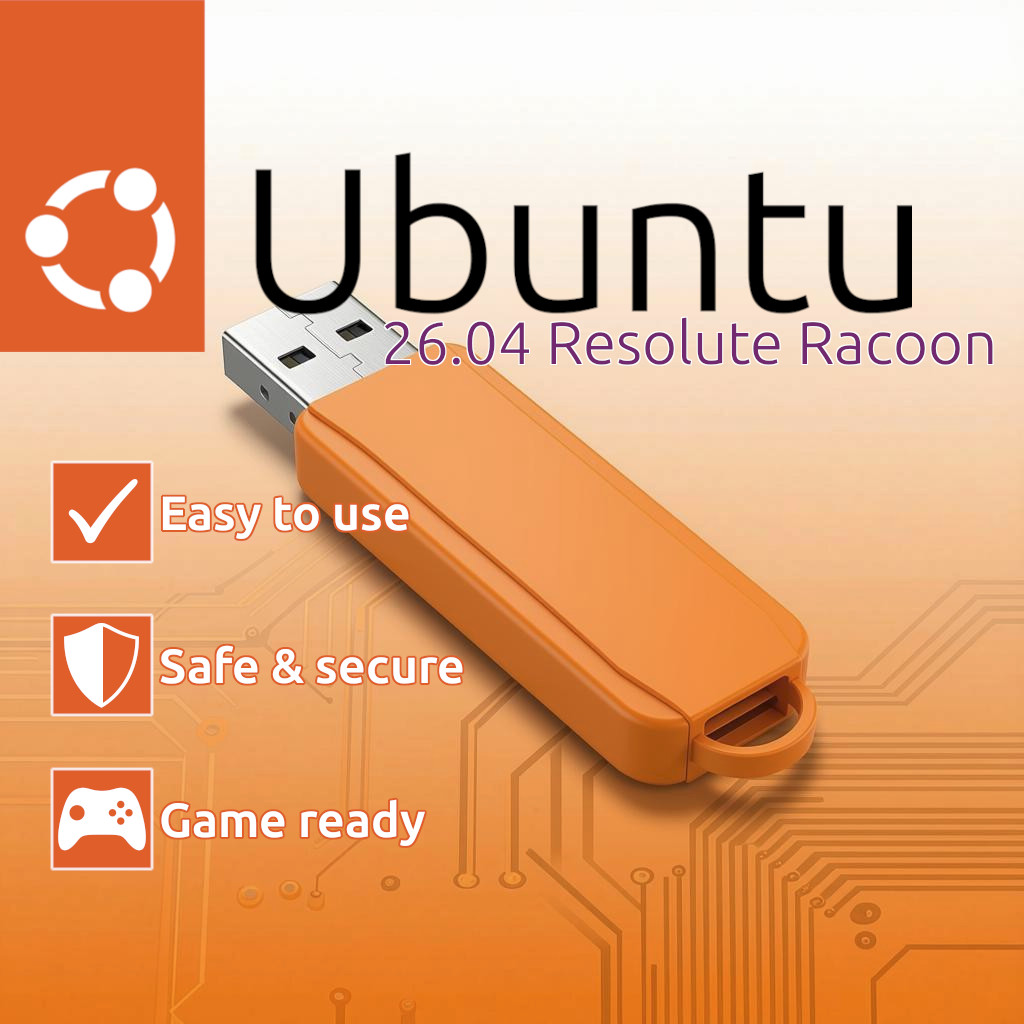
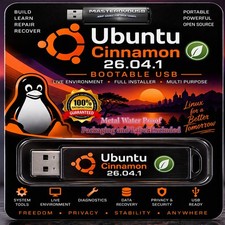
Ubuntu Bootable USB Drive
Premium Live Boot & Full OS Installation Media
📦 What's Included in Your Package:
Get a ready-to-use, bootable USB drive pre-loaded with the official Ubuntu Linux Operating System. Perfect for rescuing older computers, testing a secure operating system without modifying your current setup, or performing a fresh, clean installation. Every purchase includes a printed step-by-step installation guide shipped right along with your drive to walk you through the entire process seamlessly.
⚠️ Physical Item Only
This is a physical, bootable USB flash drive sent directly via mail. This is not a digital download.
⚠️ Hardware Variance
The USB drive capacity, color, and model will vary based on supply, but it will always be a high-quality drive fully tested and verified to ensure compatibility.
Why Choose Ubuntu?
- ✔ Modern & Intuitive: A visually stunning, fluid desktop experience that is incredibly easy to learn.
- ✔ Ultimate Privacy: No hidden tracking, no aggressive data collection, and a built-in firewall.
- ✔ Fast & Efficient: Optimized to run exceptionally well on both modern hardware and older machines.
- ✔ Pre-Loaded Apps: Comes standard with Firefox, LibreOffice (Word/Excel compatible), and media tools.
🚀 Simple Installation Guide Step 1: Boot from the USB Drive
- Shut down your PC or laptop completely.
- Insert the bootable USB drive into an open port.
- Turn the computer back on and immediately start tapping your computer's Boot Menu Key (Common keys: F12, F11, F9, or Esc).
- Select the USB Drive / UEFI USB option from the list and hit Enter.
- Choose the default option to start Ubuntu. The live environment will load entirely from the flash drive without altering your existing files.
Step 2: Run the Installer
- Once the desktop fully loads, double-click the Install Ubuntu icon.
- Select your preferred language and keyboard layout, then click continue.
- Connect to your local Wi-Fi network if prompted.
- Choose Normal Installation and check the box to Install third-party software for graphics and Wi-Fi hardware (highly recommended).
- Choose your installation type:
- Erase disk and install Ubuntu (Wipes your hard drive and installs Ubuntu as your sole OS).
- Install alongside your current OS (For dual-booting setups, if applicable).
- Select your time zone, fill out your desired username and secure password, then click Install.
- Once completed, click Restart Now and remove the USB drive when prompted on screen!