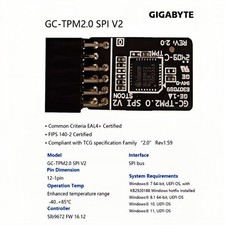
Product SpecificationsCompatible with: TPM2.0Chipset: SLB9672 Interface: SPI V2Pin Definition: 12Pin-1Compatible Models: for GIGABYTE Motherboard SLB9672For GIGABYTE X870E AORUS PRO X3DX870E AORUS MASTERX870E AORUS MASTER X3DX870E AORUS XTREME AI TOPX870E AORUS XTREME X3D AI TOPX870E AORUS ELITE WIFI7
TPM2.0 SPI V2 Security Module For GIGABYTE X870E AORUS PRO X3D X870E AORUS MASTER X870E AORUS MASTER X3D 12pin-1 SLB9672Important Notes:
- This product is only compatible with older motherboards (e.g., Intel, AMD) andnot suitablefor new motherboard models with firmware TPM, all-in-one PCs, or laptops.
- Minimum hardware requirements for upgrading to Windows 11 via TPM 2.0:
- 1 GHz or faster 64-bit processor (dual-core/multi-core)
- 4 GB RAM
- 64 GB storage
- Firmware supporting UEFI Secure Boot and TPM 2.0
- DirectX 12 compatible graphics card
- Display with 720p resolution or higher
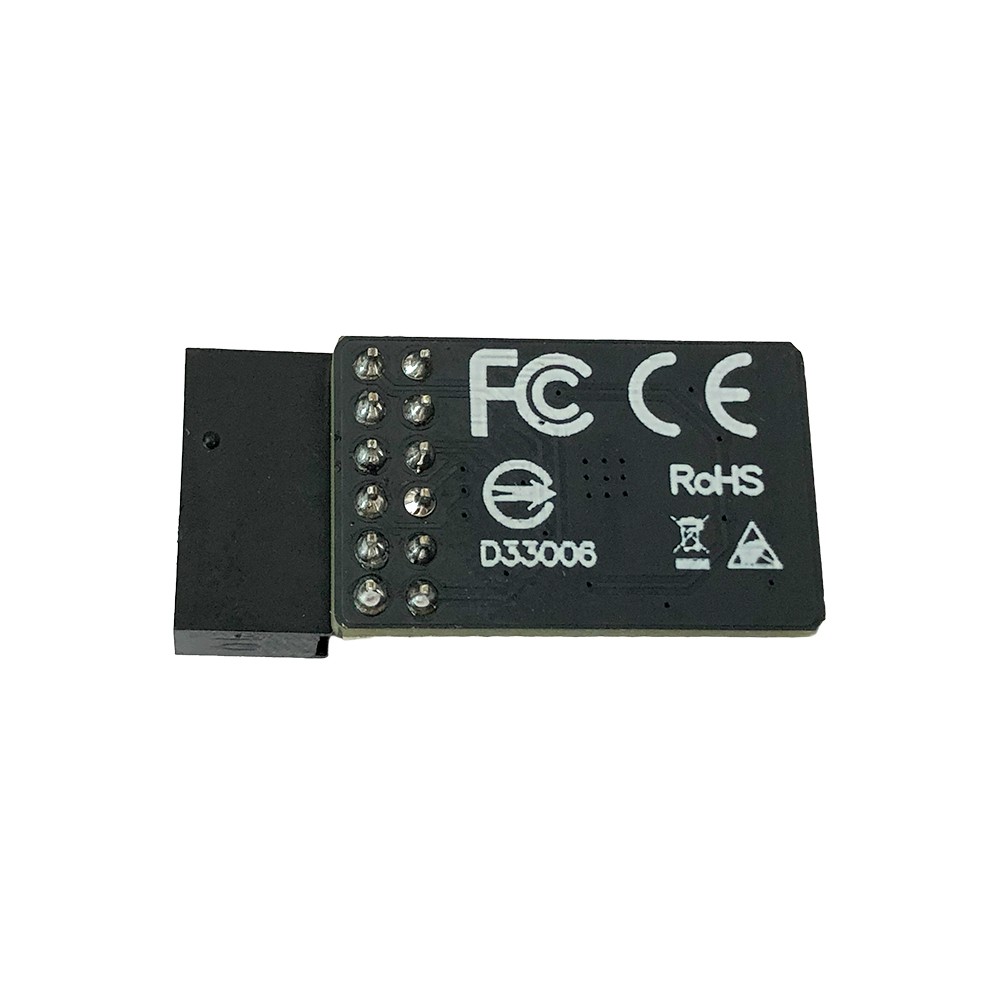
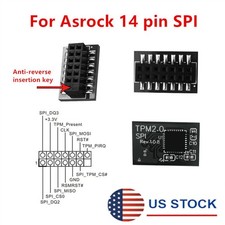
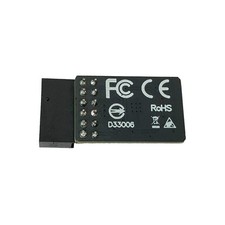
- This product features a 12pin-1 connector. Please carefully check if the pin layout in the product images matches your motherboard before purchasing.
Compatible Models: for GIGABYTE Motherboard SLB9672
For GIGABYTE X870E AORUS PRO X3D
X870E AORUS MASTER
X870E AORUS MASTER X3D
X870E AORUS XTREME AI TOP
X870E AORUS XTREME X3D AI TOP
X870E AORUS ELITE WIFI7
How to Choose and Install the Security Module:
- First, check if your host has TPM 2.0 or if TPM 2.0 is enabled.
- PressWin + Rto open Run, typetpm.msc, and check the TPM version and readiness status.
- If TPM 2.0 is shown but not ready, you may need to configure it in the BIOS. Contact your motherboard manufacturer’s customer support for guidance.
- Open your computer case and locate the TPM connector on the motherboard.
- During installation:
- Align the module with the connector (the side with the chip faces inward).
- Ensure it is fully inserted to prevent loosening. (See images for orientation details.)
Product Specifications
- Compatible with: TPM2.0
- Chipset: SLB9672
- Interface: SPI V2
- Pin Definition: 12Pin-1
Key Benefits
- Seamless Windows 11 Upgrade: Resolves TPM 2.0 verification issues, making it easy to upgrade to the latest OS.
- Enhanced Hardware-Level Security: Features an independent encryption chip dedicated to securely storing sensitive data (e.g., encryption keys, digital certificates, login credentials), boosting overall system security.
- Hardware Encryption Acceleration: Reduces CPU load by offloading encryption tasks to dedicated hardware, indirectly improving system responsiveness and smoothing performance for encryption-reliant applications (e.g., games, security software).
NOTE: Please refer to pictures for more details. The item shown in this picture is exactly you will received. Compatibility Issue is buyer's responsibility.
Any damage that happen during the installation will not be handled by the Seller.In the event that you are unsatisfied with your purchase, please contact us prior to leaving a negative response.