 When you click on links to various merchants on this site and make a purchase, this can result in this site earning a commission. Affiliate programs and affiliations include, but are not limited to, the eBay Partner Network. When you click on links to various merchants on this site and make a purchase, this can result in this site earning a commission. Affiliate programs and affiliations include, but are not limited to, the eBay Partner Network.
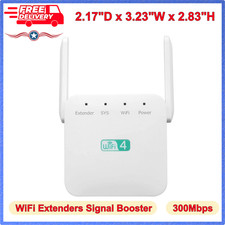
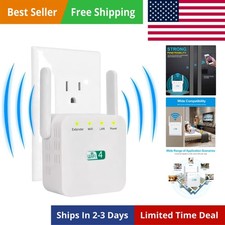
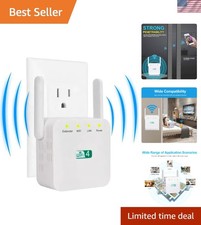
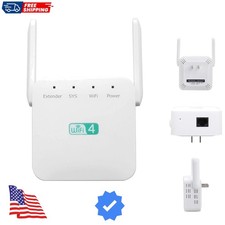
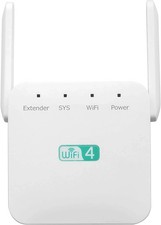
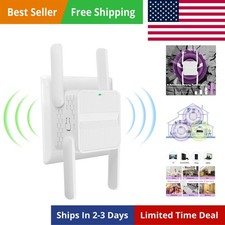
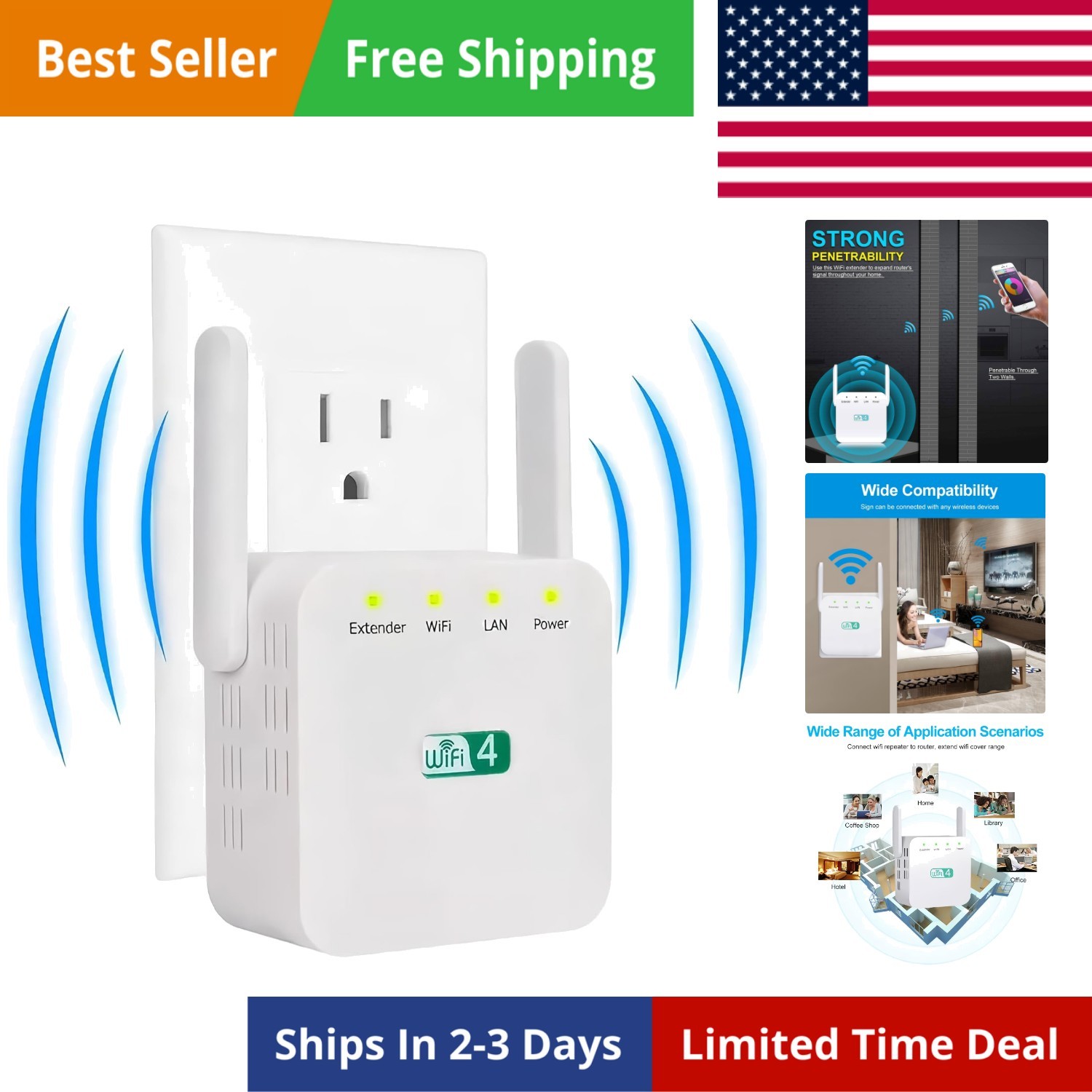
Speednet WiFi Extender,Speedwave WiFi Booster,Speed Wave WiFi Extender 2025,Long Range Wi-Fi Signal 10X Faster Wireless WiFi Repeater with Ethernet Port, Coverage up to 8,998 WiFi Booster 2025 : Wifi Extender wireless signal booster with lastest band technology can provide up to 300Mbps for , maximizing reduces the loss of data transmission and enjoying HD video/game and fast speeds internet mode Wi-fi Extenders Long Range and Signal Amplifier:This WiFi repeater equipped with 2 high gain external antenna, covering up to 360 degrees, up to 8998 square feetIt allows you to receive stable WIFI signal in your Whole house Repeater / AP Mode & Ethernet Port:Meet your different need in kinds of environment,The Ethernet ports is able to wired network be expanded into a wireless network and connect to any wired ethernet password :admin Universal Compatibility & Easy set up : This WiFi extender can be used with any wireless Internet router, what means it works with any standard router or cant set “” special symbol Safe Network Access: This wifi extender can maximize the network security, ensure your network safety, prevent others stealing your net, protect your important data and avoid the interference and privacy problems of Wi-Fi wifi booster Simple 3-step setup: 1. Plug the extender into a power outlet near the router. Wait for about 20 seconds until the repeater's on indicator light bs slowly; 2. Go to your 's WiFi connection page and select "wifi-XXX" to connect. (If you cannot find the name of the WIFI-XXX, it is recommended to turn on your 's airplane mode and then turn off the airplane mode). ; 3. Connect to "wifi-XXX" and then jump directly to the page to set the WIFI information of the repeater, Login Password:admin,then connect your wifi router name and enter the password(Note:password cant used ""),set your extender SSID and password,note that the password of the repeater set inside needs to be the same as the WIFI password of the router!!! Click:start connect,wait 30-60s ,set successfully ,EXTENDER light on Frequently asked questions 1、Q: Mobile settings or computer settings? A: Mobile or computer can be set. Recommend cell setting, more convenient and fast. 2. Q: Can't find the wifi name of the repeater? A:Press and hold the RESET button for 5 seconds on the side of the repeater using the card pin included in the box, then open the airplane mode on your and then close it, and search the network again. 3. Q: Why didn't it jump to the repeater setting page? A: First, make sure the cell (or computer) is connected to the "wifi-XXX" WIFI, if it is not automatically jumped to the settings page, manually enter to enter the settings. 4. Q: Why is there still no network for the repeater after the setup is completed? A: Check whether the WIFI password set by the repeater is the same as the WIFI password of the superior router, this must be consistent.  |
|