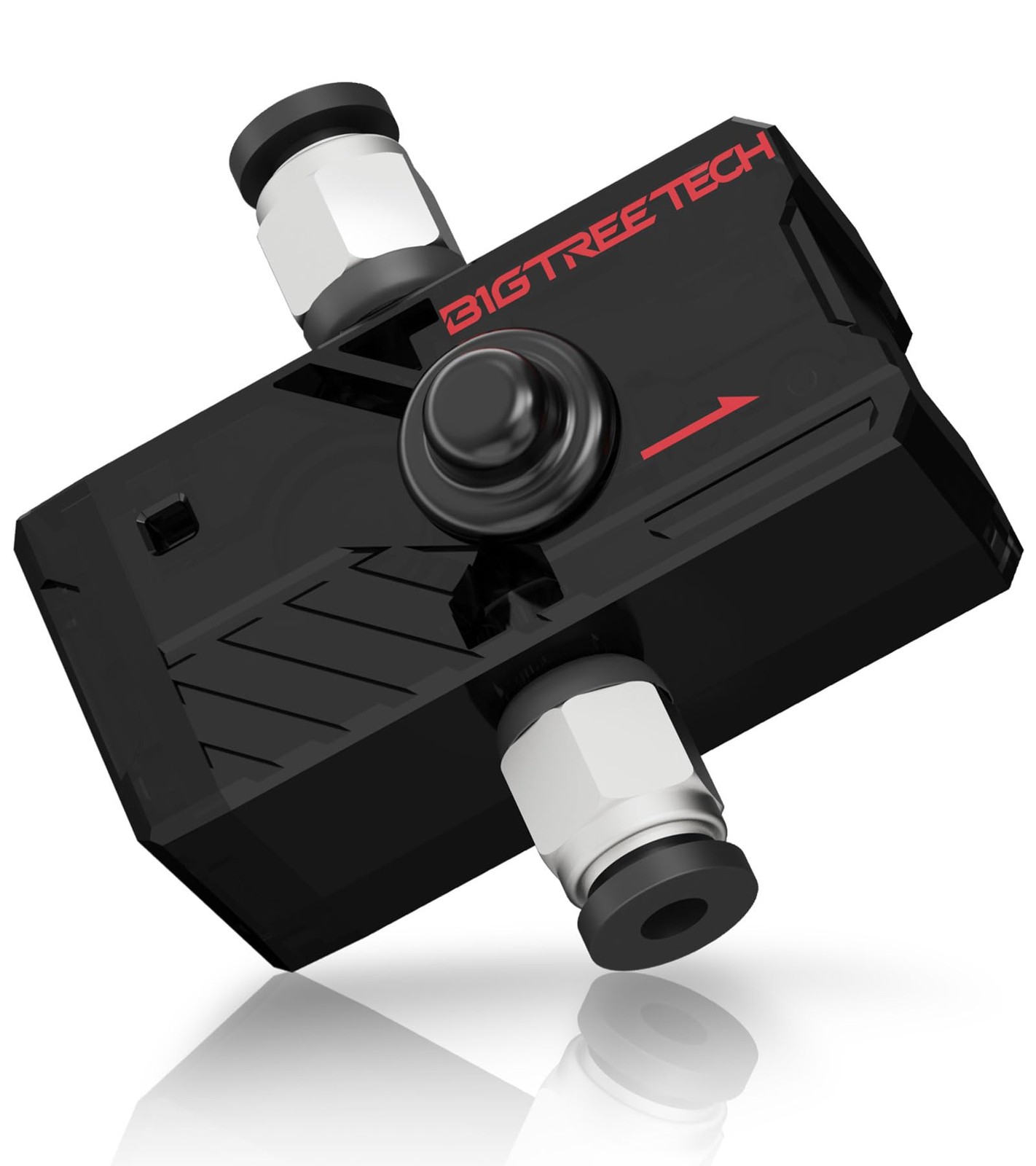
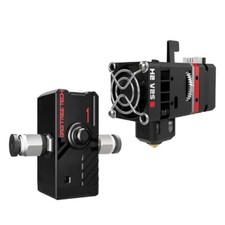
SFS V2.0 Smart Filament Sensor For 1.75mm Official Recommendation Kit: For Ender-3 Upgrade (Silent printing stall detection, original of touch screen): SKR Mini E3 V3.0 + TFT35-E3 V3.0.1 + SFS V2.0 For Ender-3 Upgrade (Cost performance using KlipperScreen Silent printing stall detection, cost-effective use of KlipperScreen): SKR Mini E3 V3.0 + BTT Pi + TFT35 SPI V2.1 + SFS V2.0 For Voron 2.4 Assembly (Quickly deploy KlipperScreen that supports consumables detection): Octopus Pro + BTT Pi + HDMI5/HDMI7 + SFS V2.0 For Voron 2.4 Assembly (Cost effective Klipper integrated motherboard, providing consumables detection function, easy wiring and management): Manta M8P + CB1 V2.2 + HDMI5/HDMI7 + SFS V2.0
【Bi-directional Feeding】SFS V2.0 is bi-directional, there is no restriction on filament direction, giving you guys more flexibility during installation. It suitable for Marlin, Klipper, and RRF firmware.
【Multifunctional Detection】SFS V2.0 detects extrusion errors caused by filament runout, nozzle clogging, filament tying, and extruder trouble. It has two signal outputs and indicator lights to distinguish between clogging or filament runout. Small and lightweight, it will not add too much pressure to the printer's extrusion head.
【Wide Compatibility, Easy Installation】Supports Bowden and Direct-Drive extruders, with 3 mounting holes for easy mounting to printer using bracket. Support motherboards with available endstop ports or dedicated filament runout ports, such as SKR Mini E3 V3.0, Manta E3EZ, Manta M8P, Octopus Pro, etc. Please consult our technical support before using the motherboard without filament runout port.
【Photoelectric Sensor Technology】SFS V2.0 adopts photoelectric sensor technology, with theoretical detection length of 2.88mm, which is more accurate than the 7mm of SFS V1.0. Please Note: 2.88 mm is the minimum detection length required for the sensor to function properly. If you encounter problem of false triggers, try increasing the detection length by 1mm increments until the problem is resolved.
【Instructions for use】Insert filament from the direct quick connector in any direction of smart filament sensor; The red light will illuminate when there is no filament in the module. The blue light will flash when the extrusion is normal. The blue light will stay on or off when there is no extrusion.