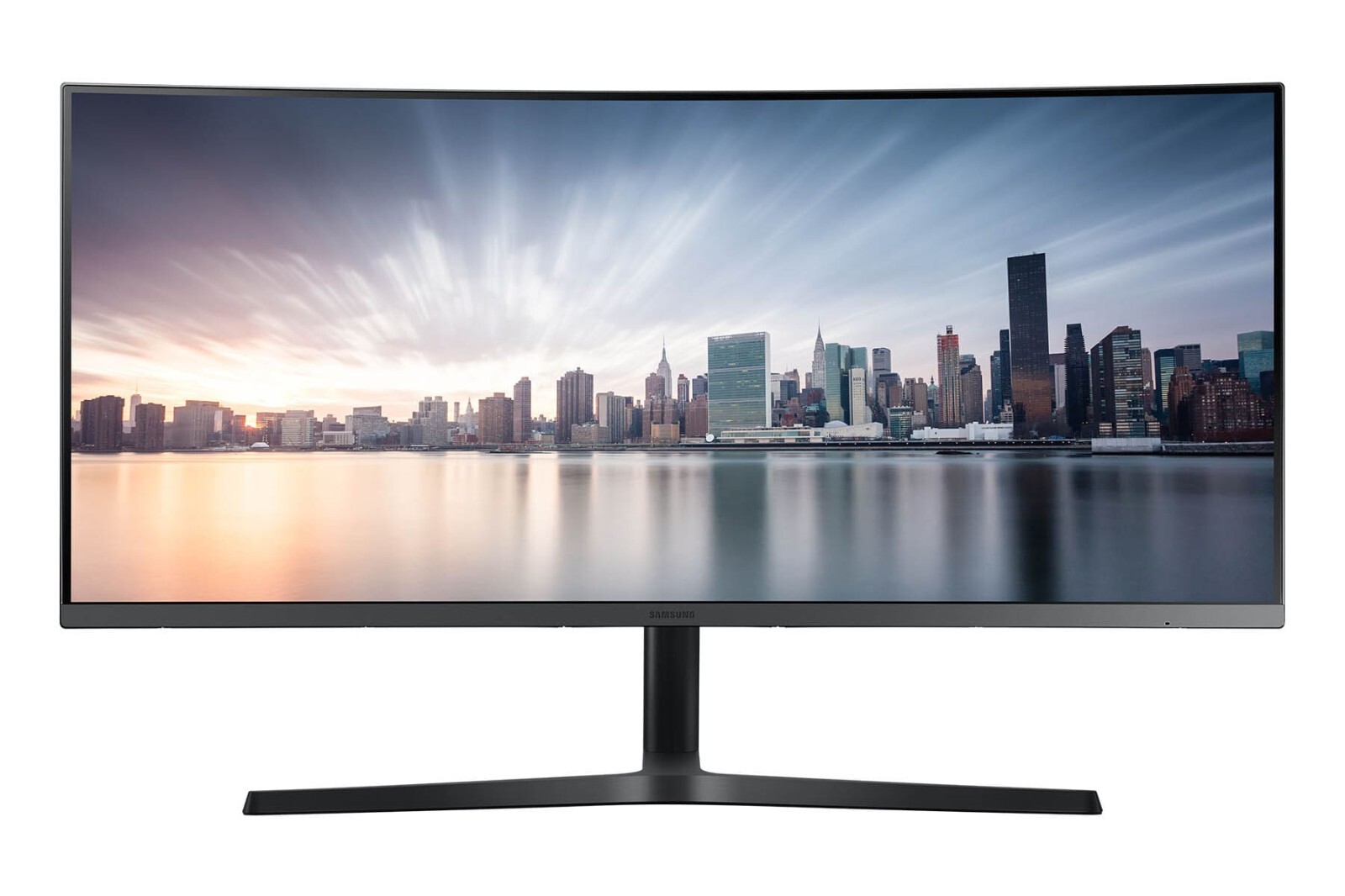
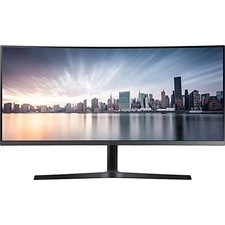
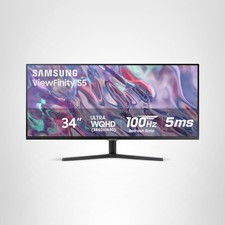
Monitor applicationHome/BussinesDisplay TypeCurvedMonitor Size34" - 38"Display Resolution2KScreen Size34"Panel TypeVAMonitor Ratio21:9Monitor FeaturesAMD FreeSync\USB Hub\Borderless\USB Charger\Dynamic Contrast\Ultra Wide\Height Adjustment\Tilt\Swivel\Flicker Free\PiPMonitor Refresh Rate100HzMonitor Brightness300 cd/m2Static Contrast1:3000Response Time, ms4(GTG) msMonitor ConnectionsHDMI\Display Port\USB\USB Type-C\Audio line-outVesaYesBuilt-in SpeakersNo SpeakersDimensionsDimension with Stand (WxHxD) 811.4 x 538.9 x 298.6 mmColorBlackInformationUltra WQHD
The CH89 has a screen resolution of 3440x1440—approximately 2.5 times the pixel density of Full HD—that delivers razor-sharp images. You can see more details at a glance and have a panoptic view of large web pages and documents with less scrolling and zooming.Shake off the dual-monitor inconvenience
The 34" ultra-wide curved monitor CH89 is ideal for multi-taskers who need more on-screen space for their big ideas but want to do away with the hassle of dual-monitor setups. With its ultra-wide display you can experience truly seamless single-monitor multitasking.PBP Dual-Screen Function
Samsung's Picture-by- Picture capabilities let you connect to two different devices at the same time while still maintaining the original image quality.PIP Sub-Screen Display
The Picture-in- Picture feature allows you to do away with the need for a second monitor even when you are multitasking. You can resize the second image up to 25% of the screen and position it anywhere you wish.1800R Curvature
Engineered to match the natural curvature of the human eye, the CH89 gives you a comfortable and engrossing view of onscreen content. Plus, Samsung’s Flicker Free technology and the blue light-reducing Eye Saver Mode add to your visual comfort with reduced eye fatigue.Ultimate connectivity with a single-cable
The USB type C port enables you to power, send data and even display signals between devices with just one connection. Its single connection architecture enables you to enjoy a work environment that is clutter-free as well as stress-free.Free up USB 3.0 ports for other uses
Besides a dedicated USB type-C port for any computer including your MacBook or mobile device, you can also use your USB 3.0 ports for multiple peripherals without needing extra hubs.