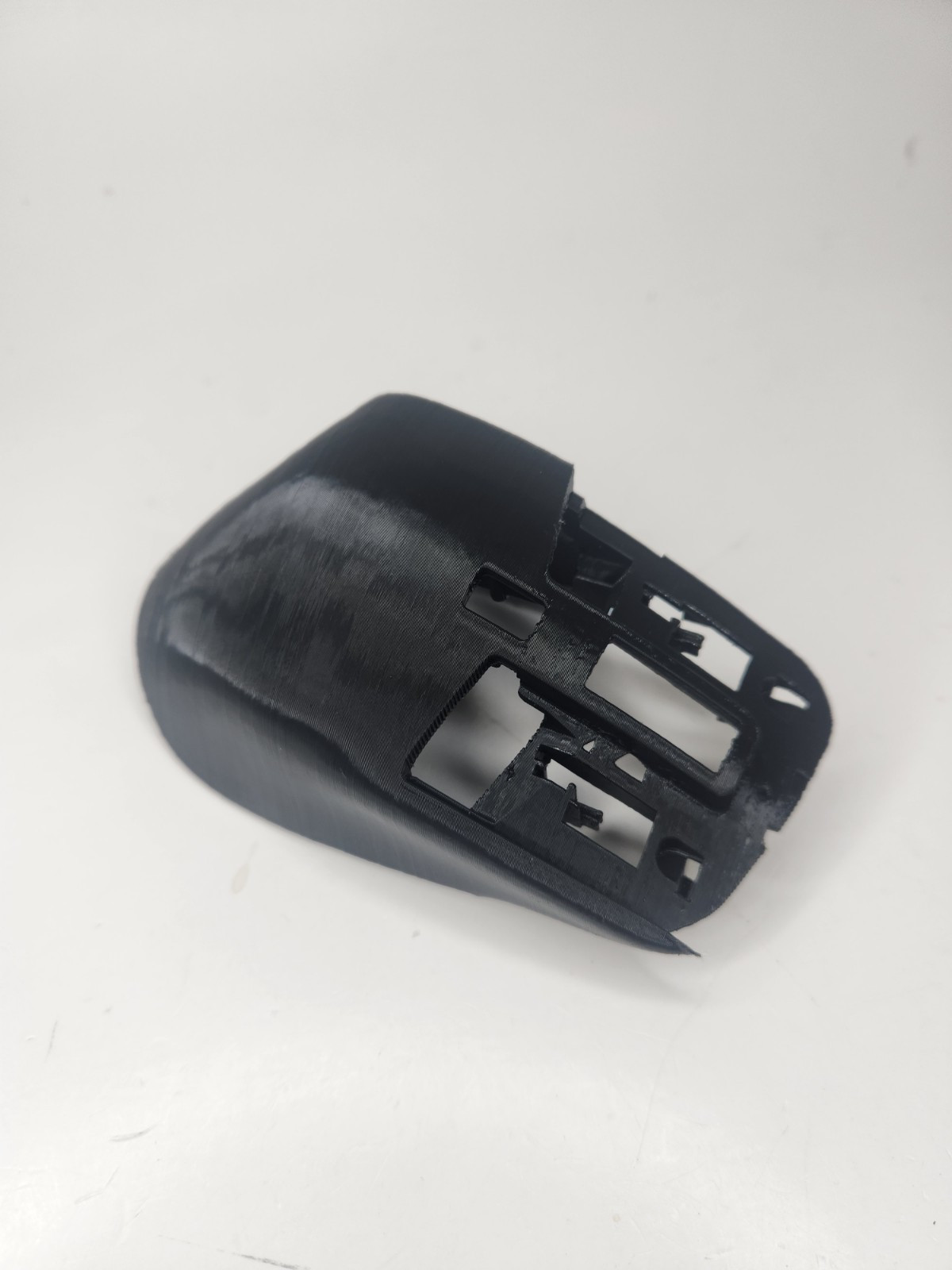
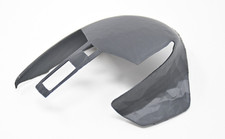
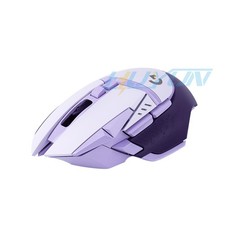
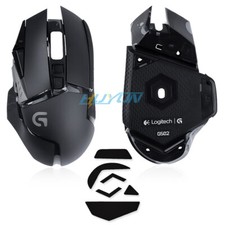
Replacement shell solves the problem of disintegrating rubber, bringing new life to this amazing mouse.As far as I know, there is also no good alternative solution to this problem - replacement shells that you can buy come from donor mice so they are very expensive and skins are either also expensive or don't cover whole sticky area.
Compatible with Logitech Mx Master 3 and 3S!
How to replace:
Recommended tools:TORX T5 and Phillips #00 screwdriversCraft knife (for lifting the skated without damaging them)Pliers/side cutters (for removing supports)Tweezers
Video your screws organized - there are four types:single TORX one above USB-C port,five thick ones for holding to the bottom shell,four with wide head that secures right, middle and left button,most common type that secures the restBe careful when screwing in screws - don't apply too much torque or else threads could strip or standoffs could crack.