From the brand
-
-
-
-
-
- MUSE Gold & Silver Winners
- Warehouse Printers and Labels
- Home Printers and Labels
- Commercial Printers and Labels
- Creative Printers and Labels
-
-
-
- Bluetooth Label Printer
- General Series thermal Labels
- Label Holder
- New Release Generic Labels
- Special Series thermal Labels
- Creative Series thermal Labels
- Postal Scale
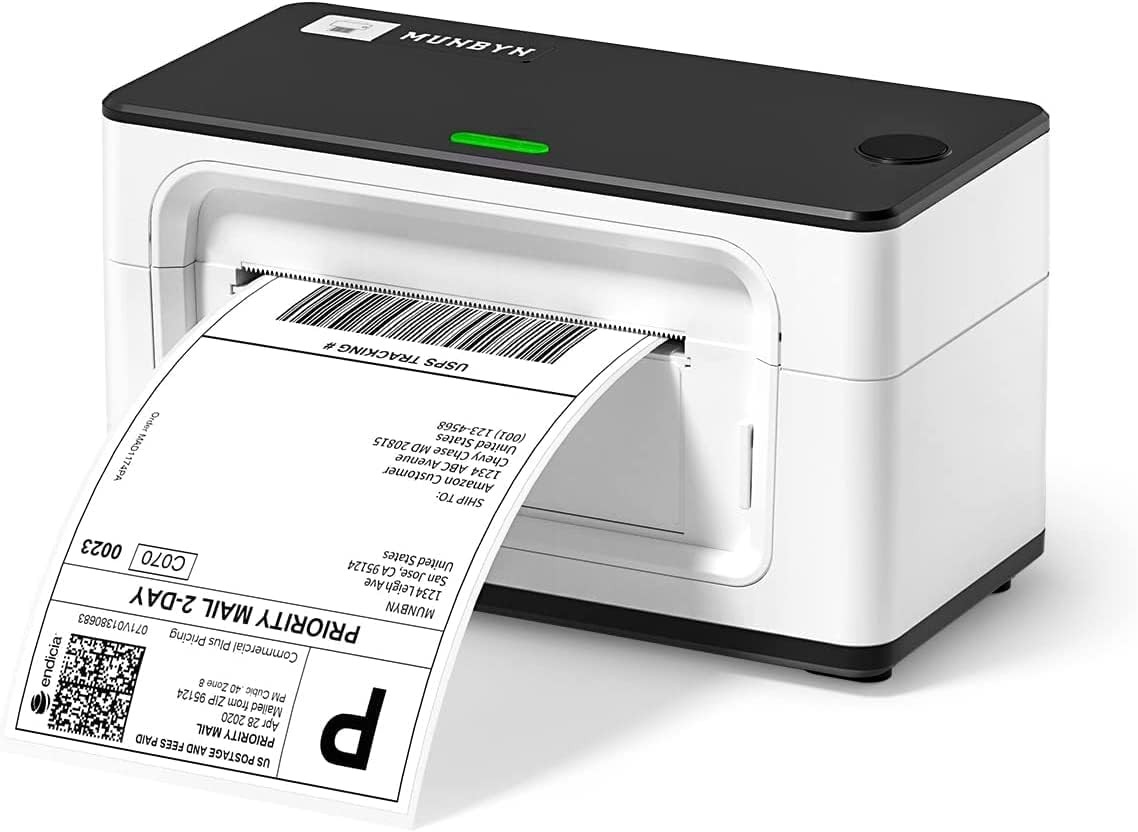
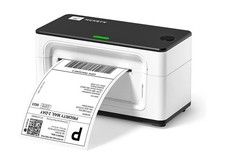
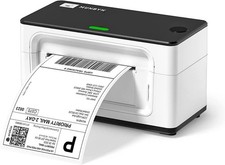
Product description Save Your Money and Time No need for ink or cartridges
MUNBYN RealWriter 941 thermal printers are inkless, they use heat to print images on paper without replenishing ink supplies, you will save big on operational costs.
One-click setup on Chrome Browser
One-click installation to print eliminates complex installation issues.
- Print clear barcodes and patterns
203dpi HD print head by Japan ROHM, 150mm/s high-speed printing to improve work efficiency.
- Instant Conversion from 8x11 to 4x6 Labels
Use the MUNBYN Editor tool in Google Chrome to batch print 8x11 label files on 4x6 label paper.
- Ideal for small businesses
Compatible with Etsy, , Poshmark, and all major shipping and sales platform labels.
- Support prints labels from 1.57" to 4.3" wide
- Intelligent detection of paper size to ensure correct printing
- Auto-rewind to avoid paper waste
- Designed for reliability
- 2-year product protection, including replacement.
- Support via Email, Phone, Chat, and Remote Desktop.
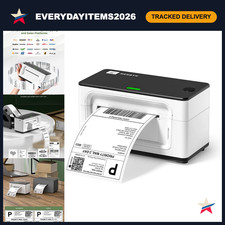
1 No More Ghost Printing2 Batch Print 8x11 Labels3 Support for Multiplatform4 Support for Multi-Size5 2 Year Product Protection MUNBYN 4x6 Shipping Label Printer The video showcases the product in use.The video guides you through product setup.The video compares multiple products.The video shows the product being unpacked. MUNBYN 4x6 Shipping Label Printer Merchant Video Comparison of Models in the 941 Series
- Learn More about 941 Bluetooth Version
- Learn More about 941 AirPrint Version
USB Wired Connectivity Version - Without Bluetooth & Wi-Fi
- This version does not have Bluetooth or Wi-Fi capabilities, so you need a cable to connect it to your computer for printing.
- If you need the 941 Bluetooth or AirPrint version, please click the button above to learn more:
-
Why is my shipping label not completely printed? Too small or only part of it?
If you were printing your labels on a regular printer previously, please change your label size from 8.5"x 11" to 4"x 6" on the website that generates your labels.
-
Why does my computer show that the printer's status is offline or Error or not displayed on the computer?
Offline or Not display on Mac
If the status of the printer is offline, it means that Mac did not recognize the printer, please replug the USB cable and restart the printer. The status will be online.
-
How to run the calibration of the printer?
1. Load at least 4 consecutive labels into the printer.
2. Press the FEED button (red/green light) and hold it until you hear one ‘beep’ sound, then release the button.
3. The label's gap should stop on the printer's edge and the LED will turn green.
More printer series Add to Cart Add to Cart Add to Cart Add to Cart Add to Cart Add to Cart Add to Cart Customer Reviews 4.2 out of 5 stars 931 4.8 out of 5 stars 12,070 4.7 out of 5 stars 8,658 4.7 out of 5 stars 5,015 4.8 out of 5 stars 1,719 4.7 out of 5 stars 3,151 4.6 out of 5 stars 361 Price $199.99$199.99 $13.99$13.99 $11.98$11.98 $15.99$15.99 $14.99$14.99 $9.99$9.99 $29.99$29.99 Specification / 220 sheets 220 sheets 750 sheets 1000 sheets Fits label up to 4.76" wide Up to 440 lbs,Built-in Battery Resolution(DPI) 203DPI / / / / / / No Ink Required Compatible Devices iOS/Android/Mac/Win/ChromeOS 4" Thermal Label Printers 4" Thermal Label Printers 3"&4" Thermal Label Printers 3"&4" Thermal Label Printers All Shipping Label Printers All Shipping Label Printers Printing Label Size 1.57"-4.3" 4"x6" 4“x6” 2"&3" 2" & 3"& 4" / / Selection of Color White+Black White/Pink/Blue/Brown/Green White White/Pink/Purple/Brown White/Pink/Brown Black/Pink/White/Purple Sliver