 When you click on links to various merchants on this site and make a purchase, this can result in this site earning a commission. Affiliate programs and affiliations include, but are not limited to, the eBay Partner Network. When you click on links to various merchants on this site and make a purchase, this can result in this site earning a commission. Affiliate programs and affiliations include, but are not limited to, the eBay Partner Network.
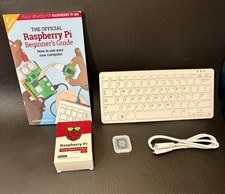
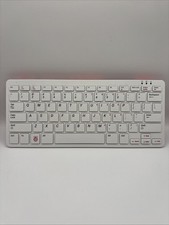
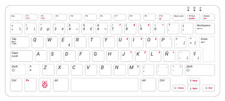
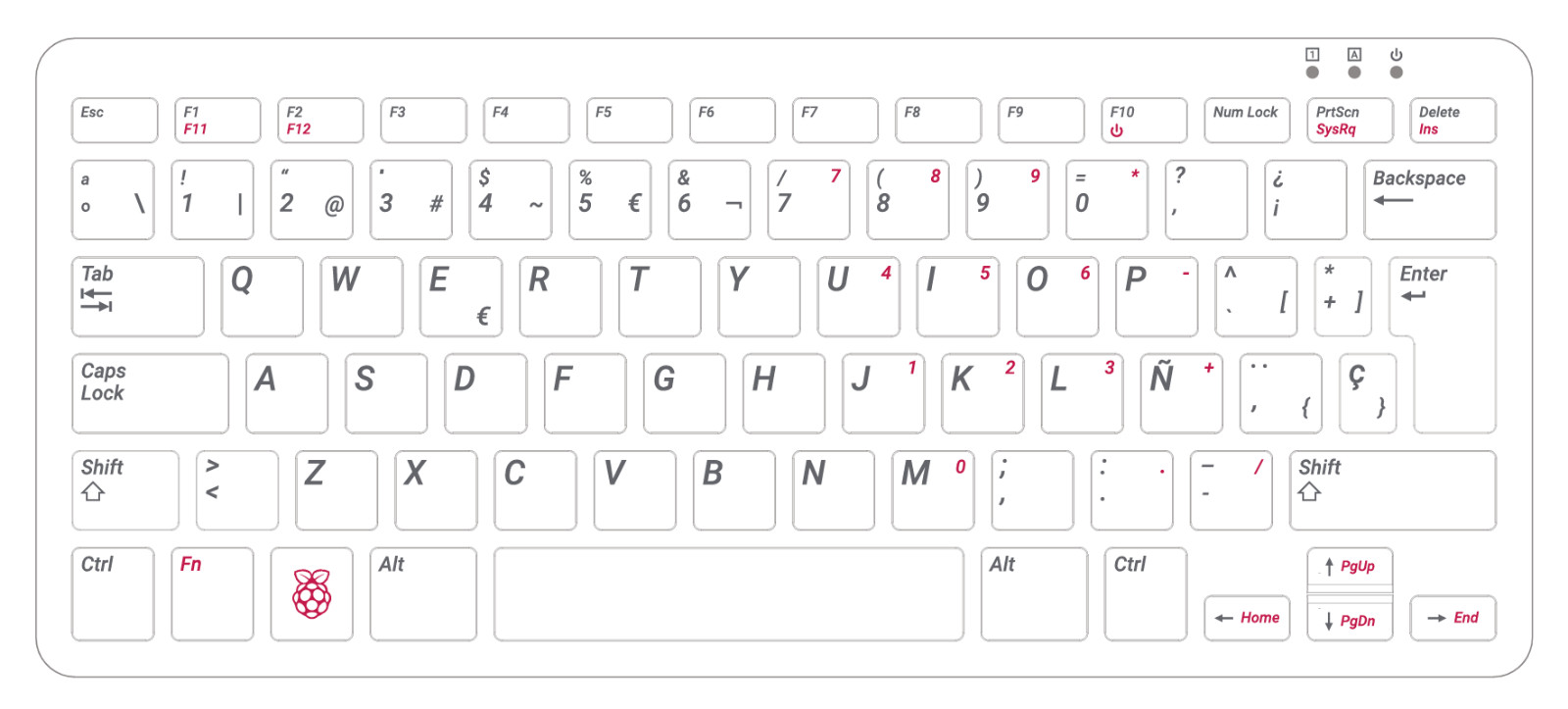
VERY IMPORTANT!!! THIS IS THE SPANISH LAYOUT KEYBOARD. See main photo.Contact us with reasonable best offers only if purchasing 2 or more units!!!! Raspberry Pi 440 tu ordenador personal completo, integrado en un compacto teclado. Con un procesador de 64 bits y cuatro nucleos, conexion inalambrica, salida a dos pantallas y reproduccion de video 4K, es el Raspberry PI mas potente y facil de usar hasta la fecha. Navega por Internet, edita documentos, ve videos y aprende a programar usando el entorno de excritorio de Raspberry Pi OS. - Raspberry Pi 400 is a complete personal computer, built into a compact keyboard. Portable design, easy to carry. Just simply connect to a mouse, and a monitor with the Pi 400, you will get a powerful desktop PC.Note: There is only a keyboard in the package.
- 1.8GHz Quad-Core 64-bit Arm Cortex A72 CPU. Compared with the 1.5 GHz frequency of Raspberry Pi 4, Pi 400 has a frequency of 1.8 GHz. So Pi 400 runs more stable and smoothly, also can help increase the read and write speed of large files.
- Dual 4K HD Video Output. The 2 HDMI ports on the back of the Raspberry Pi 400 can support up to 4K high-definition dual-band display, very convenient for your work and home entertainment. Built-in 2.4GHz/5GHz Wi-Fi & Bluetooth 5.0, you can enjoy smooth network anywhere.
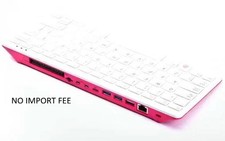
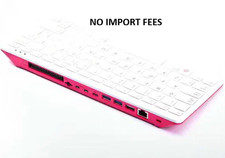
- Multiple Functional Interfaces. Raspberry Pi 400’s back is designed with multiple functional interfaces. Rich I/O peripherals to further expand your style="box-sizing: border-box; overflow-wrap: break-word; margin: 0px 0px 1rem; padding-left: 1.25rem; color: rgb(74, 74, 74); font-family: "Open Sans", Helvetica, Arial, sans-serif; font-size: 16px; background-color: rgb(251, 251, 251);">
- If not already installed, insert the micro SD card so that it clicks into place.
- Connect the mouse to one of the USB ports.
- Connect an HDMI screen using one of the micro HDMI ports and switch it on.
- Connect the power and press thepower button/F10on the keyboard.
To Configure the Pi: - Your Raspberry Pi will boot and display the desktop.
- The first time you start up your Raspberry Pi, the Welcome to Raspberry Pi application will pop-up, guiding you through the initial setup to get your screen and internet connection up and running.
- You’ll be asked to check for software updates, it’s good practice to always keep it up to date so go ahead and install any that come up. This might take a little while.
 |
|