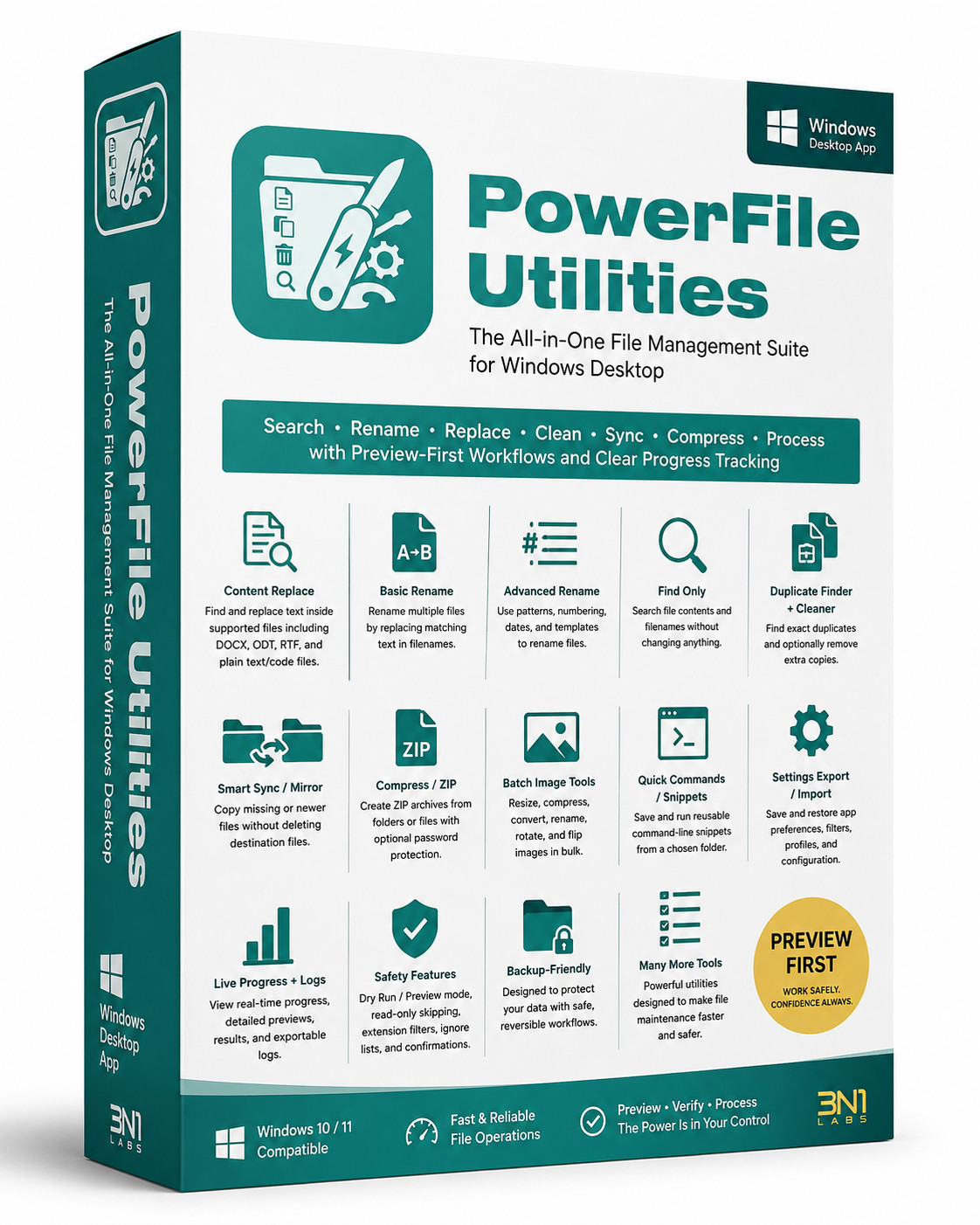
PowerFile Utilities is a Windows desktop utility suite for safely managing large batches of files. It helps users search, rename, replace, clean, sync, compress, convert images, and run repeatable file-related tasks with preview-first workflows, clear progress tracking, and detailed activity logs.
It includes:
Content Replace — Find and replace text inside supported files, including plain text, code files, and supported document formats such as DOCX, ODT, and RTF.
Basic Rename — Rename multiple files by replacing matching text in filenames.
Advanced Rename — Rename files using templates, numbering, dates, and filename patterns.
Find Only — Search file contents and filenames without changing anything.
Duplicate Finder + Cleaner — Find duplicate files using selected matching rules and optionally remove extra copies after previewing.
Smart Sync / Mirror — Copy missing, newer, or changed files from one folder to another without deleting destination files.
Compress / ZIP — Create ZIP archives from folders or selected files, with optional password protection and overwrite control.
Image Format Converter — Convert selected images or image folders between JPG, JPEG, PNG, WebP, and Windows ICO formats. ICO output supports standard icon sizes up to 256×256.
Quick Commands / Snippets — Save, copy, and run reusable command-line snippets from a chosen working folder.
Settings Export / Import — Save and restore app preferences, scan filters, ZIP defaults, image defaults, and Smart Sync profiles.
Live Progress + Logs — View real-time operation progress, results, detailed preview lists, warnings, and exportable logs.
Safety Features — Dry Run / Preview mode, read-only file skipping, extension filters, ignored-folder lists, overwrite controls, warning messages, and confirmation prompts for risky operations.
In short, PowerFile Utilities is designed to make everyday file maintenance faster, safer, and easier while helping users avoid accidental changes.
This product is shipped on CD-ROM.
3N1-LABS