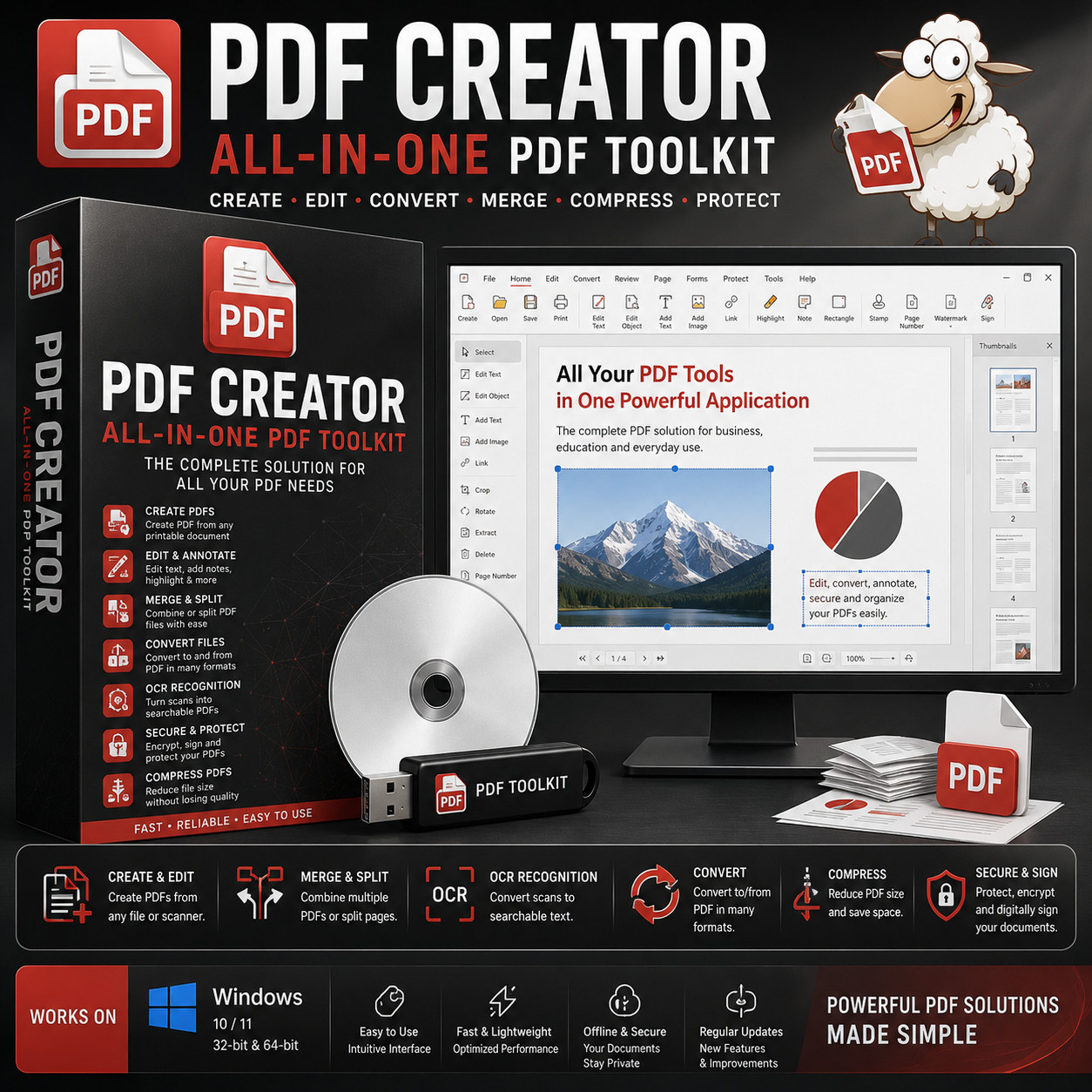
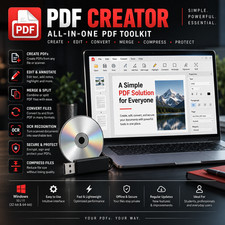
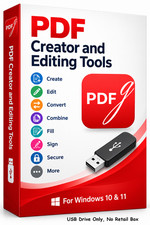
All-in-One PDF Toolkit PDF CREATOR CREATE · EDIT · CONVERT · MERGE · COMPRESS · PROTECT The complete PDF solution for business, education, and everyday use — all on your computer, no monthly bill. No Subscription Built-in OCR Offline & Private Windows 10 / 11 Choose Your Media — Buyer's Choice Select USB flash drive for modern laptops with no optical drive, or CD-ROM for traditional desktops. Same software, same manual — your call at checkout.
A complete PDF workbench in a single application. Create PDFs from any printable document, edit text and images, merge and split files, convert to and from Word, Excel, PowerPoint and images, run OCR on scanned documents, compress huge files down to email-friendly size, and password-protect or digitally sign anything that needs to stay private. Everything Adobe Acrobat does, on your machine, without a monthly bill or a cloud account.
PDF Creator vs the alternatives Feature PDF Creator Adobe Acrobat Pro Other sellers One-time payment — owned forever Yes $239.88 / year Maybe No Adobe account, no cloud sign-in required Yes Required Maybe USB or CD — buyer's choice at checkout Yes Download only One format Built-in OCR — turn scans into searchable text Yes Yes Often missing Convert to/from Word, Excel, PowerPoint, images Yes Yes Maybe Compress huge PDFs without quality loss Yes Yes Maybe Password protection, encryption & digital signing Yes Yes Maybe Runs fully offline — documents stay on your computer Yes Cloud-based Maybe Install on unlimited computers — no activation Yes 2 devices Maybe Everything inside the toolkit 📄 Create PDFs from anything Turn any printable document — Word, Excel, PowerPoint, web pages, scans, even photos — into a polished PDF. Installs as a virtual printer so any program on your system can "print to PDF," plus a Windows Explorer right-click menu so you can convert files without ever opening the app. ✏️ Edit text, images & annotations Click any block of text to edit it directly. Add images, sticky notes, highlights, callouts, stamps, signatures, page numbers and watermarks. Rearrange, rotate, delete, or insert pages. 🔀 Merge & split PDFs Combine dozens of separate PDFs into one tidy document. Or pull a single PDF apart into individual pages, chapters, or page ranges — perfect for invoicing, court filings, and contract assembly. 🔄 Convert to and from any format PDF ↔ Word (DOCX), Excel (XLSX), PowerPoint (PPTX), plain text, HTML, PNG, JPG, TIFF, ePub and more. Conversions preserve formatting, tables, and embedded images. 🔍 OCR — turn scans into searchable text Run optical character recognition on scanned PDFs and images. Suddenly that paper invoice or contract becomes fully searchable, copyable, and editable. Multi-language OCR supported, and you can import directly from a scanner or webcam — no need for a separate scanning utility. 🗜️ Compress huge PDFs Shrink 40 MB email-blockers down to a few hundred KB without visibly affecting quality. Choose the compression level — from "smallest size" for email, to "best quality" for print. 🔒 Secure & digitally sign Password-protect documents, set permissions (no copy, no print, no edit), apply 256-bit AES encryption, and sign with a digital certificate that survives forwarding and printing. Plus more tools included 📖 Built-in PDF reader Lightweight, fast-launching PDF viewer included. Replace Adobe Reader entirely if you want — no second app to install. 🖨️ Scanner & camera import Pull pages straight from any TWAIN-compatible scanner or webcam and drop them into a PDF in seconds. 🖥️ Screen capture to PDF Capture any region of your screen, a window, or a full screenshot directly into a PDF or image — handy for receipts, evidence, or quick documentation. ⚙️ Batch processing & profiles Run the same operation on hundreds of files at once. Save your favourite settings as profiles for recurring tasks. 📁 PDF/A & PDF/X archival export Export to PDF/A for long-term legal archiving and PDF/X for professional print workflows — both ISO standards. 🖱️ Right-click context menu Convert, merge, compress or sign any file directly from Windows Explorer — right-click and pick an action. No need to launch the main app. 🔓 Unlock & redact Remove passwords from PDFs you own. Permanently black out sensitive text and data with proper redaction — not just a black rectangle that someone can copy under. 🔍 Compare PDFs & overlay Visually diff two versions of a document — great for contract revisions. Overlay one PDF on another to apply digital letterhead or stamps to entire batches. Who it's for 🏢 Small business Invoices, contracts, receipts, signed agreements — every PDF workflow a small business needs, without a monthly Adobe bill. ⚖️ Legal & admin Court filings, exhibits, Bates numbering, secure encryption, page-by-page split and merge for assembling case files. 🎓 Students & teachers Combine readings, annotate research, scan textbook pages with OCR, and turn slide decks into handouts — without an institutional subscription. 🏠 Home users Tax documents, warranties, scanned receipts, family records — keep it all organized, searchable and secure on your own machine. What you receive in the mail
1 × USB flash drive or CD-ROM (your choice at checkout) preloaded with the latest PDF Creator installer for Windows - Full user manual (PDF) on the media
Compatibility Requirement Supported Operating system Windows 10+ CPU Any modern Intel or AMD processor (1 GHz or faster) Memory 2 GB RAM minimum (4 GB recommended for OCR-heavy use) Storage 500 MB disk space Drive USB port (USB option) or CD-ROM drive (CD option) Internet Not required — runs fully offline after install How it works (3 steps) 1 Plug in your media Insert the USB or CD into any Windows 10 or 11 computer. 2 Run the installer Double-click the installer for your edition (32-bit or 64-bit). The step-by-step PDF walks you through it with screenshots. 3 Start working with PDFs Open a PDF, hit Edit, hit Convert, hit Sign — every tool you need sits in a single tidy ribbon. Owned, not rented No subscription. No Adobe ID. No cloud upload. No "your trial expires in 7 days" pop-ups. Your documents — including the sensitive ones — stay on your computer. The toolkit installs once, runs forever, and never phones home. Frequently asked questions 💿 USB or CD — which should I pick? If your computer has no optical drive (most laptops since 2018), pick the USB. If you have a desktop with a CD/DVD drive, either works — the contents are identical. 💻 Can I install it on more than one computer? Yes — install on as many Windows computers as you like. There are no activation limits. 🔑 Does it need a product key, activation, or account? No. There is no product key, no activation, and no registration of any kind. Install and start using it. 📄 Will it open PDFs created in Adobe Acrobat? Yes. PDF is a published, standardized format — any PDF created in Acrobat, Word's "Save as PDF", Mac Preview, or any web browser opens and edits cleanly in this toolkit. 🌐 Does it work offline? Yes — the toolkit runs entirely on your computer. No internet required for any feature, including OCR, conversion, and signing. Documents never leave your machine. 🔄 Can it really replace Adobe Acrobat? For the vast majority of buyers — yes. Create, edit, merge, split, convert, OCR, compress, password-protect, encrypt and digitally sign are all here. The one workflow that still nudges some users back to Acrobat is interactive form design with advanced JavaScript — if you build fillable forms with conditional logic for a living, evaluate carefully. For everything else, this toolkit covers it. 🔁 Do future updates cost anything? No. Updates are released at no additional cost — you can keep using and updating the toolkit indefinitely. 📦 We ship as soon as paid Powerful PDF Solutions Made Simple. Have a question? Please do not hesitate to message us before purchasing.