 When you click on links to various merchants on this site and make a purchase, this can result in this site earning a commission. Affiliate programs and affiliations include, but are not limited to, the eBay Partner Network. When you click on links to various merchants on this site and make a purchase, this can result in this site earning a commission. Affiliate programs and affiliations include, but are not limited to, the eBay Partner Network.
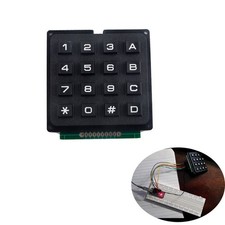
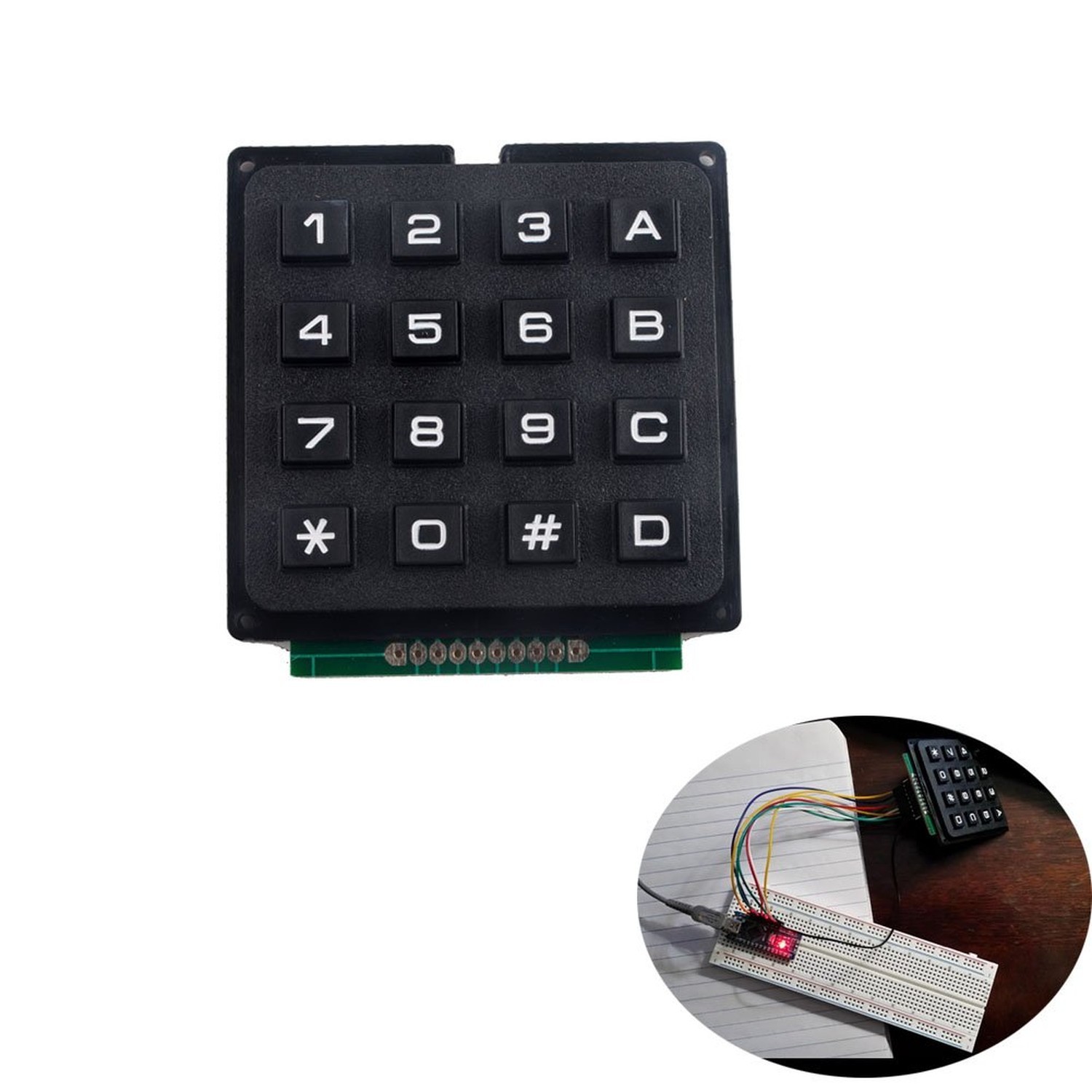
NEXTION 16 Keys Matrix Keypad 4x4 Membrane Keyboard Module Array Switch for Arduino Product Details - Brand: NEXTION
- Compatible Devices: PC, Arduino-compatible boards
- Connectivity Technology: Wired
- Keyboard Description: Membrane
- Recommended Uses For Product: Gaming, Office
- Special Feature: Programmable via Keypad Library
- Color: Black
- Keyboard backlighting color support: Single Color
- Material: Plastic
- Included Components: 1 x 16 keys keypad
- Compatible Devices: PC, Arduino-compatible boards
- Connectivity Technology: Wired
- Additional Features: Programmable via Keypad Library
- Keyboard Backlighting Color Support: Single Color
- Power Source: Wired
- Switch Type: Tactile
- Keyboard Layout: QWERTY
- Hand Orientation: Amofferextrous
- Button Quantity: 16
- Number of Keys: 16
- Color: Black
- Theme: RGB
- Enclosure Material: Plastic
- Brand: NEXTION
- Keyboard Description: Membrane
- Antenna Location: Gaming, Office
- Built-In Media: 1 x 16 keys keypad
- Model Number: WI0840
- Unit Count: 1.0 Count
- Manufacturer: DIYmalls
- UPC: 702795764562
- Mfr Part Number: WI0840
- Item Weight: 0.81 Ounces
- The Keypad library allows development board to read a matrix type keypad. 44 numeric keypads are widely used in project which requires the user to give command to the system or to feed in some data.
- You don't need the outer two pins on the left and right for wiring. It's the inner 8 pins that matter.
- If you solder on a header, we highly recommend laying down some flux on the pads first, inserting the header pins, then soldering
- The standard Keypad library for arduino works out of the box with this particular device.
- If you have any problem, please do as follow: click "DIYmalls"(you can find "Sold by DIYmalls" under Buy Now button), in the new page, click "Ask a question".
Description: -The Keypad library allows your developmment board to read amatrix type keypad. 4×4 numeric keypads are most widely used in project whichrequires user or operator to give command to system or to feed in some data. -Keyboard for the pin interface.4X4 design, 10 numeric keys, 4 English keys,2function keys. There is a switch connecting each row and column. So thecombinations of rows and columns makes up the 16 inputs. - Circuit board isPCB double-panel There is a switch connecting each row and column. So thecombinations of rows and columns makes up the 16 inputs. So, try to imaginethis. Initially all the switch are open (not connected). When you pressedeither one buttons, the switch is now closed (connected). As you can see, nowthere is a connection between the row and column. Now we know how a matrixkeypad works, but how do we relate it with our microcontroller ? So we connectthe first 4 pins to the column as INPUT. The other 4 pins is connected to therow as OUTPUT. The input meant that is the input to the microcontroller whileoutput is the output from the microcontroller. Note that the input to themicrocontroller has to connect to pull high resistor, or you can use theinternal pull up from Arduino itself. For a 4×4 matrix keypad, usually it has8 pins on it. How do we know which pins are associate to which rows andcolumns? A digital multimeter (DMM) would ease your job. Turn your DMM toconnectivity mode. Now put one of your meter probe to the first pin and theother one to the fifth pin. Try to press the button and see which button wouldgives you the “beep” sound. Next, try to probe to the sixth pin and pressother button. Keep trying and you would understand the connection behind thekeypad. Finally we have reached to the software part.. Package Included : 1 x16 keys keypad  |
|