UNUSED - NEW IN BOX
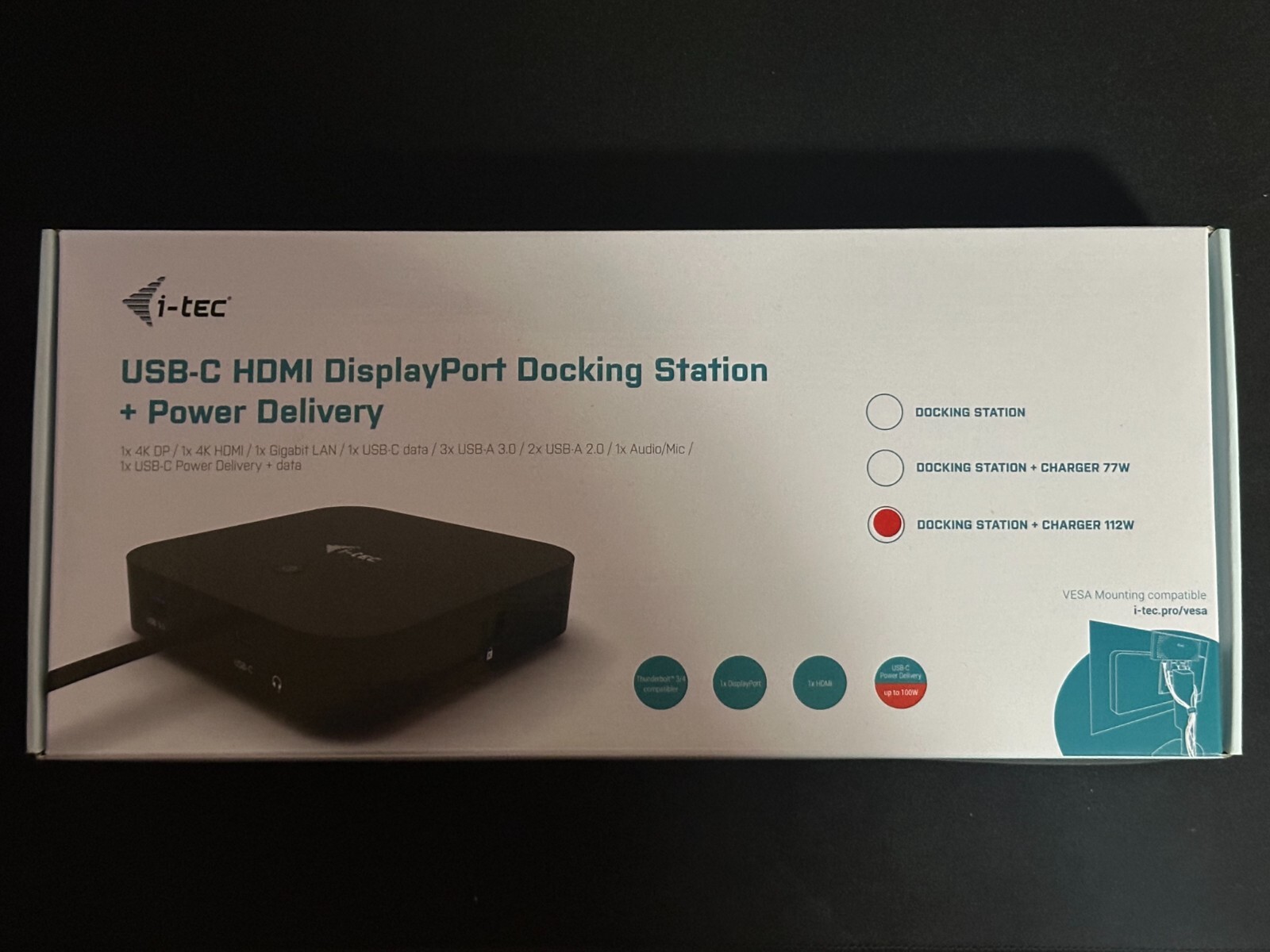
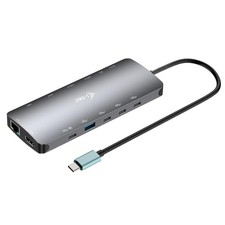
USB-C office docking station with support for up to 2 external monitors with 4K resolution. The station is compatible with any laptop equipped with a USB-C or Thunderbolt 3 port. 6x USB ports, reliable and quick connection to your business network thanks to an integrated LAN port and support for installation behind a monitor make the docking station an ideal partner for professionals. And of course, the station is capable of charging your laptop or tablet with up to 100 W.
The docking station is available in three versions: 1. without enclosed USB-C charging adapter (product code C31HDMIDPDOCKPD) 3. with enclosed 100 W adapter (product code C31HDMIDPDOCKPD100US)
Note: macOS does not support Multi Stream Transport (MST) technology. Connecting two monitors to the station on macOS will result in both monitors showing the same image.
- Connect up to two 4K/30 Hz external monitors
- Power delivery: up to 100 W
- 1x HDMI, 1x DisplayPort
- 3x USB 3.1, 1x USB-C 3.1 and 2x USB 2.0 for easy connection of your USB devices and peripherals. Gigabit Ethernet RJ-45 provides reliable, robust and high-speed Internet connection supporting 10/100/1000 Mbps speeds
- Combined jack for audio and microphone on the front panel
- Kensington lock protects against theft, particularly in shared offices or public spaces
- On/off switch for maximum energy savings
- The station features VESA support, allowing smart vertical installation behind a VESA compatible monitor
- Supports Windows 10, macOS X, Android, ChromeOS and Linux
The docking station can be used without the power adapter. In that case, the station’s video ports, LAN (RJ-45) port, audio/mic and both USB 2.0 ports will always be operational. However, the USB 3.0 ports and the USB-C data port may not function if a device with higher power requirements is connected (e.g. SSDs, particularly NVMe units). In that case, the docking station may switch off. To use all ports and achieve maximum data transmission speed, it is recommended to use the docking station with the power adapter plugged in.
Note: If a device running the Android operating system is connected, the docking station will only function with the power adapter plugged in.