🔥 SAVE BIG ON LINUX MEGA PACKS 🔥
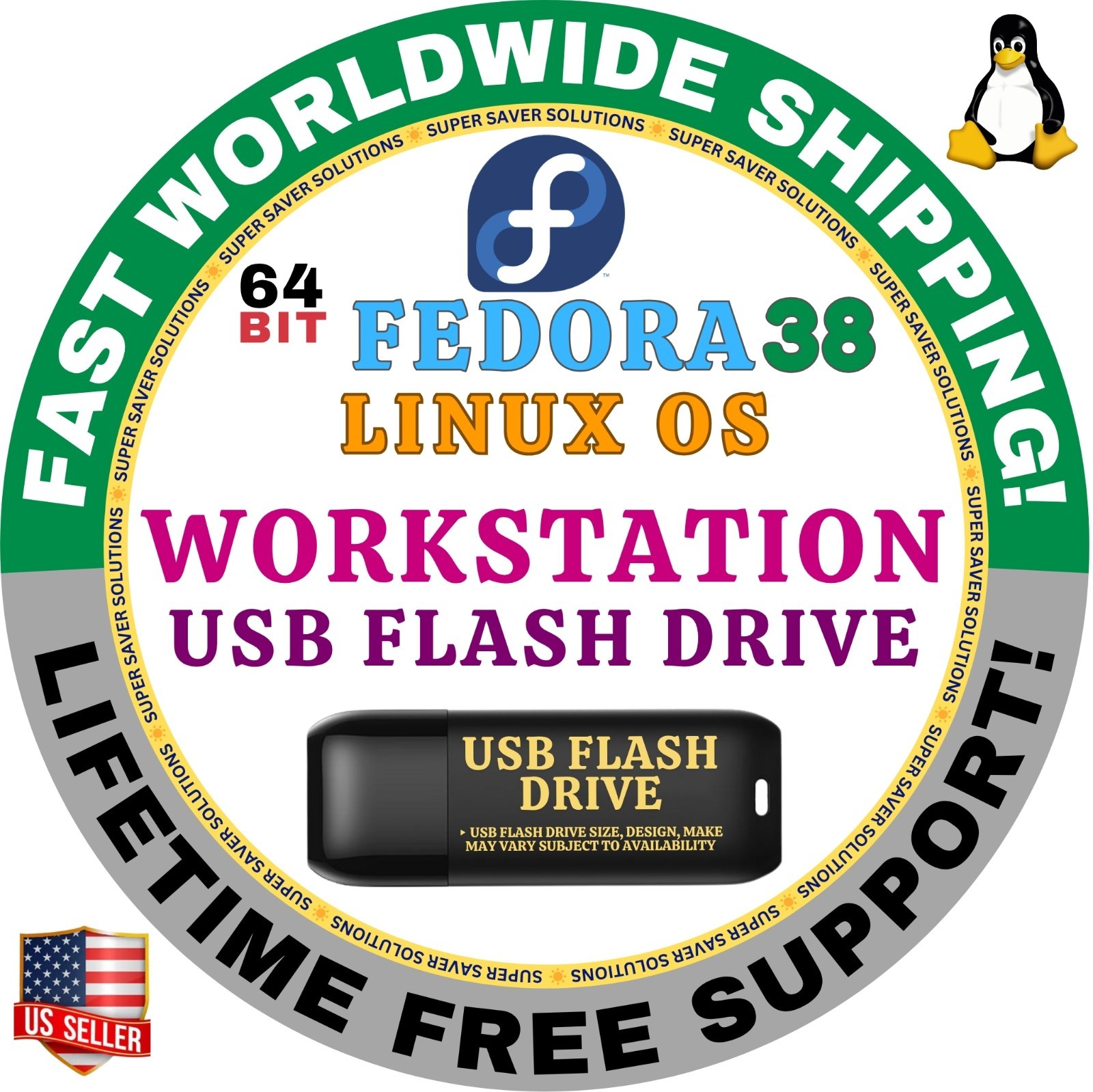
🛒 VISIT MY store LINK HERE 🛒🚚 Ships Safely in Tamper Proof PackagingThis sale is for the Fedora 38 Linux OS on a "live" bootable USB drive that you can boot your computer to and run the Fedora operating system on without damaging your current operating system or files.An innovative platform for hardware, clouds, and containers, built with love by you for you. Fedora is one of the oldest and the most popular distributions around. Great support from the developers. You must give it a try!What included in the package?
- Linux Fedora Bootable USB
- Instructions on how to run Fedora OS on Mac & PCs
☑️ HOW TO BOOT LINUX OS FROM USB?
✅ Steps for Windows PC & Chromebooks
1. Turn-off your computer
2. Insert the USB into any available USB port
3. Switch on your computer
4. Press the key that allows your computer to boot to an alternate device (ESC on many HPs, F12 on many Dells, F8 on many custom builds, yours may vary, see your computer's documentation)
5. At the Book-up screen, select Boot from USB Interface option, press enter.
6. Follow on-screen links for initiate OS.
7. Wait for system to boot into Linux OS.
✅Step for Apple Macs Devices
1. Turn-off your computer
2. Insert the USB into any available USB port
3. Switch on your computer
4. Press the Option keyon your keyboard to go the boot menu
5. Select EFI Book
6. Follow on-screen links for initiate OS.
7. Wait for system to boot into Linux OS.