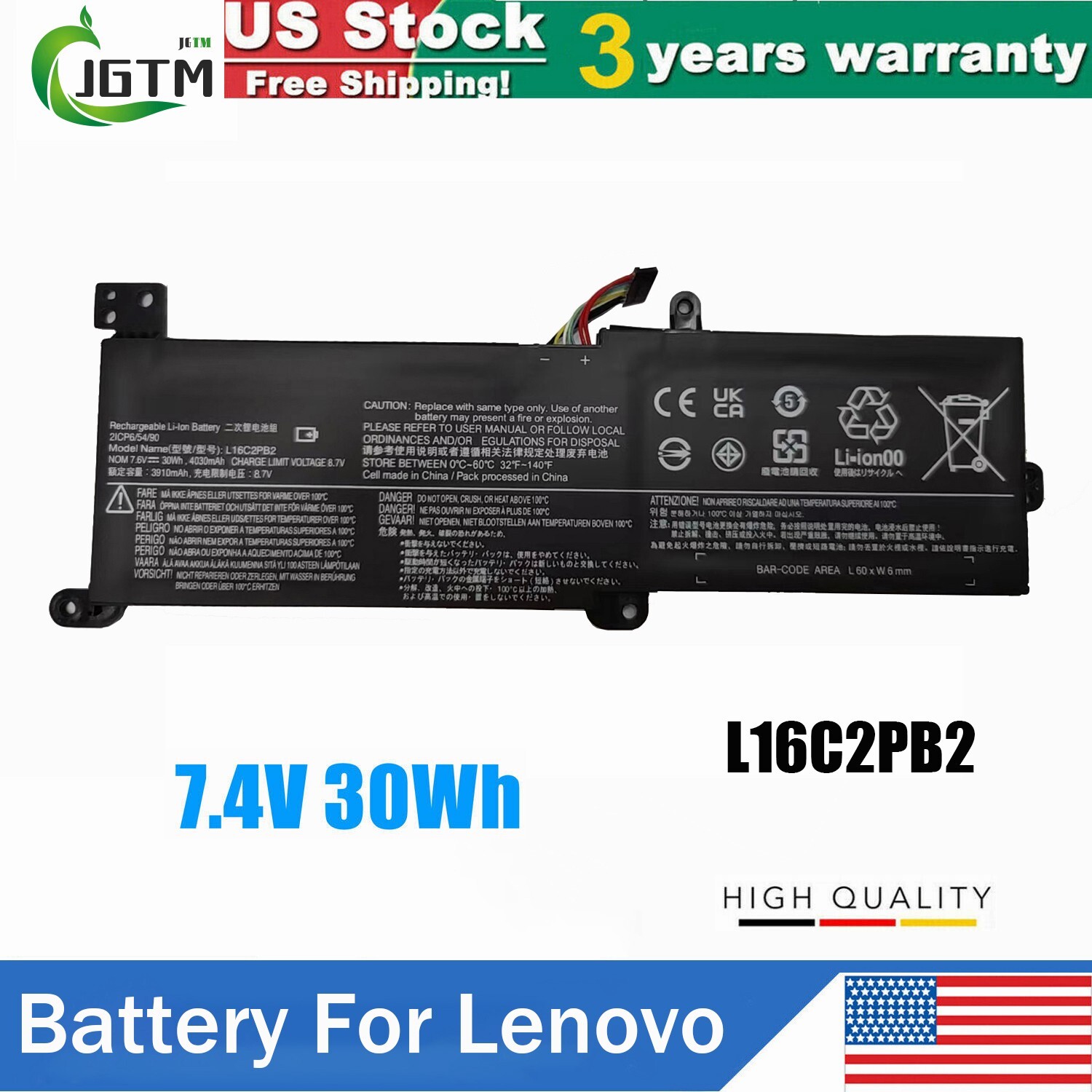
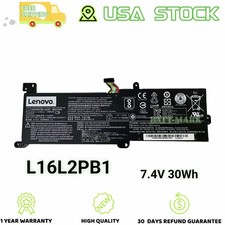
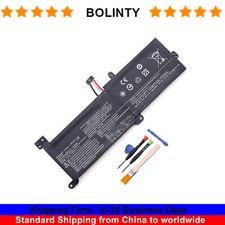
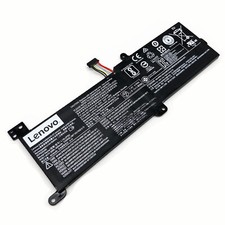
Specifications:Battery type:Li-ionVoltage: 7.5 VCapacity: 30Wh / 4000mAhCertification: CE FCC RoHSColor: black as pictures
Operation time: approx 2.5-3.5 hoursCondition: Brand New , 'A' grade cells,100% Compatible!
Compatible Model:( Press " Ctrl+F " to Find your laptop model)
LENOVO
IdeaPad 320-14ASTIdeaPad 320-14IAPIdeaPad 320-14IKoffereaPad 320-14ISKIdeaPad 320-15ABRIdeaPad 320-15ASTIdeaPad 320-15IAPIdeaPad 320-15IAP-80XRIdeaPad 320-15IKoffereaPad 320-15IKB-80XLIdeaPad 320-15IKB-80YEIdeaPad 320-15IKB-81BGIdeaPad 320-15IKB-81BTIdeaPad 320-15ISKIdeaPad 320-17ABRIdeaPad 320-17ASTIdeaPad 320-17IKoffereaPad 320-17IKB-80XMIdeaPad 320-17IKB-80XM009AMHIdeaPad 320-17IKB-81BJIdeaPad 320-17ISKIdeaPad 330-15IGMIdeaPad 330-15IGM 81FNIdeaPad 330-15IGM-81D1IdeaPad 330-15IGM-81D1008EGEIdeaPad 330-15IGM-81D1008FGEIdeaPad 330-15IKoffereaPad 330-15IKB 81DE01HDGEIdeaPad 330-15IKB 81DE01MXGEIdeaPad 330-15IKB 81DE01TEGEIdeaPad 330-15IKB TOUCH-81DHIdeaPad 330-15IKB Touch-81DJIdeaPad 330-15IKB-81DCIdeaPad 330-15IKB-81DC001QGEIdeaPad 330-15IKB-81DC00SWGEIdeaPad 330-15IKB-81DEIdeaPad 330-15IKB-81DE00LLGEIdeaPad 330-15IKB-81DE00LNGEIdeapad 520-15IKoffereaPad 520-15IKB-80YLIdeaPad 520-15IKB-80YL005BMHIdeaPad 520-15IKB-80YL008DGEIdeaPad 520-15IKB-80YL008GGEIdeaPad 520-15IKB-80YL008JGEIdeaPad 520-15IKB-80YL00QHGEIdeaPad 520-15IKB-80YL00QJGEIdeaPad 520-15IKB-81BFIdeaPad 520-15IKBRIdeaPad 520-15IKBR 81BF00BAGEIdeaPad 520-15IKBR 81BF00FMGEIdeaPad 520-15IKBR-81BFIdeapad 520-15IKBR-81BF008MMIdeaPad 520-15IKBR-81BF00B8GEIdeaPad 520-15IKBR-81BF00B9GEIdeaPad 520-15IKBR-81BF00BAGEIdeaPad Part Numbers:(Not sure about the battery model, you can ask customer service)100% style="font-weight: 400;">Please check carefully about your laptop model name/battery part number/battery shape and size to make sure you purchase the correct battery.
How to confirm that the battery is suitable for your laptop?
Method 1: Use System Information to find your laptop model
Step 1: Press Windows + R to open Run window.
Step 2: Input "msinfo32" in the empty box and click OK to open System Information.
Step 3: Keep in the System Summary section, and you will find the System Model item in the right pane.
Method 2: Remove Battery from Laptop to find your laptop battery part number
Step 1: Switch off the laptop and unplug the power cable in case of electric shock
Step 2: Remove the back panel with the screwdriver. You should to this with care avoiding any harm to the laptop components.
Step 3: Disconnect the cable connected to the battery and then take out the battery. After that, you can check the specifications of your battery.
About Us-High Quality BatteriesWe are a laptop battery manufacturer with more than 20 years of R&D technology and the first to start circuit board development, we are positioned for high quality, simplicity and durability. With our own R&D team and production factory, we are the most professional full-service provider integrating development, production, sales and service. Our products are stable, safe and reliable in performance. The factory started to enter the research, development and production of polymer batteries in 2012, all batteries are made of A grade cells, which are tested by the original factory computer. We provide 100% satisfied customer service, please feel free to buy! If you have any questions or suggestions about our batteries, please contact us through message so that we can provide the most convenient service for you.
-Perfect MatchAll of our batteries are brand new and are 100% compatible to meet OEM specifications for safety and efficiency. Same size as original battery, Don't worry about assembly and adaptation issues.-Equipped with safety featuresBatteries pass rigorous smart tests such as short circuit protection, over voltage protection, discharge protection and over current protection, which are important for the life cycle and safety of the battery All batteries are made of high quality materials to ensure good performance.UL, CE, FCC, RoHS, UN38.3 certification and MSDS.
-Product Details1.Power Interface: Gold-plated connector points to ensure current transport excellently and serve stably.2.Enclosure: The enclosure is made of ABS + PC high quality material, it has high temperature resistant function to protect your laptop overheat.3.Battery Buckle: The battery buckle is closely connected to the laptop, and the metal interface is stably powered.
Payment
1. Paypal is the accepted paying method in our store.
2. We send goods to your Address. Please make sure your Address is exactly your Shipping Address. If you want to revise the shipping address. Please contact us within 24 hours by e-mail. Thanks in advance for your close cooperation!
3. We provide 12-Months warranty for your customers, any question or problem about our product, please send us message,and we will surely solve it for you.
Shipment
1. Item will be sent out directly from our USA warehouse.
2. All items will be shipped within 48 business hours upon payment clears (except Saturday and Sunday and public holiday).
3. Generally, it will come to you in about 2-6 business days! If you fail to receive it after that period, you can contact us through message, and we will give you further assistance.
Returns
1. Our products have 12-Months warranty. A full refund can only be issued within 60 days.
2. If the return is due to the mistakes of buyers, for example, wrong purchase, no need of the batteries after transaction, or other artificial damages, the return shipping fee should be paid by the buyer.
3. We can't receive the returned item if buyer returns by yourself according to the address on original shipping package. We won't solve such case and buyer should responsible for the consequences. Please contact us before return the item.
response
1. Any problem after receiving our goods, please contact us before leaving Neutral / Negative response. We promise to help you solve it asap, and make you feel satisfactory absolutely.
2. Please DO NOT leave negative response without asking for help. Your understanding and support will be highly appreciated!