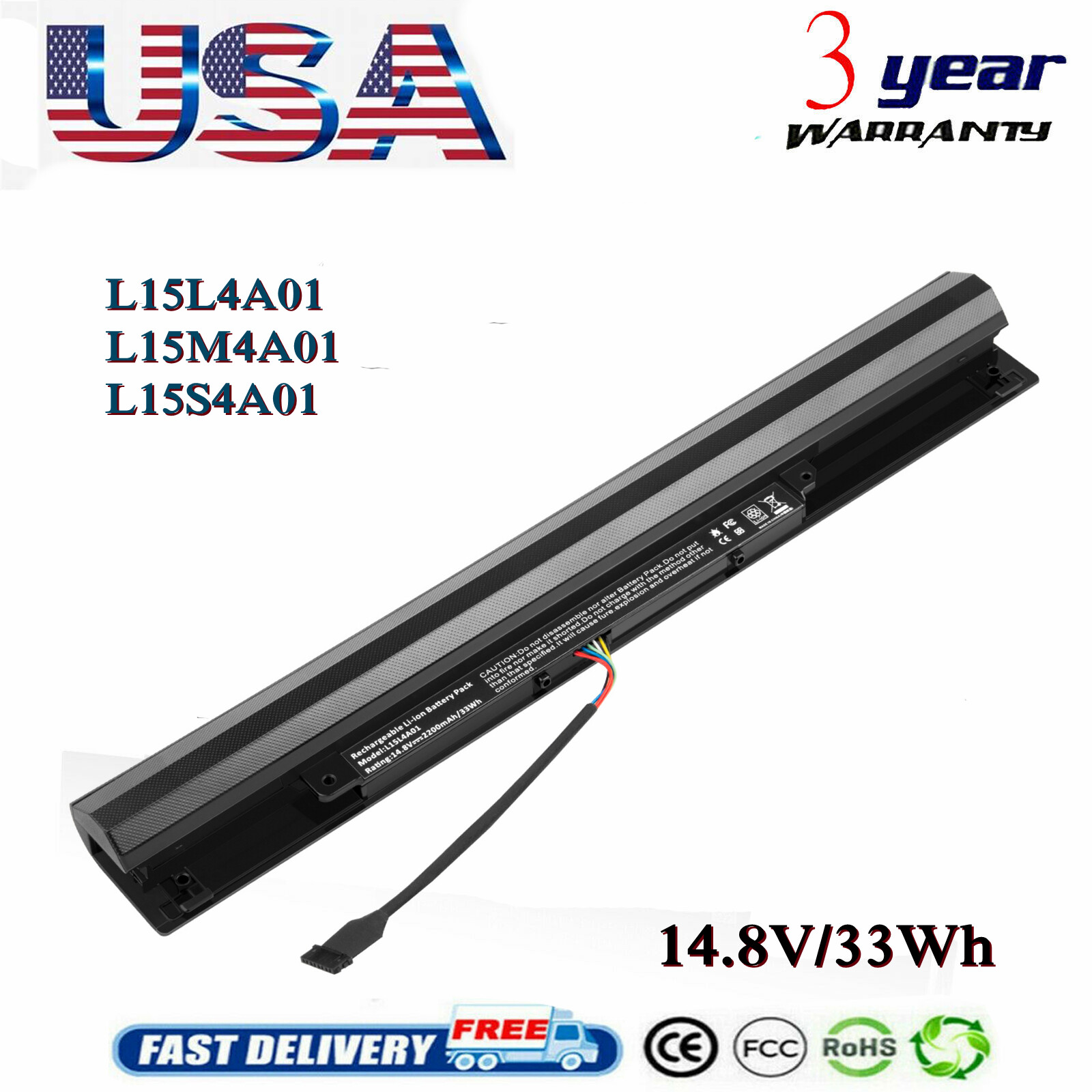
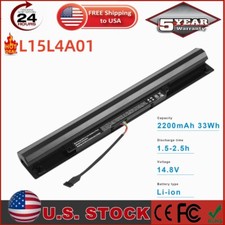
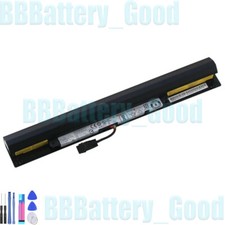
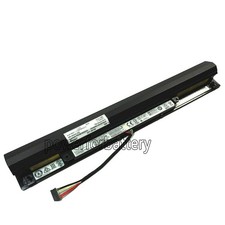
Specification: Battery type:
Li-ion Voltage: 14.8V (Compatible with
14.4V ) Capacity: 2200mAh/33Wh Cell:4
Cells recharge cycles: 500 Operation
time: Around 1-2.5hours Compatible
Part Number: L15L4A01 L15M4A01 L15S4A01
L15L4E01 L15M4E01 L15S4E01 Compatible With Model: IdeaPad
100 110 series110-14IBR /
14ISK / 14IKB110-15IBR / 15ISK
/ 15IKB110-17ACL / 17IKoffereaPad 300
series300-14IBR300-15IBR / 15ISK / 15IKBTianYi
310 series310-14ISK / 14IKB310-15ISK /
15IKBOther commercial/entry-level modelsB50-50V4400(V4400A/V4400U) HOW TO
CHECK YOUR LAPTOP MODEL Method
1Check if the battery models
compatible with your computer are
L15L4E01, L15L4A01, L15M4E01, L15M4A01, L15S4E01,
L15S4A01 System Query (3 methods)
1. Using Command Prompt Press Win
+ R→ Type cmd→ Press Enter.
Type: powercfg /batteryreport Open the generated
HTML file. Locate Installed batteries →
The battery model is listed
above Design Capacity. 2. Using Device
Manager Press Win + X→ Select Device
Manager. Expand Batteries → Right-click Microsoft ACPI
Compliant Control Method Battery →
Properties. Switch to the Details tab
→ Select Hardware Ids or Battery Information
from the property dropdown to
view the model string. 3.
Using Lenovo Software Open Lenovo PC
Manager (or install Lenovo Vantage from
the Microsoft Store). Go to Hardware
Information → Battery: This will display
the battery model, voltage, capacity,
and serial number. Computer Body
Query 1. Bottom label of
notebook, find SN/host numberGo to
Lenovo's official website queryIt will
list: battery model, FRU part
number Dismantling:1. Shut down, power
off, and unplug the power.2.
Unscrew the screws on the
back cover and open the
back cover.3. The battery label
contains detailed information on the
model, voltage, and capacity Method
2 Verify if your laptop
model matches the models described
in the link. Physical Label
Turn the laptop over. There
is a white sticker near
the center of the back
cover or inside the battery
compartment. Look for: Model . Within Windows
System Press Win + Ito open Settings.
Click System → About. Look for: Device name
/ System model. Using Lenovo
Official Software Open the software.
The home page or "My
Device" section will directly display:
The computer model.
Specification: Battery type: Li-ion
Voltage: 14.8V (Compatible with 14.4V
) Capacity: 2200mAh/33Wh Cell:4 Cells
recharge cycles: 500 Operation time:
Around 1-2.5hours Compatible Part
Number: L15L4A01 L15M4A01 L15S4A01 L15L4E01
L15M4E01 L15S4E01
Compatible With Model: IdeaPad 110 series110-14IBR / 14ISK
/ 14IKB110-15IBR / 15ISK /
15IKB110-17ACL / 17IKoffereaPad 300 series300-14IBR300-15IBR
/ 15ISK / 15IKBTianYi 310
series310-14ISK / 14IKB310-15ISK / 15IKBOther
commercial/entry-level modelsB50-50V4400(V4400A/V4400U) HOW TO CHECK
YOUR LAPTOP MODEL Method 1Check
if the battery models compatible
with your computer are L15L4E01,
L15L4A01, L15M4E01, L15M4A01, L15S4E01, L15S4A01
System Query (3 methods) 1.
Using Command Prompt Press Win +
R→ Type cmd→ Press Enter. Type: powercfg
/batteryreport Open the generated HTML
file. Locate