1. Please ensure that the shipping address is 100% correct.
Please ensure that your address can receive the package.
2. Please provide the correct phone number, especially for countries such as Brazil that require payment of customs duties.
Please pay the customs duties in time to avoid the package being destroyed.
3. If the package delivery fails due to incorrect address and failure to pay customs duties, you will bear the loss on your own.
Specifications:
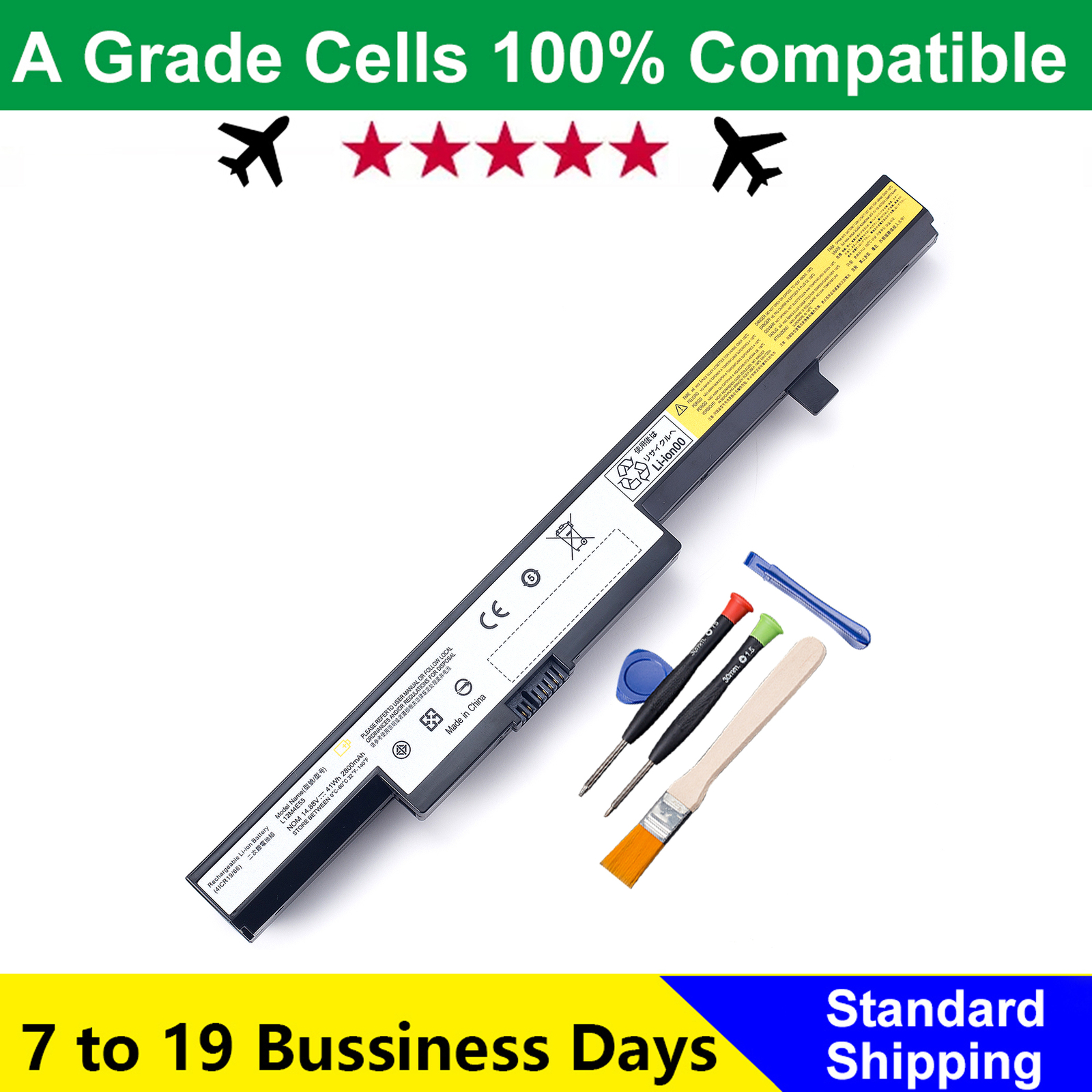
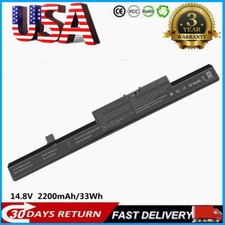
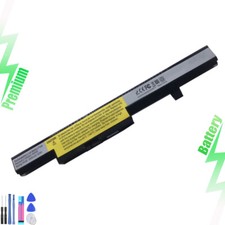
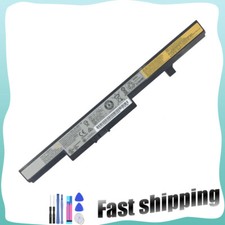
Battery Type: Li-ion
For Lenovo B40 SeriesFor Lenovo B40-70 SeriesFor Lenovo B50 SeriesFor Lenovo B50-45 SeriesFor Lenovo N40 SeriesFor Lenovo N40-70 SeriesFor Lenovo N50 SeriesFor Lenovo N50-70 SeriesFor Lenovo Eraser B40 SeriesFor Lenovo Eraser B40-70 SeriesFor Lenovo Eraser B50 SeriesFor Lenovo Eraser B50-45 SeriesFor Lenovo Eraser N40 SeriesFor Lenovo Eraser N40-70 SeriesFor Lenovo Eraser N50 SeriesFor Lenovo Eraser N50-70 SeriesFor Lenovo IdeaPad B40 SeriesFor Lenovo IdeaPad B40-70 SeriesFor Lenovo IdeaPad B50 SeriesFor Lenovo IdeaPad B50-45 SeriesFor Lenovo IdeaPad N40 SeriesFor Lenovo IdeaPad N40-70 SeriesFor Lenovo IdeaPad N50 SeriesFor Lenovo IdeaPad N50-70 SeriesFor Lenovo B40-30 SeriesFor Lenovo B50-30 SeriesFor Lenovo B50-70 SeriesFor Lenovo N40-30 SeriesFor Lenovo N50-30 SeriesFor Lenovo Eraser B40-30 SeriesFor Lenovo Eraser B50-30 SeriesFor Lenovo Eraser B50-70 SeriesFor Lenovo Eraser N40-30 SeriesFor Lenovo Eraser N50-30 SeriesFor Lenovo IdeaPad B40-30 SeriesFor Lenovo IdeaPad B50-30 SeriesFor Lenovo IdeaPad B50-70 SeriesFor Lenovo IdeaPad N40-30 SeriesFor Lenovo IdeaPad N50-30 SeriesFor Lenovo B40-45 SeriesFor Lenovo B50-30 Touch SeriesFor Lenovo N40-45 SeriesFor Lenovo N50-45 SeriesFor Lenovo Eraser B40-45 SeriesFor Lenovo Eraser B50-30 Touch SeriesFor Lenovo Eraser N40-45 SeriesFor Lenovo Eraser N50-45 SeriesFor Lenovo IdeaPad B40-45 SeriesFor Lenovo IdeaPad B50-30 Touch SeriesFor Lenovo IdeaPad N40-45 SeriesFor Lenovo IdeaPad N50-45 Series
Use attention:
1.Discharge the new battery use to 5%(not to 0%) and then charge to 95%, and cycle 3-4 times.
2.Do not disassemble, crush or puncture. Do not dispose of in fire or water.
3.If you remove battery for a long time, charge more than 80% at least one time within one months.
4.Don't connect adapter for a long time while using the battery. It may damage the battery.
For purchasing the correct replacement battery, please check your original battery and also the specific laptop model. (combine step 1 and step 2)
Step 1. Remove your laptop back cover to check your original battery’s part number, shape. Then search the part number to find the replacment battery.
Step 2. Check your specific laptop model name. (method: Press [Win] + [R] key , enter [msinfo32] or [dxdiag] , then click OK to find your system model. Find the replacement battery base on your laptop model name.