Product description
How do you clean a silicone keyboard cover?
1) Rinse directly with water, and rub gently the keyboard cover.
2) Clean the keyboard cover in a tub filled with mild warm water and 1/4 tbsp of liquid detergent. In most cases over the course of time, dust or grime settle over and under the cover. Then, rinse directly with water and let it dry for a while.
What is the difference?
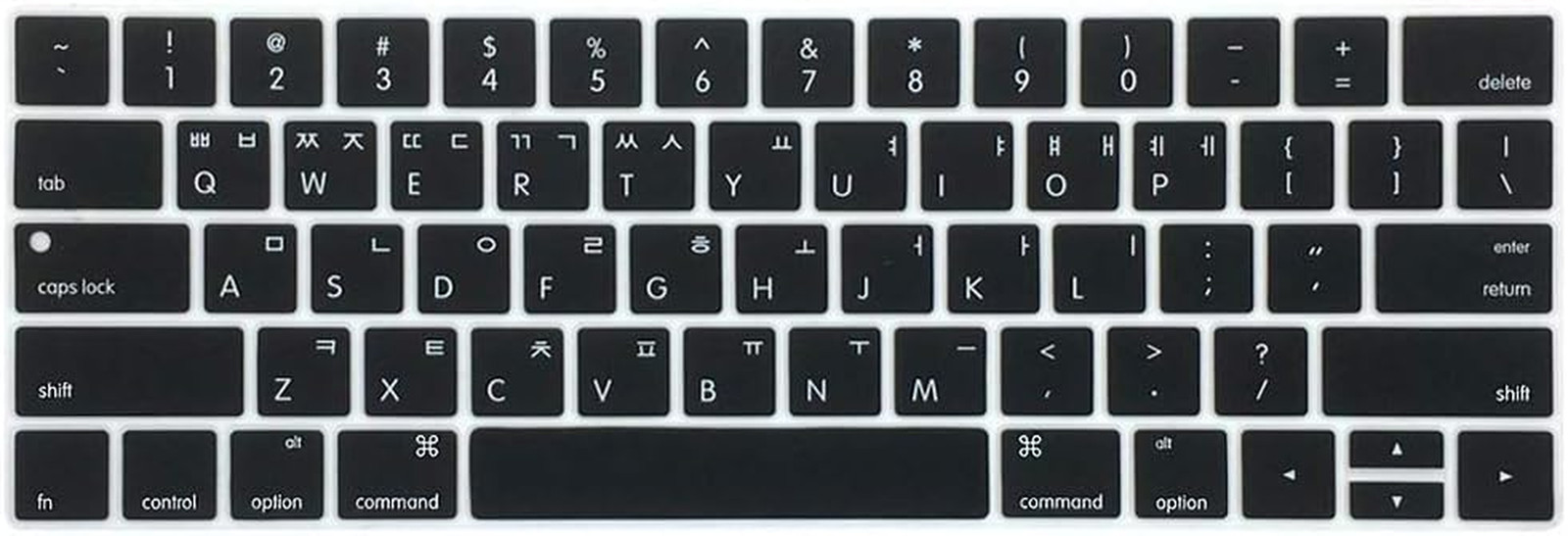
- US Version: "Enter" key is a rectangle.
- EU & JP Version: "Enter" key looks like "7".
Premium Keyboard Skin More protection for your laptop
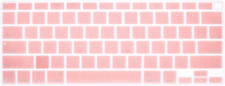
1. ONLY Fit for the keyboard with U.S layout ("enter" key is showing as left picture).
2. Every key is specially molded.
3. Manufactured to the quality available.
4. Flexible, easy to apply and remove for cleaning or disinfecting.
5. Extra slim silicone keyboard skin.
4. Minimum interference typing.
7. Soft-touching keyboard cover.
- Waterproof, dust-proof and dirt-proof design
- Washable and air-dry
- Accuracy manufactured
Features Slim & Soft Keyboard Cover Washable & Reusable Waterproof, Dustproof & Dirtproof Accurate Keys
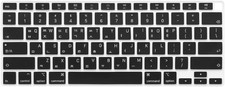
- COMPATIBLE WITH: ONLY MacBook Pro with Multi Touch Bar & Retina Display 13-Inch (model: A1706, A1989, A2159) & 15-Inch (model: A1707, A1990) US version (2016, 2017, 2018 and 2019 Released).
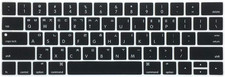
- Every key is spesially molded, manufactured to the highest quality available. The product's edge doesn't cover the touch bar
- Waterproof, dust-proof and dirt-proof design can prevent liquid, dust, cigarette ash, biscuit crumbs falling onto your keyboard to affect your keyboard’s life
- Extra slim Silicone skin (thickness: 0.36mm=0.015in.), made it easier for typing. Soft material can weaken the sound when typing, also can fold it and don’t crease.
- Flexible, easy to apply and remove for cleaning