 When you click on links to various merchants on this site and make a purchase, this can result in this site earning a commission. Affiliate programs and affiliations include, but are not limited to, the eBay Partner Network. When you click on links to various merchants on this site and make a purchase, this can result in this site earning a commission. Affiliate programs and affiliations include, but are not limited to, the eBay Partner Network.
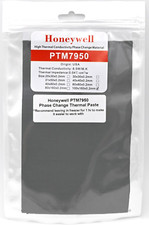
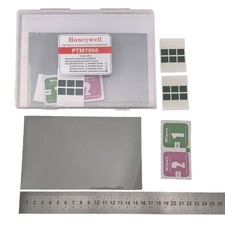
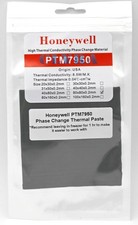
Honeywell PTM7950 Phase Change Thermal Paste - High-Performance Thermal Interface Material.*Recommend putting in freezer for at least 1 hr to make it easier to work withHow to Apply PTM7950 Phase-Change Thermal Pad READ FIRST — MOST COMMON MISTAKE:Do NOT try to peel the PTM7950 material off both backing liners at once. The material is intentionally very thin and will tear or bunch up if you try to free it from both sides in the air. It is designed to be applied to your surface first, then have the second liner removed while the material is held in place. Follow the steps below in order. What You'll Need: The PTM7950 pad (material sandwiched between two plastic backing liners)A clean, dry mounting surface (die, IHS, or cold plate) — cleaned with isopropyl alcohol and fully dryOptional but helpful: a sharp hobby/X-Acto knifeStep-by-Step: Clean the surface. Make sure the area you're applying to is clean, dry, and free of old thermal paste or residue.Remove ONE backing liner only. Peel the backing off just one side of the pad. This exposes one sticky/tacky face of the material. Leave the second liner ON.Place the exposed side down onto your surface. Position the pad (exposed face down) onto the die/plate.Firmly press it down across the entire surface. Press evenly over all areas so the material fully adheres to the surface. Good contact here is what makes the next step work.Now carefully peel off the SECOND liner. Slowly begin lifting a corner of the remaining backing. Watch closely to make sure only the liner lifts away — the thermal material should stay stuck to your surface.If the material starts lifting with the liner — STOP. Press that area back down firmly against the surface, then try peeling the corner again. Repeat as needed. Patience here is normal.Tip: A sharp X-Acto knife can help you get the initial edge of the second liner started — gently catch just the liner at a corner and lift. Take care not to cut into the material or scratch your surface.Done. Once the second liner is fully removed, the PTM7950 is applied. Mount your cooler/heatsink as normal. The pad reaches full performance after a few heat cycles as the phase-change material settles.What You'll Need: - The PTM7950 pad (material sandwiched between two plastic backing liners)
- A clean, dry mounting surface (die, IHS, or cold plate) — cleaned with isopropyl alcohol and fully dry
- Optional but helpful: a sharp hobby/X-Acto knife
Step-by-Step: - Clean the surface. Make sure the area you're applying to is clean, dry, and free of old thermal paste or residue.
- Remove ONE backing liner only. Peel the backing off just one side of the pad. This exposes one sticky/tacky face of the material. Leave the second liner ON.
- Place the exposed side down onto your surface. Position the pad (exposed face down) onto the die/plate.
- Firmly press it down across the entire surface. Press evenly over all areas so the material fully adheres to the surface. Good contact here is what makes the next step work.
- Now carefully peel off the SECOND liner. Slowly begin lifting a corner of the remaining backing. Watch closely to make sure only the liner lifts away — the thermal material should stay stuck to your surface.
- If the material starts lifting with the liner — STOP. Press that area back down firmly against the surface, then try peeling the corner again. Repeat as needed. Patience here is normal.
- Tip: A sharp X-Acto knife can help you get the initial edge of the second liner started — gently catch just the liner at a corner and lift. Take care not to cut into the material or scratch your surface.
- Done. Once the second liner is fully removed, the PTM7950 is applied. Mount your cooler/heatsink as normal. The pad reaches full performance after a few heat cycles as the phase-change material settles.
Quick Do / Don't: DORemove one liner, press the material onto your surface, THEN remove the second liner.DON'TTry to peel the bare material off both liners in the air — it is too thin and will tear.IF IT LIFTSIf the material comes up with the second liner, stop, press it back down, and re-attempt the corner. Description: The Honeywell PTM7950 is a cutting-edge Phase Change Material (PCM) designed for optimal thermal conductivity and long-lasting performance. Ideal for high-performance integrated circuits and electronic devices, the PTM7950 offers superior reliability and exceptional thermal management, making it a top choice for enthusiasts and professionals alike. Key Features: - Thermal Conductivity: 8.5 W/m·K ensures efficient heat transfer for demanding applications.
- Long-Lasting Durability: Engineered to maintain performance over extended periods with no need for frequent replacement.
- Reliability Tests: Successfully passes rigorous standards, including:
- 1000 hours at 150˚C baking.
- 1000 thermal cycles Change Technology: Activates at 45˚C, providing optimal wetting and ultra-low surface contact resistance during operation.
- Low Thermal Impedance:0.04˚C·cm²/W (with no shim) ensures minimal resistance between components and cooling systems.
- Innovative Polymer System: Offers excellent wetting, enhancing the interface between surfaces for improved thermal performance.
Material Dimensions:- Enhanced Gap Coverage:The 0.25mm profile is specifically designed for systems with slightly uneven mounting tolerances or larger gaps that standard thin pads cannot bridge.
- Self-Leveling Versatility:Because this material transitions to a liquid state at operating temperatures, it will still safely fit into thinner gaps. Any excess material will naturally thin out and form to the exact size of your interface, ensuring maximum contact regardless of fitment.
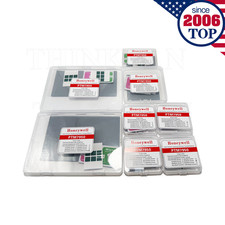
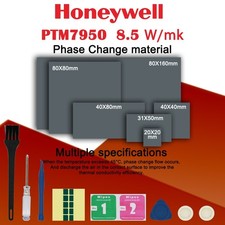
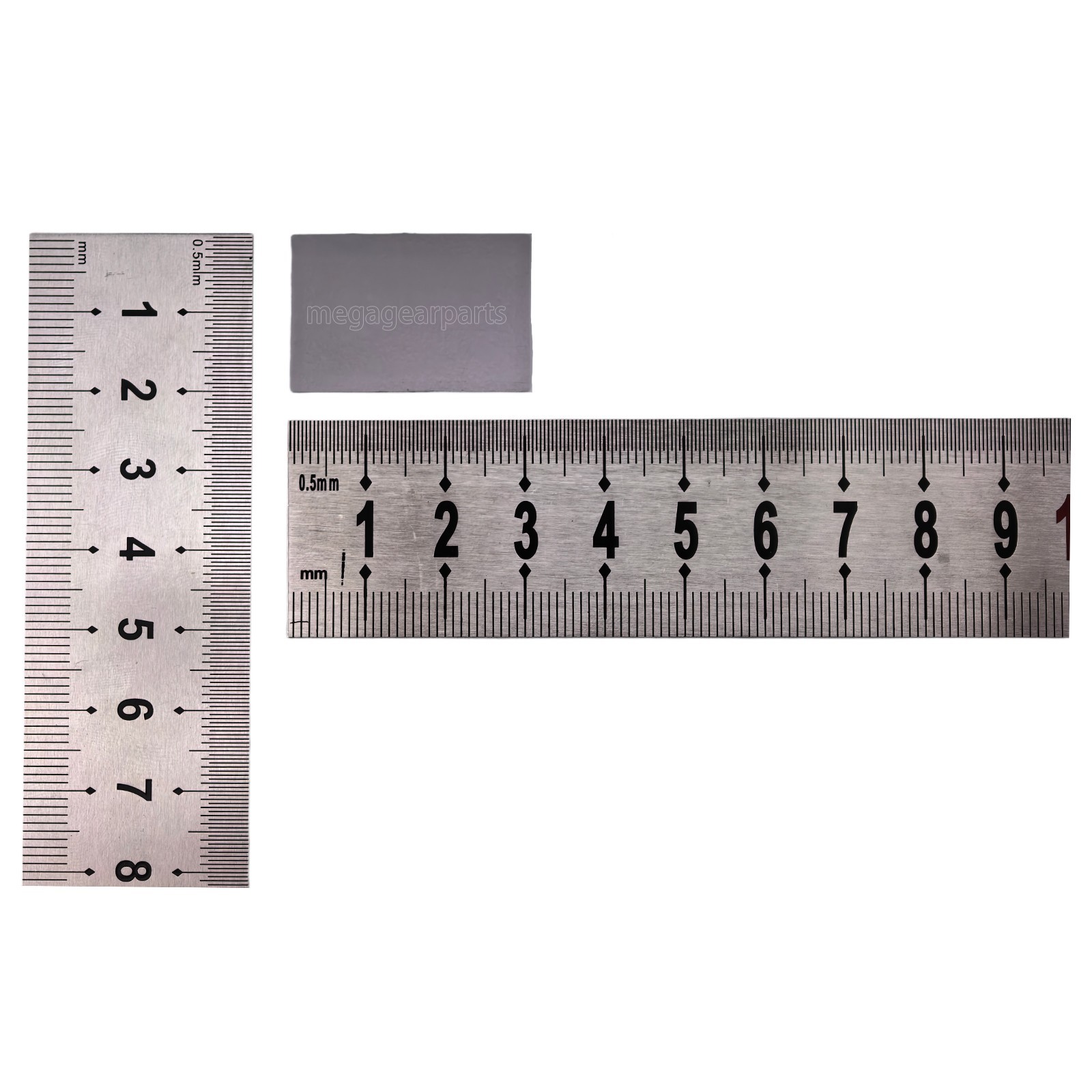
20x30mm is perfect size for most laptops (usually covers at least 2 installation)30x30mm is perfect size for most GPUs such as RX 5700 XT, 3070, 3070 Ti, 3080, 3080 Ti, 3090.31x50 is perfect size for most GPUs and better for larger dies40x40 is perfect size for most GPUs and better for larger dies40x80mm is perfect for multiple applications on most laptops, computers, and GPUsGood for desktop CPU applications, e.g. 40x80mm is just the right size for 2x AM5 CPU applications
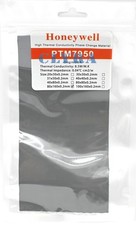
80x80x0.25mm is the ideal large-format size, providing enough material for multiple applications or extra-large industrial cooling plates.80x80mm is perfect for multiple applications on most laptops, computers, and GPUs80x160mm is perfect for multiple applications on most laptops, computers, and GPUs
100x160mm is perfect for multiple applications on most laptops, computers, and GPUs100x160x0.25mm is a bulk-format sheet, providing massive coverage for large-scale industrial projects or numerous workstation repastes.
Phase Change Temperature 45˚CThermal Conductivity 8.5 W/m·KApplication High-performance CPUs, GPUs, and integrated circuits requiring superior thermal solutions.

|
|