 When you click on links to various merchants on this site and make a purchase, this can result in this site earning a commission. Affiliate programs and affiliations include, but are not limited to, the eBay Partner Network. When you click on links to various merchants on this site and make a purchase, this can result in this site earning a commission. Affiliate programs and affiliations include, but are not limited to, the eBay Partner Network.
- ⚠️ IMPORTANT: This is a NETWORK ADAPTER, NOT a modem or router. It extends your existing home network through coax cables already in your walls. You must have a working cable modem/router and active coax wiring for this to work. Works with cable internet and most fiber services (NOT compatible with AT&T Fiber).
- ✓ BEFORE BUYING: Verify you have (1) an existing cable modem or router, (2) coax outlets in rooms where you need internet, and (3) coax cables connected behind the wall plates. ❌ Will NOT work with satellite TV wiring (DirecTV, Dish Network) or AT&T Fiber service. If you have high-split DOCSIS cable service, you will need a POE filter for proper operation.
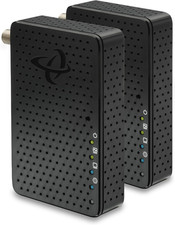
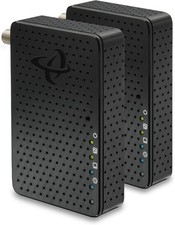
- EXTENDS YOUR NETWORK: Converts your home’s coax cable wiring into high-speed ethernet connections. Perfect for connecting devices in rooms far from your router without running new cables. Achieves up to 2.5 Gbps speeds over existing coax. Requires coax wiring originally installed for cable TV or cable internet, NOT satellite TV.
- WORKS WITH: Cable internet (Xfinity, Spectrum, Cox, etc.) and most fiber services (Verizon Fios, Google Fiber, etc.). ❌ DOES NOT WORK WITH: AT&T Fiber service or homes wired only for satellite TV (DirecTV, Dish Network). Best for home offices, gaming rooms, smart TVs, or any room with cable-TV-style coax outlet but weak WiFi.
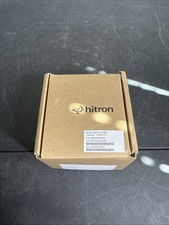
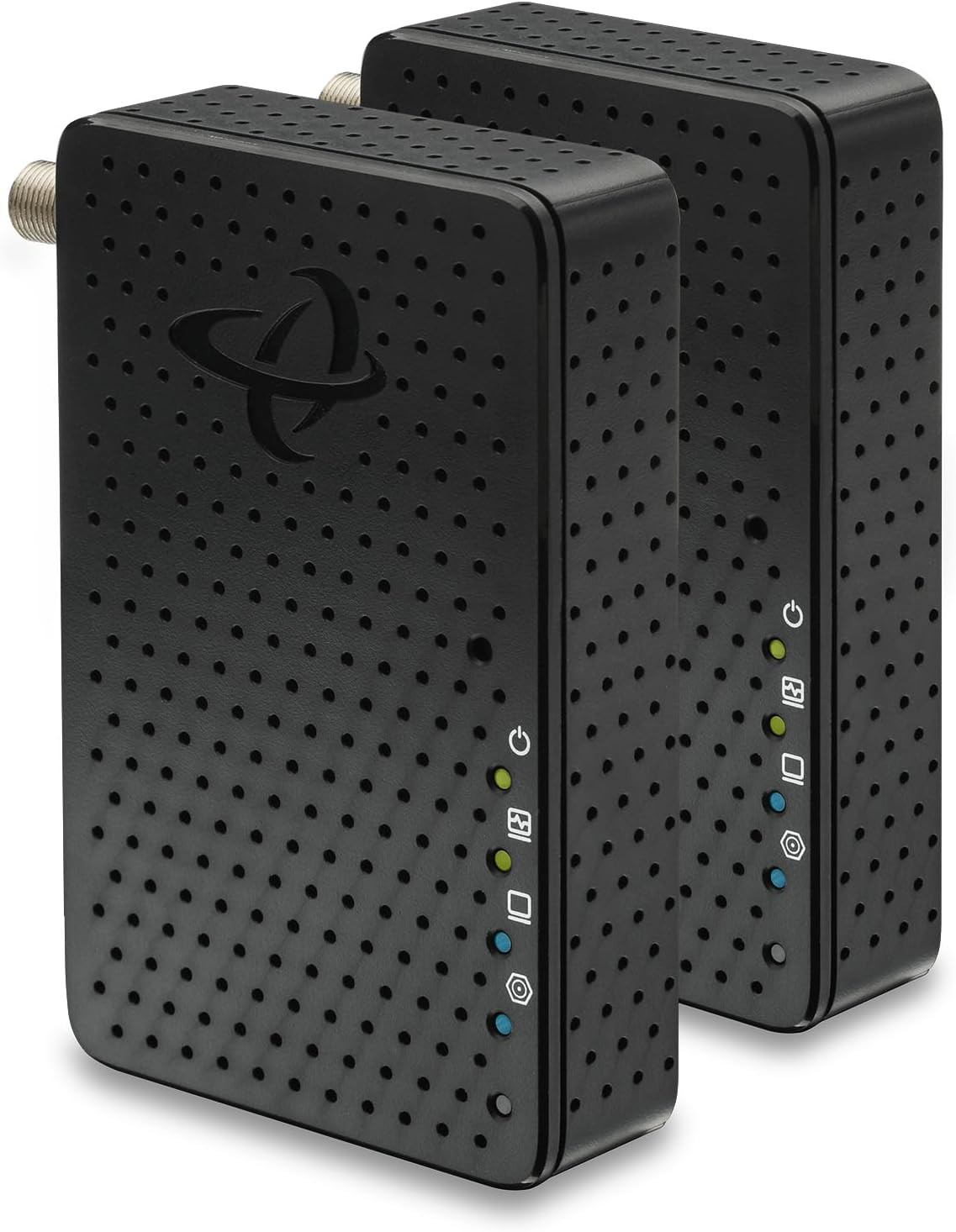
- COMPLETE 2-PACK KIT: Includes 2 MoCA 2.5 adapters, 2 coax cables, 2 ethernet cables, 2 power adapters, and quick start guide. Easy plug-and-play setup once coax wiring is verified. POE filter not included (required only for high-split DOCSIS cable systems). Requires cable TV coax network, not satellite TV wiring.
- 🚀 2.5 GBPS MAX ETHERNET SPEED: Delivers up to 2.5 Gigabit per second wired connection through your existing coax cables. Perfect for 4K streaming, gaming, and high-bandwidth devices. Actual speeds depend on your internet plan and network conditions.
- 📋 SMART PURCHASING GUIDE: This 2-pack includes 1 adapter for near your router + 1 for your device location. Each coax outlet needs its own adapter. Count your needed locations first - buy additional single units if you need more than 2 connections.
- 📦 COMPLETE 2-PACK KIT: Includes 2x MoCA 2.5 adapters, 2x Ethernet cables, 2x power adapters, and setup guide. POE filter for high-split DOCSIS systems sold separately if needed. Easy plug-and-play installation.
- 📞 SETUP SUPPORT INCLUDED: Free technical support available if you experience connectivity issues. Most problems stem from home wiring configuration, not product defects. Our support team can help verify your coax network compatibility and optimize performance.
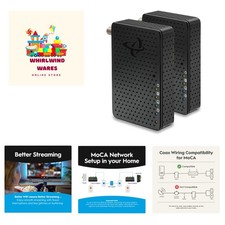
Product description MoCA Makes your WiFi Better! Why Your WiFi Gets Weaker WiFi signals get weaker the farther they travel. When your device is far from the WiFi router, the signal loses strength, leading to slower speeds and sometimes even lost connections. Also, WiFi can be disturbed by things like walls, other electronic devices, and even other WiFi networks. Boost Your WiFi with MoCA MoCA boosts your WiFi by providing a fast, stable connection between mesh pods. Using existing coaxial cables, MoCA helps the pods communicate quickly and reliably. This high-speed connection means each pod can deliver faster WiFi, giving you better coverage and quicker internet speeds. - Better Streaming
Enjoy smooth, pristine 4K and HD streaming with no more stutters, or frame freezes. - No Video Buffering
MoCA eliminates video buffering with a fast, stable connection, unlike fluctuating WiFi signals. - Better WiFi
MoCA boosts WiFi by using fast, stable coax connections, improving speed and reducing interference. - Better Video Conferencing
Faster, more reliable WiFi means smoother streaming and glitch-free meetings. - Better Gaming
Instantly reduce lag and latency so you can stay on top of the leaderboard! 1 Better Streaming 2 No Video Buffering 3 Better WiFi 4 Better Video Conferencing 5 Better Gaming IMPORTANT SETUP REQUIREMENTS - Coax Wiring Check: Ensure 1. Cable TV coax wiring (round cables with screw-on F-connectors), 2. Coax network that connects multiple rooms together, and 3. Active coax outlets in rooms where you need to connect a MoCA adapter
- High-Split Modem Users: If you have a high-split cable modem, install a Point of Entry (POE) filter to separate MoCA and modem signals
- Frequency Compatibility: Splitters must support MoCA frequency band (1125-1675MHz)
- Network Requirements: Minimum 2 MoCA devices needed to establish network connection
- Compatible Internet Services:
- Cable Internet: Xfinity, Spectrum, Cox, Optimum, Mediacom, WOW, Suddenlink, all cable ISPs
- Fiber Services: Verizon Fios, Google Fiber, Frontier Fiber and most Fiber-to-home providers (Not AT&T Fiber)
- Additional Requirements: 1. Standard Cable/Fiber: Works out of the box, 2. High Split DOCSIS Cable: Requires POE filter (sold separately), 3. Router: Any router or gateway with available Ethernet port
Optimize Your MoCA Performance with a POE Filter (If Needed) Most homes don’t need extra parts for MoCA. Low- and mid-split cable modems stay below MoCA frequencies. High-split modems overlap with MoCA and may interfere. A POE (Point of Entry) filter can help keep your MoCA signal strong and stable. Important Notes - To create a MoCA (Multimedia over Coax Alliance) network, it is essential that all coaxial cables in your home are properly connected to the same coax splitter. If your home was previously wired for satellite TV or another service (other than cable), it’s possible that not all of your cable outlets are connected to the splitter. Before setting up your MoCA network, ensure that each room’s coaxial cable is connected to the correct splitter. For detailed instructions on how to check if your MoCA adapters are functioning properly, please visit the Hitron's Technical Support website.
- Ensure that the RF splitter in your home is MoCA compatible. It must support the MoCA frequency band, which ranges from 1125 to 1675 MHz.
- Many cable operators may bypass the main splitter in your home, connecting the external coaxial cable directly to the modem or router. If this happens, not all coax outlets will be connected to the main splitter, making it difficult to create a MoCA network. To build a MoCA network, ensure that all coaxial cables—both external and internal—are connected through the main splitter.
- Low-split and mid-split cable modems typically operate up to 1002 MHz, which does not overlap the MoCA frequency band.
- High-split cable modems may use upstream frequencies up to 1218 MHz, which can overlap MoCA—this is when a Point of Entry filter may be required.
- TROUBLESHOOTING: If MoCA light stays OFF, check that coax cables from different rooms connect to the same splitter. Isolated coax runs will prevent MoCA devices from communicating.
-
What is MoCA Technology? MoCA transforms your existing coaxial cable wiring into a high-speed ethernet network backbone. Unlike wireless connections, MoCA uses shielded coaxial cables that provide exceptional signal integrity with ultra-low latency - typically under 5ms. -
How does MoCA work? MoCA adapters communicate through your home’s coax cables, converting ethernet data into MoCA signals that travel through the coax network, then converts them back to ethernet at the destination. -
Is the HTEM5 compatible with satellite services? No, the HTEM5 is compatible with cable services, but not satellite services such as DirectTV or Dish Network. -
Can I use HTEM5 MoCA Adapters with any Internet Service Provider (ISP)? Yes, Hitron’s HTEM5 MoCA adapters are compatible with any internet service provider. They work independently of your ISP and can be used to extend your network regardless of the service provider you are using. -
Can I use HTEM5 MoCA adapters in an apartment or multi-dwelling units (MDUs)? Yes, HTEM5 MoCA adapters can be used in apartments or MDUs. However, it’s important to note that the coaxial cable infrastructure in these buildings can be more complex, with multiple units sharing the same coaxial network. Compare Hitron's Family of MoCA Adapters Add to Cart Add to Cart Customer Reviews 4.4 out of 5 stars 391 4.4 out of 5 stars 391 — 4.4 out of 5 stars 1,540 Price $119.99$119.99 — — $104.99$104.99 Technology MoCA 2.5 MoCA 2.5 MoCA 2.5 MoCA 2.5 2.5 GigE ✔ ✔ ✔ ✘ Overall Speeds up to 2.5 Gbps up to 2.5 Gbps up to 2.5 Gbps up to 1 Gbps Ethernet Speeds up to 2.5 Gbps up to 2.5 Gbps up to 2.5 Gbps up to 1 Gbps MoCA Network Speeds up to 2.5 Gbps up to 2.5 Gbps up to 2.5 Gbps up to 2.5 Gbps Type of Kit Starter Kit Add-on 3 Pack Starter Kit  |
|