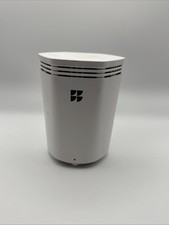
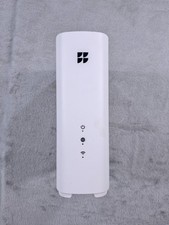
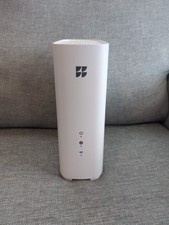
Google GFiber Fiber Wi-Fi 6E Router 5-Port Tri-Band 6GHz GR6EXX0C White For Sale
When you click on links to various merchants on this site and make a purchase, this can result in this site earning a commission. Affiliate programs and affiliations include, but are not limited to, the eBay Partner Network.
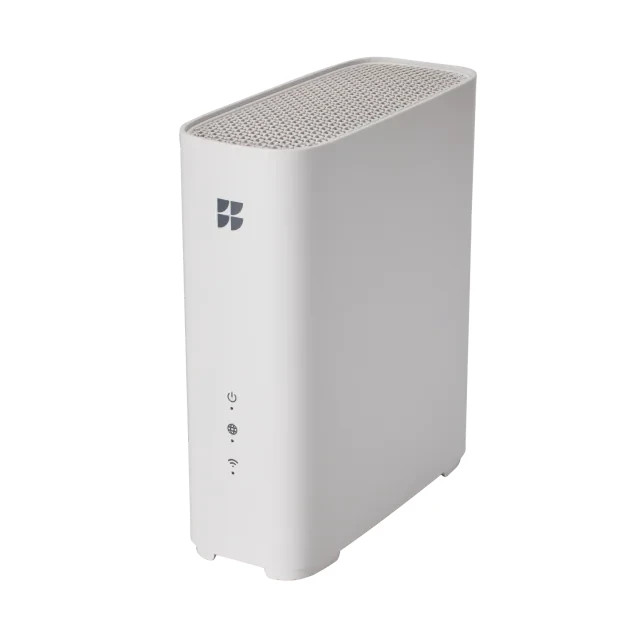
Google GFiber Fiber Wi-Fi 6E Router 5-Port Tri-Band 6GHz GR6EXX0C White
Price: US $80.00
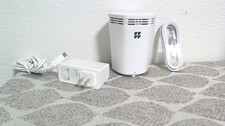
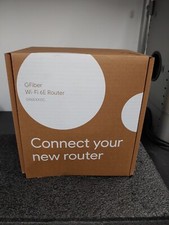
Google GFiber Fiber Wi-Fi 6E Router 5-Port Tri-Band 6GHz GR6EXX0C White FREE SHIPPING BRAND NEW IN MANUFACTURER BOX
Model: GR6EXX0C (GFiber Wi-Fi 6E Router)
Capabilities: Tri-band support (2.4GHz, 5GHz, and 6GHz bands)
Design: Compact, white aesthetic with a silver WAN port (globe icon) for Fiber Jack connection
Add-ons: Pairs with the GFiber Wi-Fi 6E Mesh Extender (GE6E220C) to increase whole-home coverage
The Google Fiber (GFiber) Wi-Fi 6E Router (GR6EXX0C) is a high-performance, tri-band (2.4GHz, 5GHz, and 6GHz) router capable of delivering wireless speeds up to 1.6 gigabits and wired speeds up to 8 gigabits. It features 5 Ethernet ports (including a silver WAN port) and supports whole-home mesh networking. [1, 2, 3, 4, 5]Setup and Installation
Initial Connection: Unplug any old routers. Use the provided Ethernet cable to connect your Fiber Jack to the router's silver WAN port, then plug the router into a power outlet.
Pairing Extenders: If your home requires a GFiber Wi-Fi 6E Mesh Extender, plug it into power 3-6 feet from the router. Press the WPS button on both the router and the extender until they blink, then wait for the light to turn solid green.
Network Settings: Download the GFiber App (not Google Home) to update your Wi-Fi name and password. Go to Network > Network settings > Primary network settings to save your changes.
Network Health: The router supports the Network Health feature in the app, giving you a rating of your connection (excellent, good, or poor) alongside troubleshooting tips.