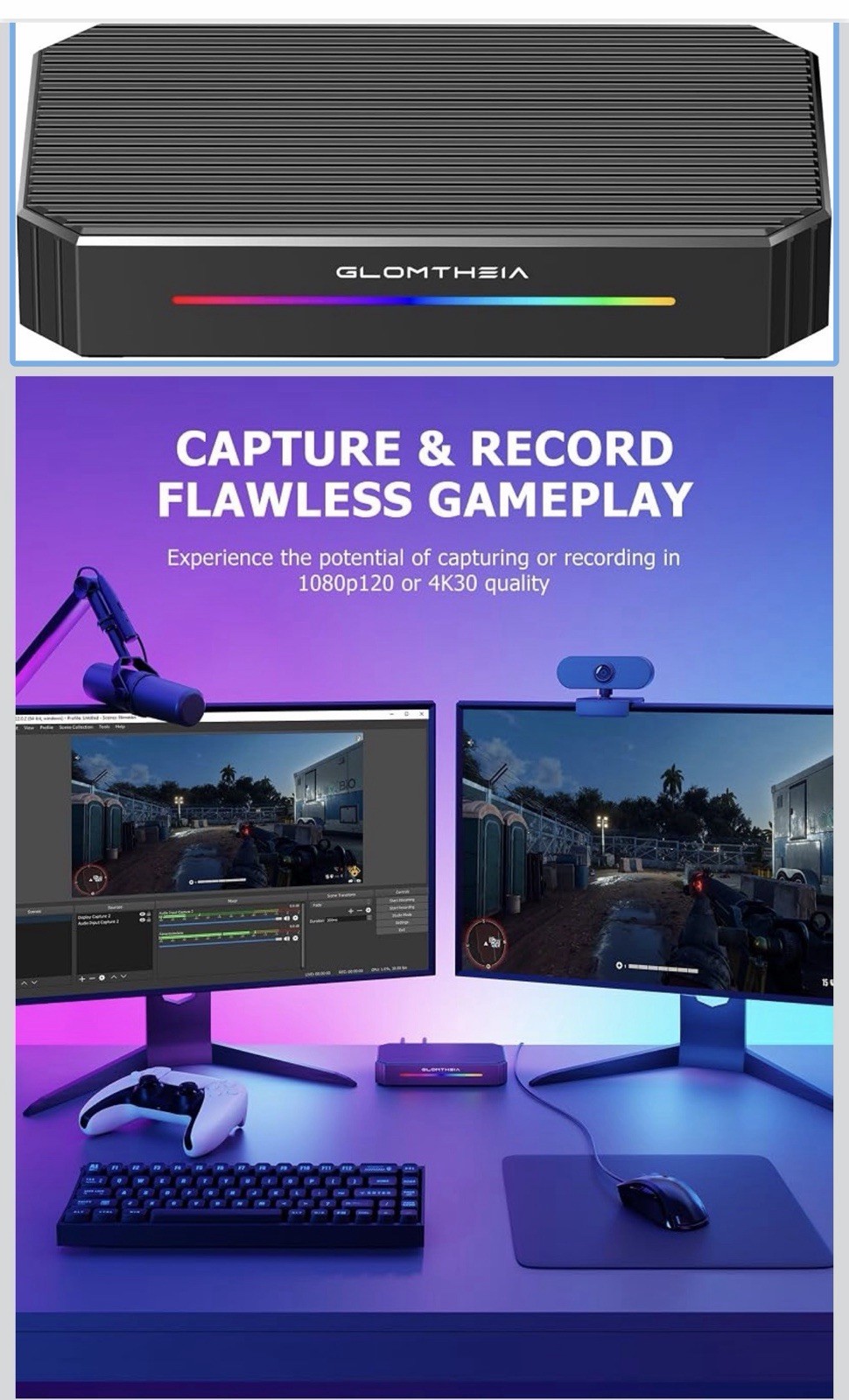
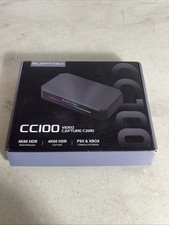
The Glomtheia CC100 is a 4K video capture card designed for streaming and recording console and PC gameplay. It functions as a plug-and-play device to send video feeds from consoles like the PS5, Xbox Series X/S, or Nintendo Switch directly to a computer for software integration.
Key Features and SpecificationsResolution Capabilities:
Supports up to 4K at 60Hz HDR pass-through (loop out) to your main gaming monitor while capturing high-definition video.Connectivity Ports: Features an HDMI Input, an HDMI Output, a USB-C computer connection, a 3.5mm microphone input, a line-in audio port, and a headphone audio out port for live hardware monitoring.
Data Transfer: Built with a USB 3.0 port to deliver fast transfer speeds and maintain ultra-low latency while sending data to your laptop or PC.
Software Compatibility: Works natively with popular broadcasting and recording software like OBS Studio, where it displays under the video capture device list.
System OS Support: Compatible with Windows, macOS, Linux, and Android systems.
How to Set It Up
Connect the card to your PC: Use the included USB-C cable to connect the capture card to a USB 3.0 port on your computer.
Hook up your console: Plug an HDMI cable from your gaming console into the HDMI IN port on the capture card.
Set up pass-through (Optional): Connect another HDMI cable from the HDMI OUT port on the card directly to your television or gaming monitor to play without latency.
Configure your software: Open OBS Studio, add a new "Video Capture Device" source, and choose the Glom CC100 from the device dropdown list.