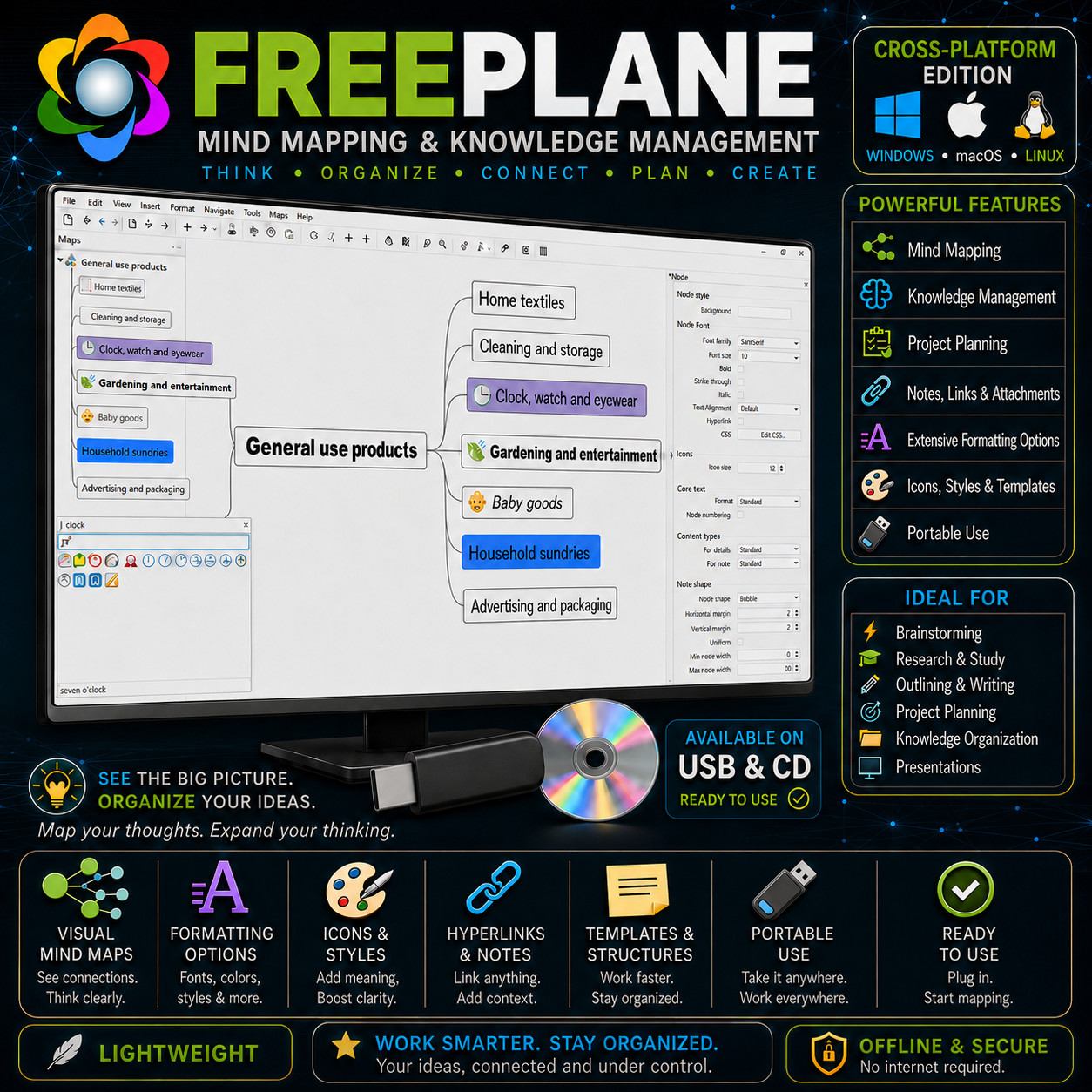
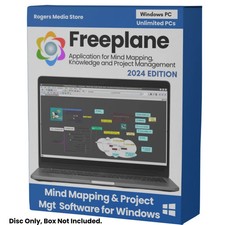
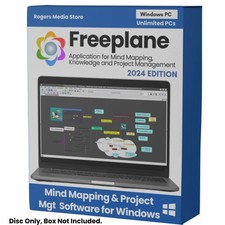
Mind Mapping & Knowledge Management FREEPLANE THINK · ORGANIZE · CONNECT · PLAN · CREATE A flexible visual thinking tool for ideas, planning, research, notes and structured knowledge on Windows, macOS and Linux. Cross-Platform Mind Mapping Formatting & Styles USB or CD Choose Your Media — Buyer's Choice Select a USB flash drive or a CD-ROM. Both options are prepared with the software files and seller-supplied setup documentation for Windows, macOS and Linux. Freeplane runs on systems with a compatible Java installation, making it a practical cross-platform option for many desktops and laptops.
Freeplane is a desktop application for mind mapping, note organization and visual knowledge management. Start with one central idea, branch into related topics, attach notes and links, apply icons and styles, and keep expanding until a complicated subject becomes something you can navigate at a glance. It works well for brainstorming, research, studying, writing, project planning, concept mapping and building structured reference material that grows over time.
Why This Edition Stands Out 💿 USB or CD — your choice Choose the physical format that suits your computer. Both options are prepared with the software files and step-by-step setup material so you can get started without hunting through multiple download pages. 🖥️ Cross-platform flexibility Use it on Windows, macOS or Linux. Freeplane is a strong choice when you want the same style of visual planning tool across different computers and operating systems. 🎨 Powerful visual formatting Change node fonts, colors, backgrounds, borders, shapes, icons and branch styles so important ideas stand out instantly. Build clean professional maps or expressive brainstorming boards. 🧠 From simple maps to advanced workflows Begin with basic branches and notes, then grow into templates, bookmarks, formulas, LaTeX, scripts and add-ons when you need more structure and automation. 📚 Seller-prepared documentation Includes step-by-step setup guidance plus a quick-start guide covering map creation, notes, links, formatting, templates and basic navigation. 🚀 Current stable build at preparation time Your media is prepared using the current stable release available when your order is assembled rather than an old archived package sitting on a shelf. What Freeplane Helps You Do 🧠 Visual mind maps that grow with your ideas Create a central topic and branch outward into as many levels as you need. Collapse sections for a clean overview, expand them when you need detail, and reorganize branches as your thinking evolves. 🎨 Extensive formatting options Customize fonts, text size, colors, backgrounds, node shapes, borders, icons and branch styles so a map communicates structure clearly and visually. 🖌️ Styles & reusable templates Apply named styles to keep formatting consistent across large maps. Use templates to start recurring map structures quickly instead of rebuilding the same framework every time. 🔗 Links, notes & connected information Turn a node into more than a label. Attach notes and links so a map can act as a visual index to websites, files, references and supporting information. 🔖 Bookmarks & navigation for large maps Keep major sections easy to reach even when a map becomes large. Navigation tools help you jump around structured information without losing the bigger picture. 🧮 Formulas & LaTeX Use formulas when maps need calculated or dynamic content, and render mathematical expressions with LaTeX for technical, scientific and educational workflows. ⌨️ Scripting & automation Advanced users can automate repetitive work with scripts, manipulate map data and turn a mind map into a flexible information-processing workspace. 🧩 Add-ons for extra capabilities Extend the application with add-ons that introduce additional commands and specialized workflows, letting experienced users shape the program around the way they work. Ideal For 💡 Brainstorming Capture ideas quickly without forcing them into a linear document. Rearrange branches later once the structure becomes clear. 🎓 Study & Research Map a subject, attach notes and references, connect related concepts, and reduce a large topic into a visual study guide. 🎯 Project Planning Break a project into goals, phases, tasks, resources, risks, notes and decisions while keeping the entire structure visible. 📚 Knowledge Organization Build long-lived reference maps for topics, procedures, research, classes, projects or any other structured knowledge. ✍️ Writing & Outlining Outline articles, reports, books and presentations visually before converting the structure into a linear draft. 🧑🏫 Teaching Create concept maps, lesson structures, revision maps and visual explanations that make relationships easier to understand. 🗂️ Personal Organization Organize goals, checklists, plans, travel research, household projects and personal reference material. ⚙️ Power Users Use formulas, LaTeX, scripts, conditional styles and add-ons to build sophisticated map-based workflows. What You Receive in the Mail
1 × USB flash drive or CD-ROM — your choice at checkout - Prepared media containing software files for Windows, macOS and Linux
- Read Me First PDF with step-by-step setup guidance
- Quick-start PDF guide covering map creation, nodes, notes, links, formatting, icons, styles, templates and navigation
- Media professionally prepared, organized and checked before shipment
Compatibility Requirement Notes Operating systems Windows, macOS and Linux. Java A compatible Java runtime is required. Freeplane works on systems that support the needed Java version. USB option Requires a standard USB port or suitable adapter. CD option Requires a readable CD/DVD optical drive. Internet Not required for ordinary local use once the software is installed. How It Works — 3 Steps 1 Insert your media Connect the USB or insert the CD into your computer and open the Read Me First guide. 2 Choose your OS files Open the Windows, macOS or Linux materials on the media and follow the included setup guidance for your platform. 3 Create your first map Start with a central idea, add child nodes, apply colors and icons, attach notes and links, then expand the structure as your project or knowledge grows. See the Big Picture Without Losing the Details A normal document forces information into one long page. A mind map lets you keep the high-level structure visible while storing detail underneath each branch. Collapse what you do not need, expand what you do, and move ideas around until the structure matches the way you think. Frequently Asked Questions 💿 USB or CD — which should I choose? Choose USB for most modern computers. Choose CD if you have a system with an optical drive and prefer disc media. 🖥️ Which operating systems are supported? This revised listing is based on Freeplane's cross-platform nature. It supports Windows, macOS and Linux when a compatible Java runtime is available. 🧠 Is it only for brainstorming? No. Brainstorming is only one use case. Freeplane can also be used for research, note organization, project planning, study maps, knowledge bases, outlines and many other structured-information workflows. 🎨 Can I change how the map looks? Yes. Nodes support extensive formatting including fonts, colors, backgrounds, shapes and styles. You can also use icons and templates to keep large maps visually organized. 🔗 Can nodes contain more than a few words? Yes. Nodes can be supported with notes and links, allowing the visible map to stay concise while deeper information remains attached to the relevant topic. 🧮 Does it support math and technical work? Yes. Freeplane supports formulas and LaTeX rendering for mathematical expressions, and advanced users can also use scripting for automation and custom workflows. 🧩 Can I add more features later? Yes. Freeplane supports add-ons that can introduce additional commands and specialized functions. 📦 We ship as soon as paid Map Your Ideas. Expand Your Thinking. Think. Organize. Connect. Plan. Create. Have a compatibility or media question? Please message us before purchasing.
This listing is for professionally prepared physical media. Your selected USB or CD arrives organized with software files and seller-supplied setup documentation for Windows, macOS and Linux. The purchase price reflects the physical media, preparation, testing, documentation, packaging and shipping.
Condition: brand new prepared USB flash drive or CD-ROM, according to the option selected at checkout. Professionally assembled and checked before shipping.
Important notes: Freeplane is Java-based software. Operating-system compatibility depends on a compatible Java environment. No proprietary product key is included or required. Only the physical media and documentation described in this listing are included.