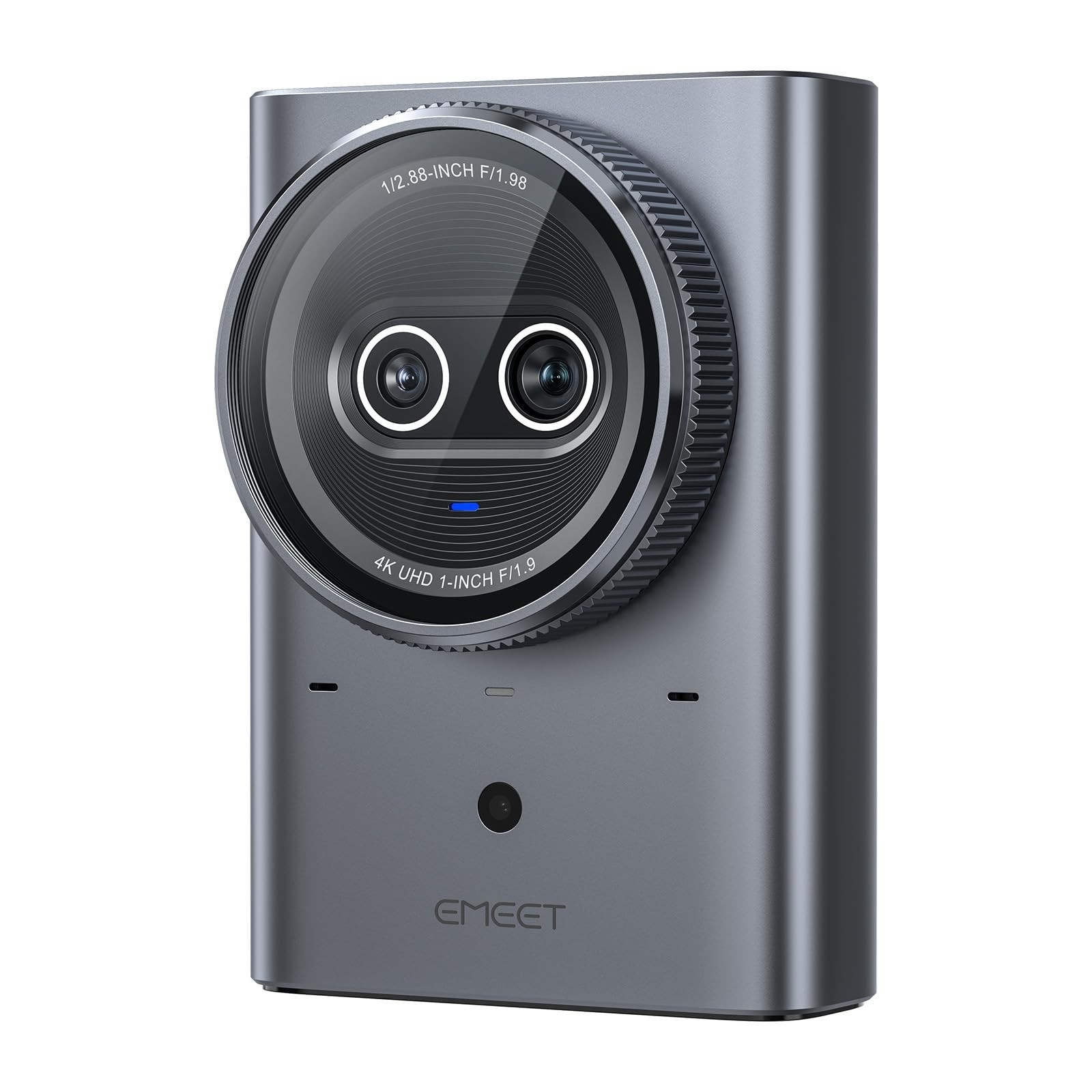
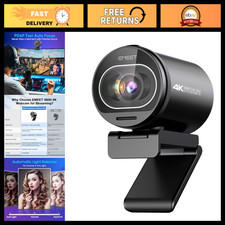
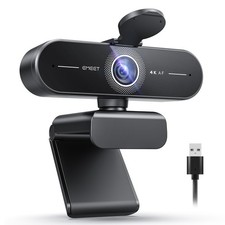
EMEET Prime 4K Dual-Lens Live Streaming Camera
Broadcast-grade streaming. No capture card needed.
A 1-inch sensor in a streaming camera. Captures about 4× more light than standard webcams — clean, sharp footage even in dim rooms and backlit windows. You will receive exactly the version you select above. Compare both versions below before ordering.Quick Pick Version Video Zoom Best for Prime SE 4K 30fps 8X hybrid Teaching, music lessons, art demos Prime Aurora 4K 60fps 12X hybrid Live commerce, beauty, jewelry, fast motionOn Both Versions 1-Inch Large Sensor
About 4× more light than standard webcam sensors — no grainy footage, no blown-out highlights in low or mixed lighting.
HDMI + USB-C, No Capture Card
Monitor via HDMI while streaming via USB-C at the same time. No capture card, no driver, no complicated OBS setup.
0.2s PDAF Autofocus + Under 80ms Latency
Focus snaps on instantly when you lean in or hold up a product. Voice and image stay perfectly synced in real time.
Hybrid Zoom, No Lens Swapping
Push in on sheet music, brush strokes, jewelry or yoga poses without repositioning the camera — 8X (SE) or 12X (Aurora) total zoom.
520-Hour Certified Reliability
A full-metal chassis pulls heat away from the sensor, certified for 520 hours of stable operation — full workdays, weekend marathons, 24/7 channels.
Remote + All-Metal Build
A 2.4GHz remote adjusts zoom, exposure and image settings without leaving your position. Standard 1/4" tripod mount. Screw-lock ports for a secure setup.
Compatibility
Systems: Windows · macOS.
Apps: OBS, YouTube, Twitch, Zoom, Microsoft Teams and majorstreaming platforms.
Specifications Item Details Series EMEET Prime Sensor 1-inch CMOS Resolution 4K 30fps (SE) / 4K 60fps (Aurora) Zoom 8X (SE) / 12X (Aurora) hybrid zoom, 2X optical Focus PDAF Autofocus, 0.2s Latency Under 80ms Output HDMI + USB-C dual output, no capture card Build Full metal, 1/4" tripod mount, screw-lock ports Reliability 520-hour MTBF certified Warranty 2 yearsSet Up in 60 Seconds
1. Mount the Prime on a tripod or stand.
2. Connect USB-C to your computer and HDMI to a monitor (optional).
3. In OBS / Zoom / Teams, select "EMEET Prime" as camera. No capture card needed.
What's in the Box
1 × EMEET Prime Camera Body · 2 × USB-C Cables · User Manual