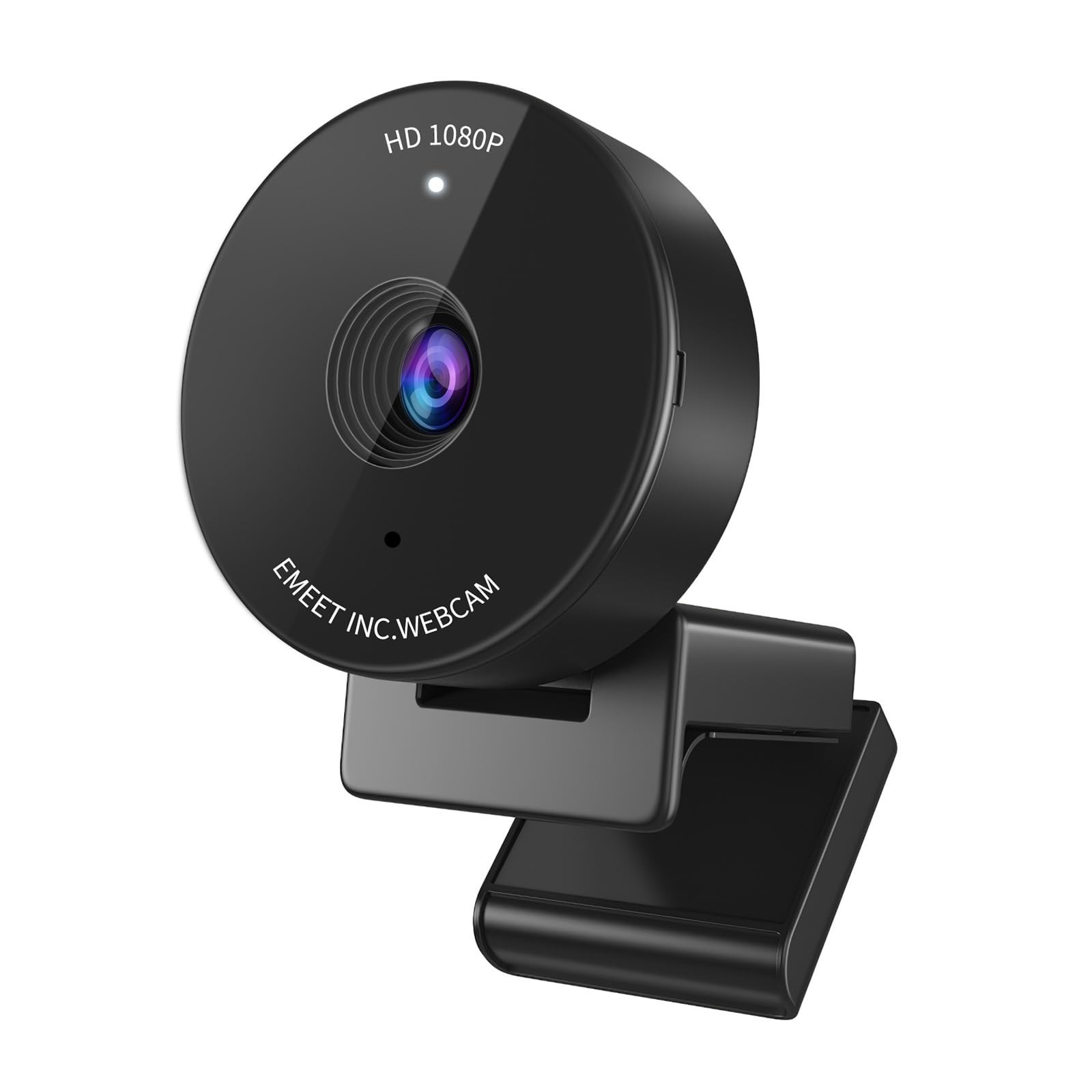
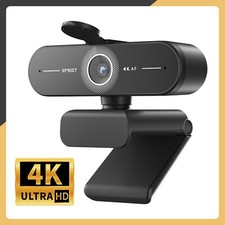
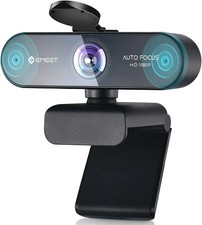
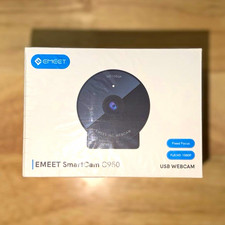
EMEET C950 Webcam — 1080P / 4K
Compact. Private. Plug in and go.
70° personal view + physical privacy cover. Keeps you centred without exposing your whole room — ideal for meetings, online classes and personal calls. You will receive exactly the version you select above. Compare both versions below before ordering.Quick Pick Version Video Focus Best for 1080P 1080P 30fps Fixed focus Best value. Everyday calls and classes 4K 4K@30 / 1080P@60 PDAF autofocus Sharper video, faster focusOn Both Versions 70° Personal View
Frames you, not your whole room — protects your privacy by keeping the background out of the shot.
Physical Privacy Cover
Slide the cover over the lens when you are not on camera. No software, no doubt.
Auto Light Correction
Adjusts exposure automatically for clearer video in normal indoor lighting. EMEETLINK software lets you fine-tune settings.
Built-in Omnidirectional Mic
Picks up your voice clearly for calls and classes without a headset.
Ultra-Compact, Plug & Play
Small enough to carry anywhere. Connect via USB and start — no driver download required.
Good to know: the 4K version does not support tripod mounting (no tripod hole). Actual video resolution depends on your camera app or software such as OBS / PotPlayer.Compatibility
Systems: Windows 10 / 11 · macOS 10.14+ ·Android TV 7.0+ · Linux.
Apps: Zoom, Microsoft Teams, Google Meet, Webex, FaceTime,GoToMeeting and more.
Specifications Item Details Model EMEET C950 Resolution Options 1080P@30fps / 4K@30fps, 1080P@60fps Field of View 70° Microphone Built-in omnidirectional mic Privacy Physical privacy cover Connection USB, plug & play Warranty 2 yearsSet Up in 30 Seconds
1. Clip the camera on your monitor or laptop.
2. Plug the USB cable into a free port.
3. In Zoom / Teams / Meet, select "EMEET C950" as camera and microphone.
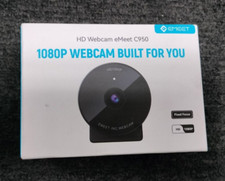
What's in the Box
1 × EMEET C950 Webcam · 1 × Privacy Cover · 1 × USB Cable ·User Manual