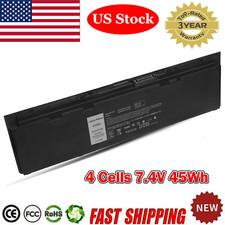
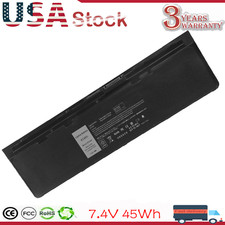
Specification:
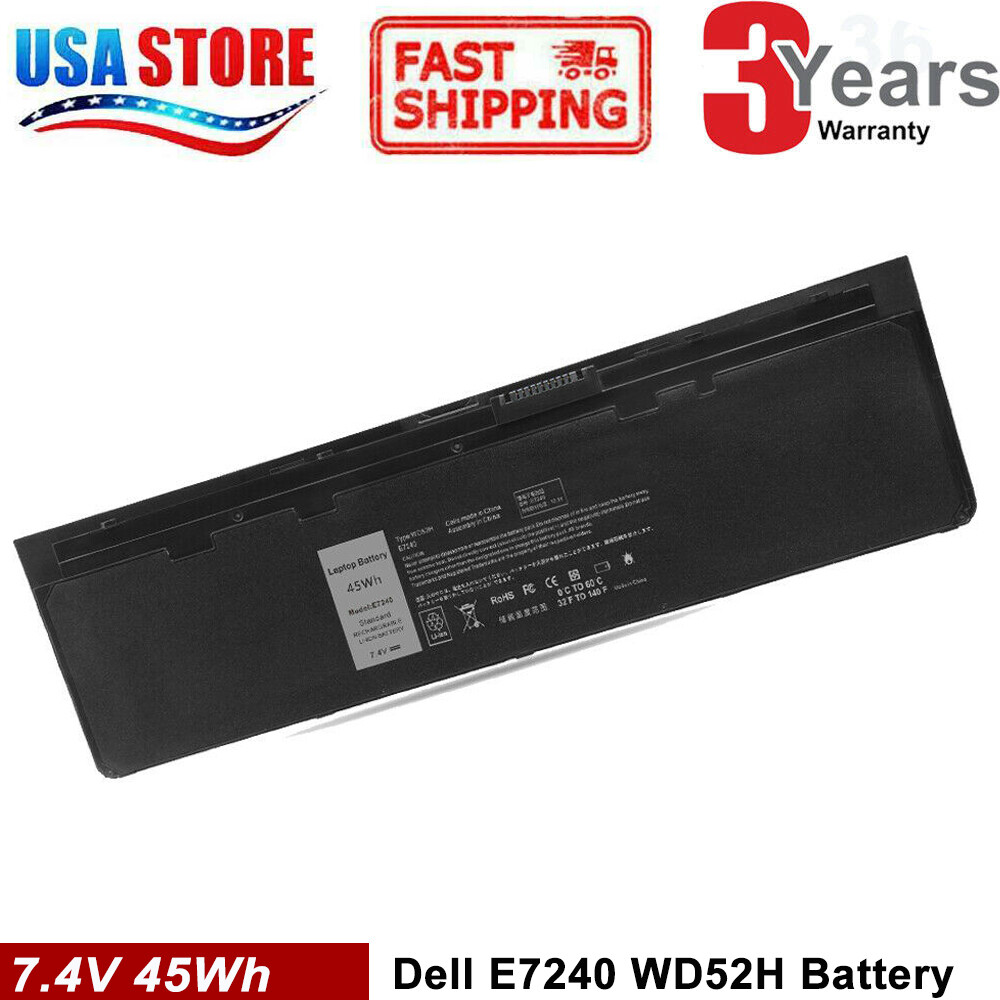
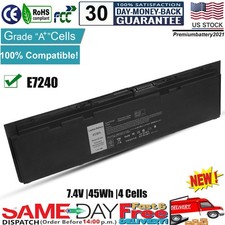
Battery type: Li-ion
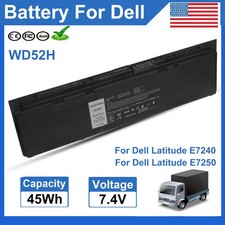
Voltage: 7.4V
Capacity: 45Wh
Cell: 4 Cells
recharge cycles: 500
Operation time: Around 1.5-2.5hours
Compatible Part Numbers:
X01 PT1 DL011311-PLP22G01 KWFFN 0KWFFN J31N7 0J31N7
W57CV 0W57CV
DWJHM F3G33 FW2NM GVD76 GD076 GHT4X HJ8KP JN0J1 KKHY1
NCVF0
VFV59 WG6RP WD52H YDN87 451-BBFT 451-BBFV 451-BBFW 451
-BBFX 451-BBFY 451-BBQD
Compatible with Models:
For Dell Latitude 12 7000 Series
For Dell Latitude E7240 Series
For Dell Latitude E7250 Series
How to purchase the correct of battery?
Tip 1: You have to find your specific laptop model before ordering a correct battery. How to check your laptop model?
- Step 1: Press Windows + R to open Run window.
- Step 2: Input "msinfo32" in the empty box and click OK to open System Information.
- Step 3: Keep in the System Summary section, and you will find the System Model item in the right pane.
Tip 2: Remove Battery from Laptop to find your laptop battery part number
- Step 1: Switch off the laptop and unplug the power cable in case of electric shock
- Step 2: Remove the back panel with the screwdriver. You should to this with care avoiding any harm to the laptop components.
- Step 3: Disconnect the cable connected to the battery and then take out the battery. After that, you can check the specifications of your battery.
On May 4, 2023 at 21:11:27 PDT, seller added the following information: