Read handling and shipping time before purchasing.
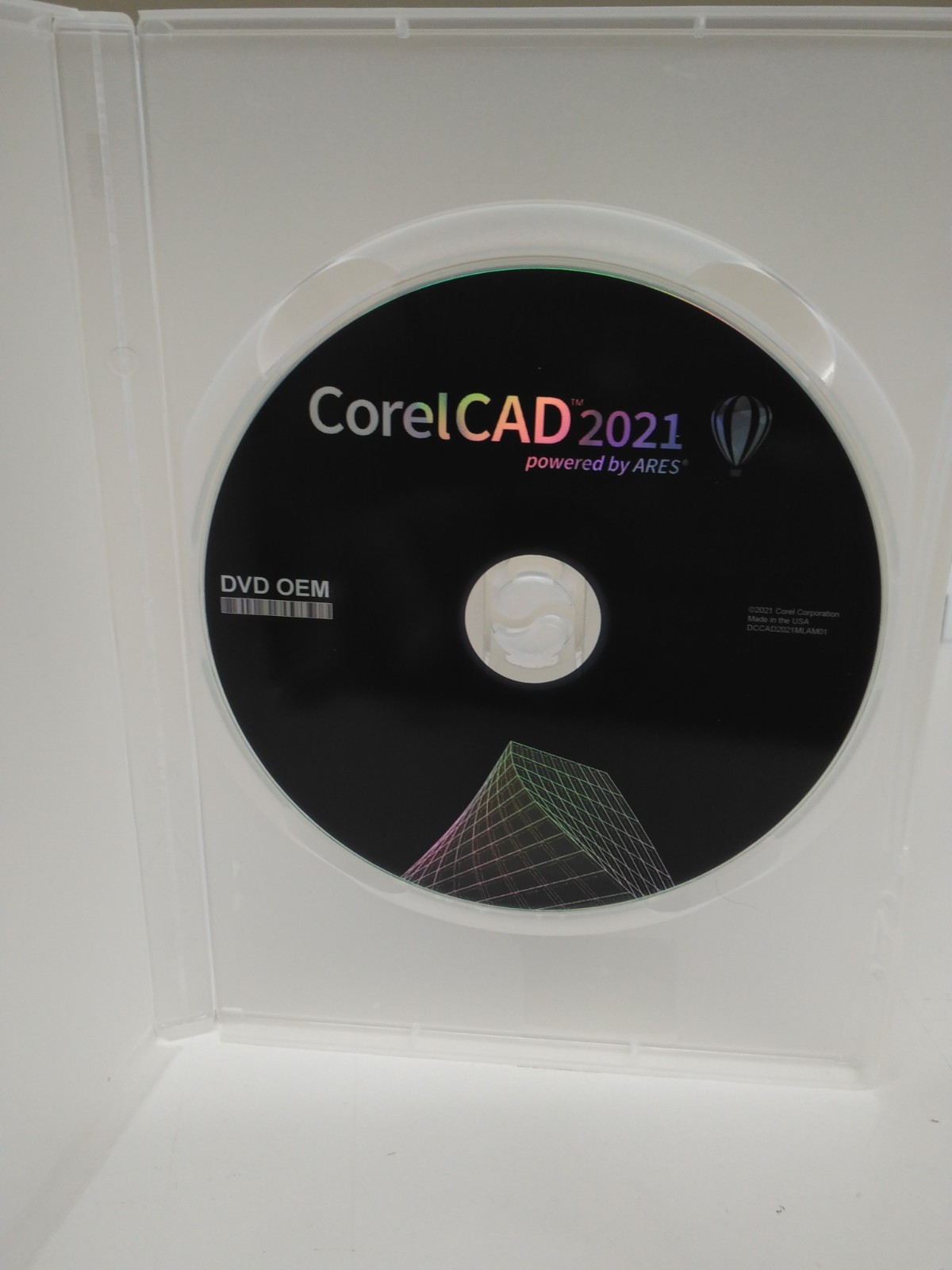
CorelCAD 2021 OEM is a simplified CAD drawing software with all the key tools of popular CAD applications, and with many features that allow you to collaborate with these third-party programs. CorelCAD 2021 provides professional 2D drafting and 3D design toolsets for architecture, engineering, construction (AEC), and manufacturing. It supports industry-standard file types such as STL, PDF, and CDR for collaboration and 3D printing.
CorelCAD lets you quickly conceptualize, plan, draft, lay out, and edit your designs. You can transform 2D drawings into 3D models with just a few clicks, and work with text, graphics, and tactile outputs. CorelCAD 2021 is compatible with Windows, with a few features available only for Windows. Check out all the key features below. A mobile app is also included that lets you perform some tasks on the go on your mobile devices.New in CorelCAD 2021Drawing Compare PaletteCompare two files with highlighted colors to track changes, show multiple options within a project, and define before and after points within your workflow.
Enhanced Pattern CommandDuplicate objects and patterns along a path in the same perspective with new associativity in the Pattern command. Now you can replicate objects and patterns along a linear or circular path.
Convert Dynamic Blocks to Custom BlocksSave changes to dynamic block definitions by converting them to custom blocks, providing more control and editing abilities in your files.
Redesigned Print Dialog (Windows Only)Enjoy a streamlined printing process bringing multiple options to one location, providing additional display options and more control.
Enhanced PDF Output (Windows Only)Adjust the file size and image quality to fit your needs, with the enhanced ability to set the quality of raster and vector images when exporting your work to PDFs.
Seamless AutoCAD Compatibility (Enhanced)Open, edit, and save files with the latest AutoCAD DWG file format, including the ability to edit dynamic blocks and save them as custom blocks.
Key FeaturesIndustry-Standard Features
CorelCAD is compatible with all major CAD programs. Onboard quickly with familiar commands and toolbar items.
Layer PaletteAccess layer controls easily without leaving the drawing UI. Merge one or multiple layers to a destination layer.
Layer Group FiltersGroup all the referenced layers from other drawings that are created automatically when attaching external references.
Design ResourcesAccess and manage design components (blocks, styles, drawings, and images) for a variety of CAD projects.
Custom Block FeaturesSave a Custom Block (symbol definition) as a separate drawing with New CBWBlockAs or test Custom Block definitions without exiting the Block Editor.
Drawing ConstraintSee how the new set constraint name format can specify how dimensional constraints are displayed, and geometric shapes conform to dimensional constraints.
MultiLeader and Dimension ToolsConfigure callouts and leader lines that auto adjust. Create a new dimension style from a specified dimension and use Smart Dimension tools for accuracy.
Object Snaps and GripsRedistribute objects with Object Snaps, Grips, and Polar Guides. Contextual shortcut menus allow interactive editing of the geometry.
3D Design and Editing ToolsCreate wireframe geometry from the edges of a 3D solid, surface, mesh, or region. Use OffsetEdges to make 2D entities from 3D solid or surface boundary.
STL File ImportImport stereolithography files (*.stl) to insert contained 3D objects. Further modification is now possible on ready-made 3D design imports.
PolySolid 3D Editing and ModelingUse PolySolid to draw 3D solid objects in the shape of polygonal walls. Apply ChamferEdges to bevel 3D solid objects, with Face and Loop options.
Transition from 2D to 3DCreate a 2D design in CorelCAD or import from CorelDRAW to shift to 3D. Extrude, revolve, or sweep 2D entities along a path to go from 2D drafting to 3D modeling.
3D Mouse Support (Windows Only)Navigate in 3D with support for 3Dconnexion input devices.
Data Extraction WizardUse the Data Extraction Wizard to specify and/or block object attributes, and extract information.
CorelDRAW and DESIGNER File Support (Windows Only)Easily import and export CorelDRAW (CDR) and Corel DESIGNER (DES) files into CorelCAD on Windows, for a seamless workflow between CAD and graphics.
Annotation and MarkupAdd recorded messages, reminders, or instructions into drawings with VoiceNotes tool. Mark or mask portions of drawings to exempt from annotations.
3D PrintingExport 3D solid objects to STL, the most commonly used file format for 3D prints. Print 3D prototypes using STL support for direct connection to 3D printers or output to third party 3D printing services.
File SupportCorelCAD supports leading formats, including PDF, SVG, EPS, DWF, STL, SAT, SHP, and DWS. CorelCAD for Windows supports import from and export to CorelDRAW (CDR) and Corel DESIGNER (DES).
Technical Details of CorelCAD 2021
Software Name: CorelCAD 2021File Size: 359 MBDeveloper: Corel
System Requirements for CorelCAD 2021
Operating System: Windows 11/10/8/7Free Hard Disk Space: 2 GB of minimum free HDDInstalled Memory: 4 GB of minimum RAMProcessor: Intel Core 2 Duo or higher