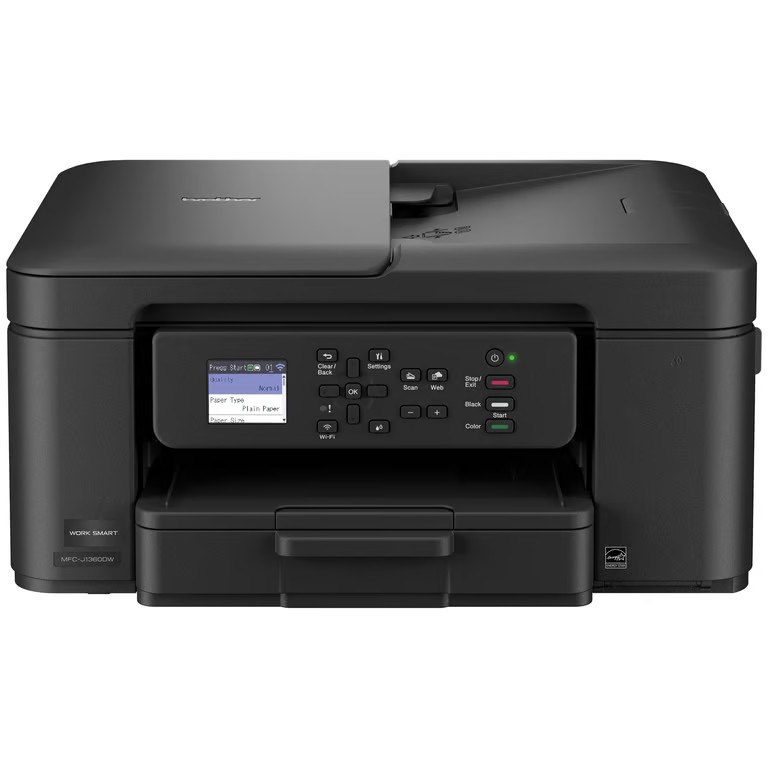
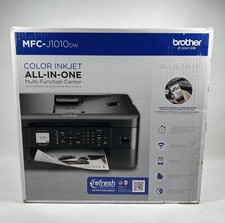
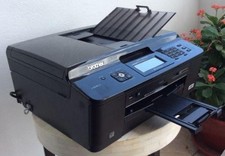
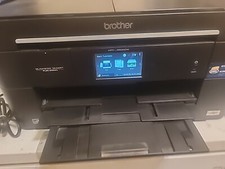
Looking for a reliable printer that’s easy to use? The Brother Work Smart 1360 Wireless All-in-One Color Printer makes everyday printing simple. It prints on both sides automatically, copies or scans stacks of pages for you, and connects easily to your Wi-Fi so you can print from your phone, tablet, or computer using the color screen on the printer. Whether you’re printing to-do lists, schoolwork, or work documents, you’ll get sharp black text and bright color prints at fast speeds. The printer also monitors your ink levels, so you know when it’s time to replace the cartridge. Setup is quick with the Brother Mobile Connect app(1), and once you’re connected, you can print from almost anywhere. For best results, use Brother Genuine LC501 Ink for consistent, dependable printing. Brother MFC-J1360DW Inkjet Printer Helpful Product Details What is the Brother MFC-J1360DW? The Brother MFC-J1360DW is a wireless color inkjet all-in-one printer that can print, scan, and copy in one machine. Can the Brother MFC-J1360DW print on both sides of the paper? Yes. The Brother MFC-J1360DW inkjet printer automatically prints on both sides, which helps save paper and reduce printing costs. Can the Brother MFC-J1360DW scan or copy multiple pages at once? Yes. You can place a stack of pages in the top tray, and the Brother MFC-J1360DW will scan or copy them automatically instead of one page at a time. Can I print from my phone or computer with the Brother MFC-J1360DW? Yes. The Brother MFC-J1360DW inkjet printer lets you print wirelessly from your phone, tablet, laptop, or desktop computer using Wi-Fi1, and also lets you scan documents directly to popular cloud services like Google Drive™ and Dropbox2. What is the 1.8” Color Display screen for the Brother MFC-J1360DW inkjet printer? The color screen on the Brother MFC-J1360DW inkjet printer lets you start copying or scanning, change settings, connect to Wi-Fi, and check ink levels directly on the printer without using a computer. Is the Brother MFC-J1360DW good for home or small office use? Yes. The Brother MFC-J1360DW color inkjet printer is designed for home offices, remote workers, students, and families who need reliable everyday printing. Why choose a Brother inkjet printer? Brother is a brand you can count on. With a long history of making reliable products, Brother designs printers that are dependable, easy to use, and made to last. This focus on consistent, everyday performance is why many people trust Brother. Why choose an inkjet or laser printer? Inkjet and laser printers are designed for different printing needs. Inkjet printers are great for everyday home use, offering vibrant color, photo-quality prints, and low-cost color printing, especially if you print regularly. Laser printers are ideal for fast & high-volume document printing, delivering sharp text, quick speeds, and consistent results for home offices and small businesses use. What kind of customer support do I get when I purchase a Brother product? Brother offers reliable customer support to help you get the most out of your machine. Customers have access to product support resources, including user manuals, online help, and dedicated customer service for setup and troubleshooting questions. For additional assistance, please contact Brother Customer Service at .