TRS TOOLS PLUG • FIX • DONE ULTIMATE LINUX MULTI-BOOT USB 26 LINUX DISTRIBUTIONS & UTILITIES
Desktop Linux • Lightweight Systems • Recovery • Privacy • IT Tools
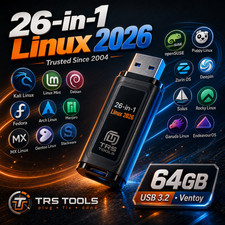
64GB USB 3.0 Physical Media • 26 Software Images • TRS Tools Prepared One USB. 26 Choices. More Ways to Explore Linux.
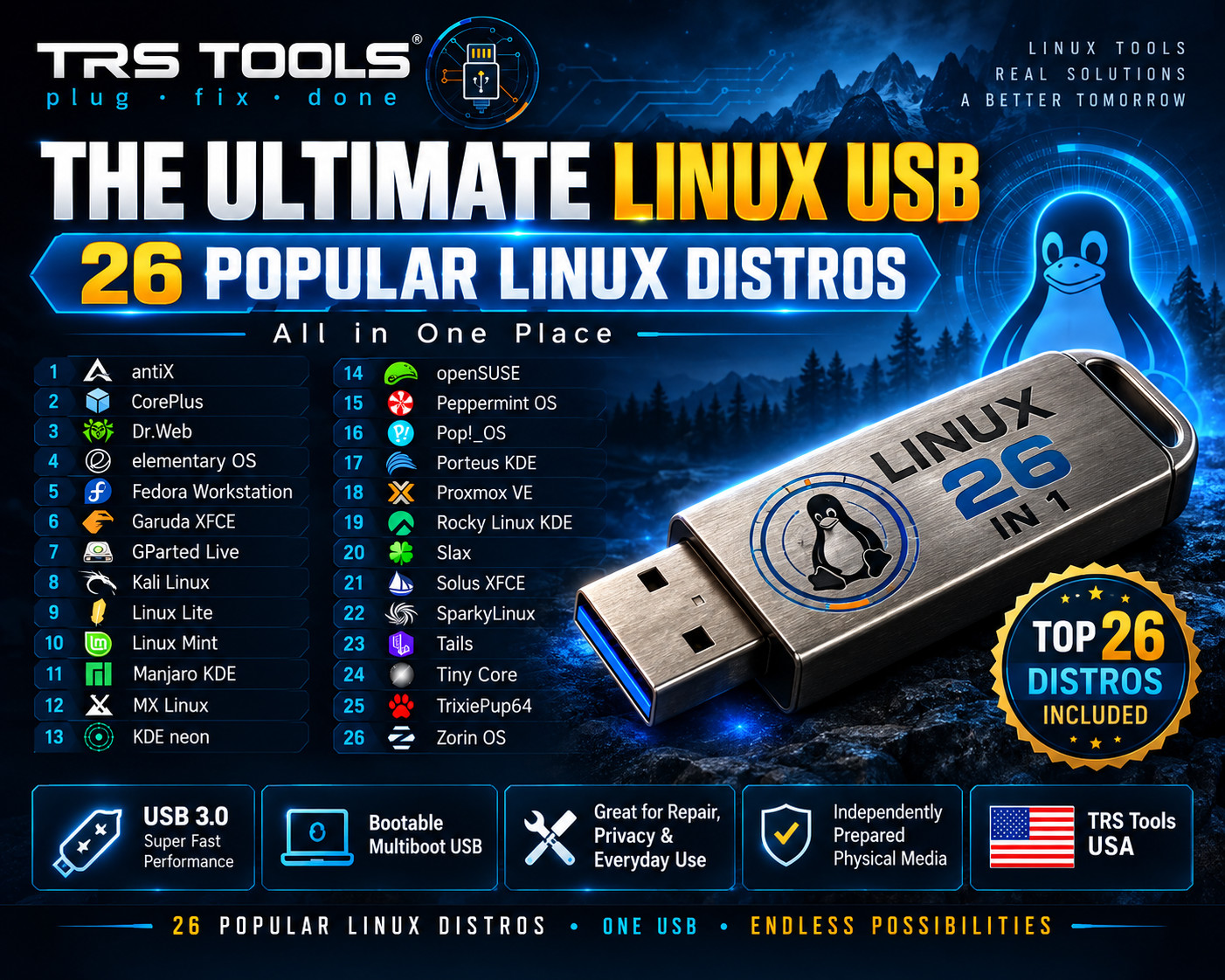
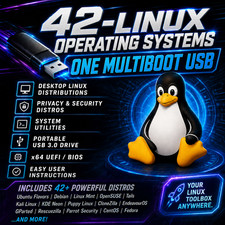
Discover desktop operating systems, lightweight Linux environments, security utilities, and professional IT tools with the TRS Tools 26-in-1 Linux Multi-Boot USB Collection.
Independently prepared by an IT professional with over 30 years of industry experience, this collection is intended for Linux enthusiasts, students, technicians, and users who enjoy exploring different operating systems.
PHYSICAL PRODUCT: This listing is for a prepared USB flash drive shipped to the buyer, not a digital download. PRODUCT HIGHLIGHTS PHYSICAL USB MEDIA
Prepared USB flash drive with an organized Linux collection.
26 INCLUDED IMAGES
Desktop distributions, lightweight systems, and specialist utilities.
MULTI-BOOT COLLECTION
Select compatible environments from an organized startup menu.
INDEPENDENT PREPARATION
Prepared, inspected, and packaged by TRS Tools.
ALL 26 INCLUDED SYSTEMS & UTILITIES
01 • EVERYDAY DESKTOP LINUX 01. Linux Mint 22.2Familiar, user-friendly Linux desktop 02. Zorin OSModern desktop alternative 03. Fedora WorkstationModern Linux computing environment 04. elementary OS 8Clean and streamlined desktop 05. Pop!_OS 24.04Productivity-focused desktop Linux 06. openSUSEFlexible Linux computing platform 02 • LIGHTWEIGHT & OLDER COMPUTERS 07. antiXLightweight Debian-based Linux 08. CorePlus 17.0Small, modular operating system 09. Linux Lite 7.4Lightweight everyday desktop 10. Peppermint OSFlexible and lightweight Linux 11. SlaxCompact portable Linux environment 12. Tiny CoreMinimal Linux operating environment 13. TrixiePup64Portable Puppy Linux-based desktop 03 • CUSTOMIZATION & DESKTOP ENTHUSIASTS 14. Garuda Linux XFCECustomizable Arch-based Linux 15. Manjaro KDE 25.0Arch-based Linux with KDE desktop 16. MX Linux 23.4Debian-based desktop with useful tools 17. KDE neonKDE-focused desktop experience 18. Porteus KDEPortable Linux with KDE desktop 19. Solus XFCEDesktop-oriented Linux environment 20. SparkyLinuxFlexible Debian-based Linux distribution 04 • MAINTENANCE & RECOVERY 21. GParted LiveDisk and partition management utility 22. Dr.WebSecurity-focused rescue environment 05 • SECURITY & PRIVACY 23. Kali Linux 2026Cybersecurity and network analysis tools 24. TailsPrivacy-focused operating environment 06 • SERVERS & VIRTUALIZATION 25. Proxmox VEVirtual machines and container platform 26. Rocky Linux 10 KDEEnterprise-oriented Linux with KDE desktop
GREAT FOR
- Exploring desktop Linux alternatives
- Learning about different Linux distributions
- Testing lightweight environments on older hardware
- Practicing Linux installation on compatible computers
- Exploring disk management and diagnostic utilities
- Learning about authorized cybersecurity and privacy tools
- Exploring professional virtualization and server environments
WHAT YOU RECEIVE
- One prepared 64GB USB 3.2 flash drive
- Collection of the 26 listed software images
- Organized multi-boot configuration for compatible images
- Basic USB startup instructions
- TRS Tools branded physical media
- Protective packaging for shipping
- Basic startup assistance through messages
No retail box is included. Product illustrations and box-style graphics are for presentation only. The physical USB media is included.
BASIC STARTUP INSTRUCTIONS
- Connect the USB to a compatible computer.
- Restart the computer and open its boot-device menu.
- Select the connected USB device.
- Choose a supported entry from the multi-boot menu.
- Follow the startup or installation instructions for that environment.
Some Linux distributions allow you to try a live desktop without installing. Other selections are installers or specialized utilities and may require different steps.
BUY WITH CONFIDENCE FROM TRS TOOLS
Prepared by an IT professional with over 30 years of hands-on experience.
TRS Tools focuses on organized software collections, practical documentation, careful physical media preparation, and helpful buyer communication.
Each drive is prepared and inspected before shipping. Testing on our equipment does not guarantee that every image will boot on every computer.
COMPUTER COMPATIBILITY
The USB is intended for compatible computers with:
- A compatible 64-bit Intel or AMD processor
- A functional USB port
- BIOS or UEFI USB-boot support
- Access to the startup boot menu
- Sufficient memory and storage for the selected system
Not advertised for: Apple Silicon, ARM-only computers, Raspberry Pi, tablets, phones, gaming consoles, locked Chromebooks, or computers that cannot boot external USB media.
Secure Boot, firmware configuration, graphics support, wireless hardware, and other compatibility requirements vary by operating system.
FREQUENTLY ASKED QUESTIONS
Q: Is this a physical USB or a download?
A: This is a physical USB flash drive packaged and shipped to you.
Q: Can I try Linux without installing it?
A: Many Linux distributions offer a live environment. Support depends on the selected operating system and computer.
Q: Are all 26 selections desktop operating systems?
A: No. The collection also contains maintenance utilities, security tools, privacy environments, and virtualization software.
Q: Does the USB work on every computer?
A: No. USB-boot capability and individual software requirements determine compatibility.
Q: Does it include installation or activation keys?
A: No software activation keys, paid software subscriptions, or commercial licenses are included.
Q: Is a retail box included?
A: No retail box is included. The listing includes the physical USB and stated accessories or documentation only.
Q: Can I contact TRS Tools for assistance?
A: Yes. Basic startup and boot-menu guidance is available through messages. Professional installation, hardware repair, data recovery, and guaranteed compatibility are not included.
IMPORTANT INFORMATION
Back up your files: Installing operating systems or modifying partitions may erase existing data.
Boot compatibility: Some software images may require dedicated media or special boot procedures rather than standard multi-boot startup.
Security tools: Malware-scanning, privacy, and cybersecurity tools have limitations. No guarantee of malware removal or anonymity is provided. Use network testing tools only on authorized systems.
Software updates: Individual distributions are maintained by their developers. Software updates, drivers, and online features may require an internet connection.
WHAT THE PURCHASE PRICE COVERS
Many Linux distributions are independently downloadable from their developers. The purchase price covers the physical USB and the seller's media preparation work, including:
- Physical flash drive media
- Software image organization
- Multi-boot configuration
- Available integrity checks and functional testing
- Basic startup documentation
- Branding, packaging, handling, and shipping preparation
- Basic buyer assistance
You are not purchasing ownership of Linux or third-party software.
INDEPENDENT SELLER & LICENSE NOTICE
TRS Tools is an independent physical media seller. It is not affiliated with, sponsored by, certified by, or endorsed by the developers, foundations, or organizations responsible for the included software.
Linux Mint, Zorin OS, Fedora, elementary OS, Pop!_OS, openSUSE, antiX, Linux Lite, Peppermint OS, Slax, Tiny Core, Puppy Linux, Garuda Linux, Manjaro, MX Linux, KDE neon, Porteus, Solus, SparkyLinux, GParted, Dr.Web, Kali Linux, Tails, Proxmox VE, Rocky Linux, and related trademarks remain the property of their respective owners.
Software names are used to identify the included projects. Each software image remains subject to its applicable license and redistribution requirements. TRS Tools does not claim ownership of any included third-party software.
No official software license, activation key, paid subscription, or developer endorsement is included.
TRS TOOLS PLUG • FIX • DONE Independent Physical USB Media • Linux Discovery • Customer-Focused Service