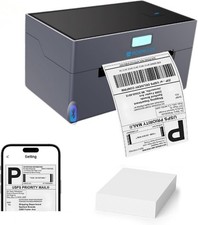
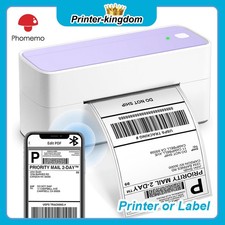
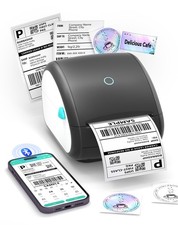
DetailProduct DescriptionA Huge Time Saver -241BT Thermal Label Printer
Still using lots of paper, toner or ink?
Still cutting the labels to make them look nicer?
Still taking valuable time to go to the post office?
Stop these inefficient steps now! It's time for effective change! Our wireless label printer can solve all these problems! Get this mailing label printer to start a your own business at home now!
Warm Tips For This New Functions:
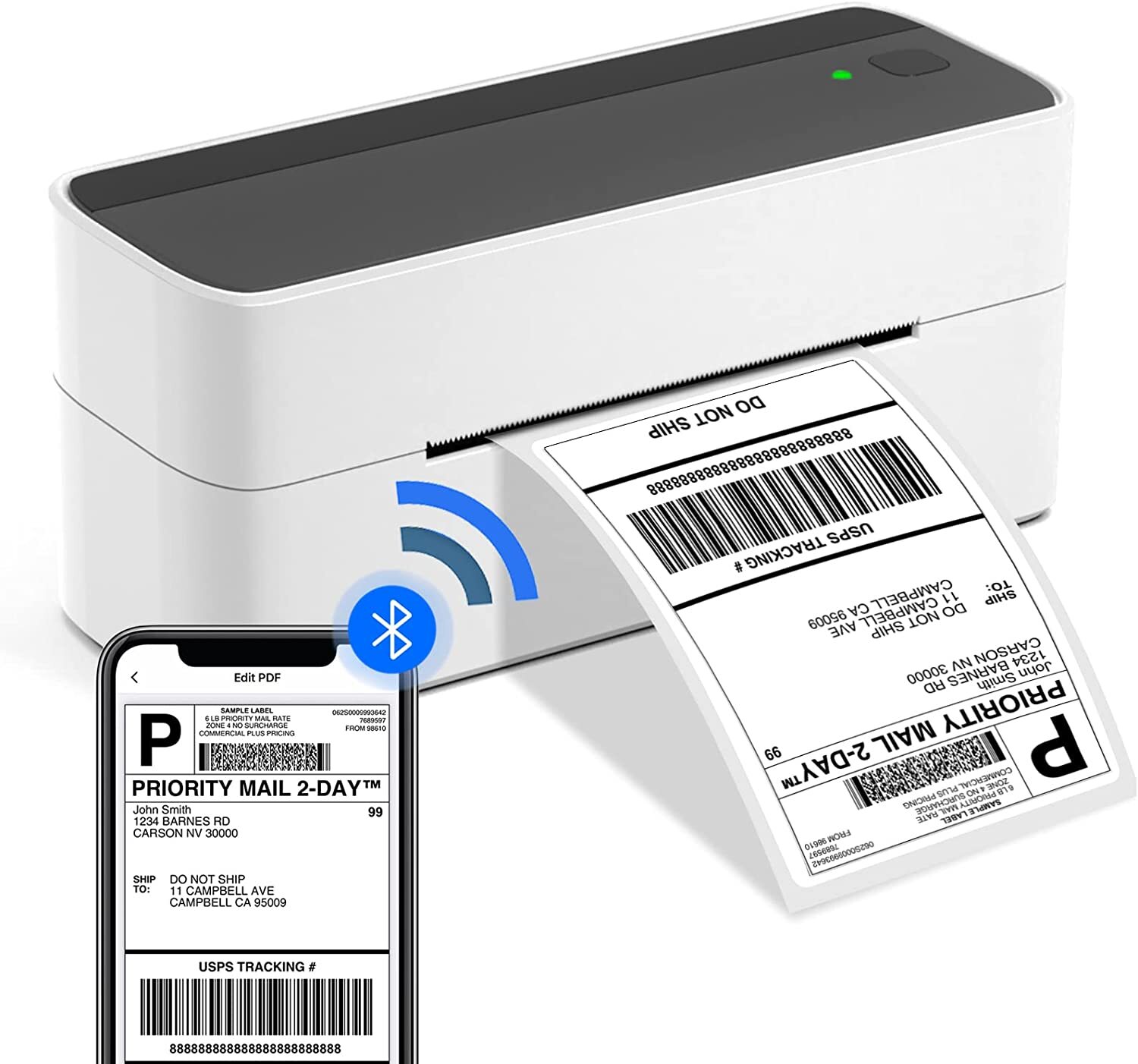
1. This PM-241-BT thermal label printer for shipping packages supports Bluetooth on Phones and PCs now!(Totally new technology in the market, others can only connect Bluetooth on Phones!) Bluetooth supports Android/iOS system & MAC/Win. Note: All devices cannot be directly connected to Bluetooth and need to be used through the free Labelife app.
2 .This thermal printer machine also support all computer systems including Google.
3. If a computer is connected to USB, it cannot be connected via Bluetooth on the same one computer.But, printers can support two different device connections, with one device connected via USB and the other different device can connect via Bluetooth.
241BT Bluetooth Thermal Label Printer
- Easy to set up and great for beginners
- Support bluetooth and USB connection
- Work with all thermal fan-fold & roll labels
- High-speed and superior printing quality(203dpi)
- Work with virtually all shipping & business platforms
- Works with Apple, smartphone, ipad, Windows, Mac, Chromebook, Google
- Versatile thermal label printer, with bluetooth wireless thermal technology
- Sleek design makes this label printer be an attractive addition to your business/home /office
In short, this shipping label printer greatly simplifies the process of printing labels, and improves your working efficiency considerably.Help to improve all aspects of your business!Ideal for business and households.A Hassle-free thermal printer it is!
PM-241-BT Support for Chrome OS - Steps:
1. Attach the printer and computer with USB and turn on the printer.
2. Enter “Labelife” in the Chrome Web Store and add the extension to your Google Chrome.
3. Open the Labelife extension. Click "Add" to discover your printer. And "Setting Printer" to complete the print settings.
4. Open the file in Google Chrome and "Ctrl + P" to wake up the print interface, select the printer you just included and start Print.
Warm Tips: For details, please see the video below the top left image: Guide 2 - Directly print labels on Google (USB).
Performance and Reliability
ASprink is at your side whenever you need us!
Nolice
1,Before printing completely ended, please don't pull the tapes in advance, to avoid any damage of the tapes. Also, don't touch the tape cutter, to avoid any error.
2,Before installing the tape cassettes, please rotate the axle in anticlockwise, to make sure the front-end PET film in tension, to avoid the fracture of loose PET film. and then, put the tape cassettes into the machines.
Contact us
Please contact us through message, we will be in 24 hoursresponses of working days. But there will be some delay in the weekend,I hope your understanding and forgiveness.
Please believe us, we will do our best to meet your requirements.
Payment Method
We are prefer pay Paypal for the payment. We can't accept bank transfer, COD, and other methods.
Returns Policy
1,If there is any quality problem, please do not hesitate to contact us with pictures and information. We will accept you return the item unconditionally. In addition, you will receive a full refund and postage,and at the same time please provide the tracking number to us when you have returned the item.
2,If you want to return it for personnal reason, please pay for the postage. When the warehouse receive the return items, we will issue you a full refund. Many thanks.
response
We're providing the best service and the good items for every customers.Hope you give us the 5 star positive response. If you have any questions and dissatisfied,please contact us before leaving response. Many thanks.
(NO) ★★★ Three stars is LOW star, NO 1,2,3 stars PLEASE!
(YES) ★★★★★ Please give us Five-star!