 When you click on links to various merchants on this site and make a purchase, this can result in this site earning a commission. Affiliate programs and affiliations include, but are not limited to, the eBay Partner Network. When you click on links to various merchants on this site and make a purchase, this can result in this site earning a commission. Affiliate programs and affiliations include, but are not limited to, the eBay Partner Network.
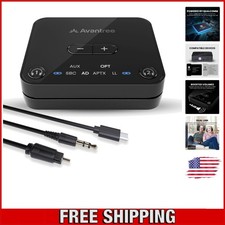
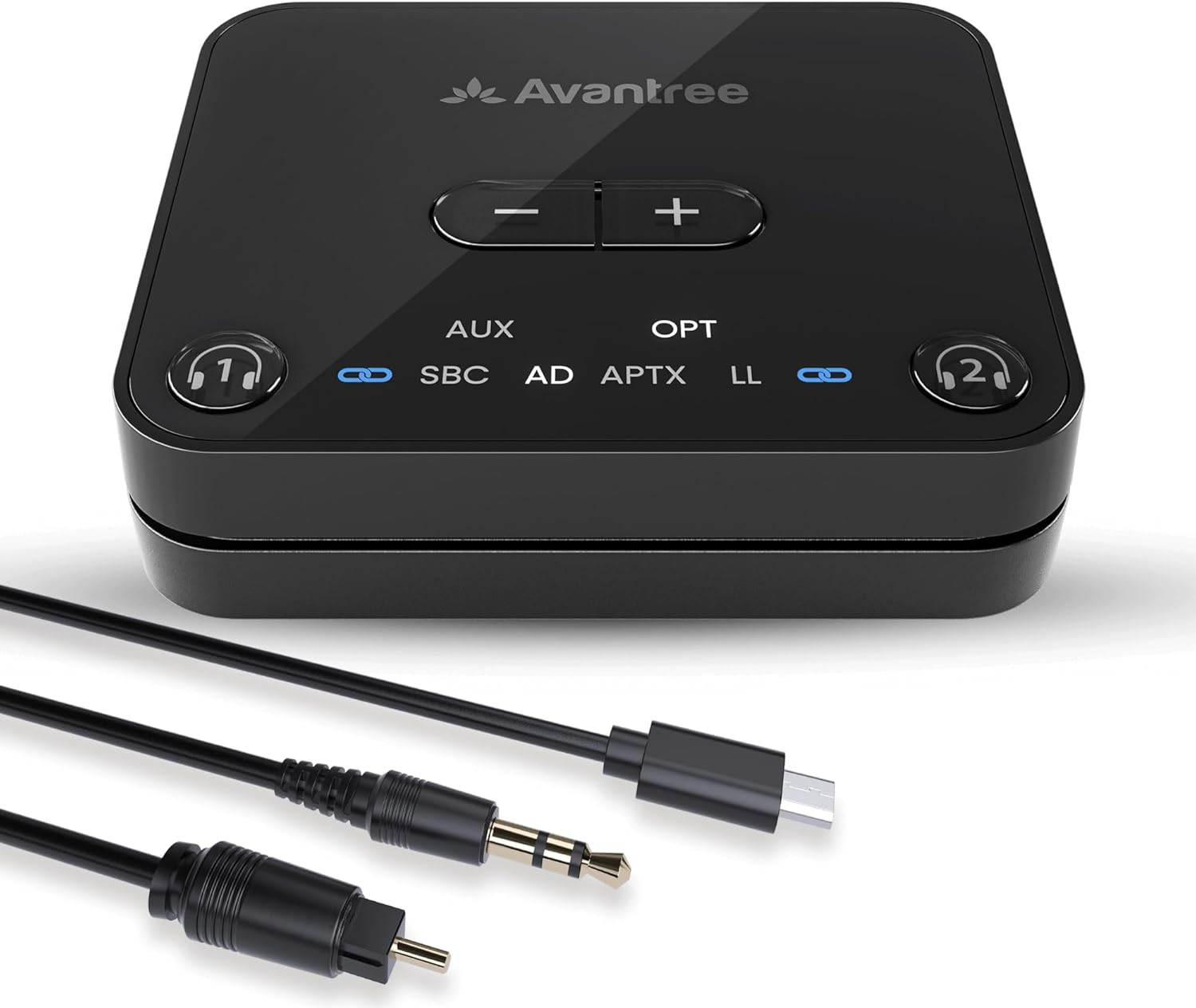
Product descriptionBefore you buy, please note: - COMPATIBILITY NOTICE Only Works with TVs that have Optical (TOSLINK) or 3.5mm AUX audio outputs. Not compatible with HDMI ARC/eARC-only TVs.
- Before Purchase: Confirm your TV has an Optical or AUX port.
- Stable Connection
Connect 2 headphones simultaneously and enjoy stable connections up to 100ft / 30m away. - Volume Controls
Adjust volume levels directly from the transmitter if desired. - Clear Indicators
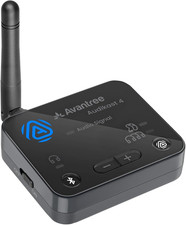
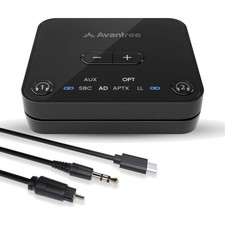
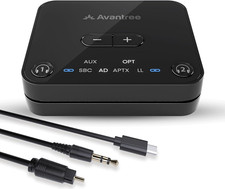
Easily check your pairing, connection, and codec statuses with the intuitive LEDs. 1 Stable Connection2 Volume Controls3 Clear IndicatorsSpecifications Bluetooth Version v5.3 Bluetooth Chipset QCC3056 Supported Audio Codecs aptX-Adaptive, aptX, SBC Supported Bluetooth Profiles A2DP, AVRCP Supported Audio Output Optical /AUX Optical Audio Format PCM / LPCM Operating Range Up to 100ft / 30M Rated Input 5V/500mA~2A Product Dimensions 6.5cm x 5.5cm x 1.5cm Compatible device Bluetooth headphones & speakers, including AirPods, Bose, and more Incompatible Devices Certain models of hearing aids, including Philips HearLink Low Latency Compatible Devices Avantree Aria Pro, Aria Me, Audition 3, and more, including any aptX-Adaptive or aptX-Low Latency supporting devices Compatible TVs: TVs with Optical (TOSLINK) or 3.5mm AUX audio output ports Not Compatible TVs: TVs with only HDMI ARC/eARC or Bluetooth audio outputs Setting Up Your AudikastPlug & Power Connect to your TV’s audio output port and plug the Audikast into a power source, then turn it on. Pair On first use, the Audikast will enter pairing mode automatically. Put your headphones in pairing mode as well to connect them.(Not just turn it on) Key Success Tips 1 Please disable your phone's Bluetooth before starting the pairing process to prevent any interference. Key Success Tips 2 Make sure the headphones are in pairing mode - this solves 95% of setup problems. -
Can Audikast 3 work with my TV? The Audikast 3 works only with TVs that have optical (TOSLINK) or 3.5mm AUX audio output ports. It does not support HDMI ARC/eARC, RCA-only, or Bluetooth-only TVs. Before purchase, please check your TV’s audio output settings to ensure compatibility. -
What devices is the Audikast 3 compatible with? Works with TVs, computers, or audio systems that have optical (TOSLINK) or 3.5mm AUX output ports. Transmits to Bluetooth headphones, earbuds, or speakers. Not compatible with hearing aids, smartphones or other Bluetooth transmitters. -
How do I pair my Bluetooth headphones with the Audikast 3? 1.Connect the Audikast 3 to your TV and a power source, and turn it on. 2.Put your headphones into pairing mode (not just power on). 3.Audikast 3 and headphones will auto pair. The pairing light on Audikast 3 will turn solid when pair is successful. -
Why is there no sound from TV to my headphonse? 1. Check if the TV audio format is set to PCM. 2. Turn off Bluetooth on your phone and computer. -
Can this product be updated in the future? Yes. Firmware updates are available via our website to keep your device up to date with the latest features and fixes. Comparison Table - [CHECK TV PORTS BEFORE PURCHASE] Works only with TVs that have optical (TOSLINK) or 3.5mm audio OUT ports. Not compatible with HDMI / ARC / eARC ports, TVs that only have HDMI, or with audio–in / headphone–in jacks.
- [EASY SETUP – PLEASE FOLLOW TV SETTINGS] Connect the transmitter to your TV’s optical or 3.5mm audio OUT port and power it via USB, then put your Bluetooth headphones into pairing mode. Make sure your TV audio output is set to “External Speakers” / “Optical” / “Headphones” in the sound menu. If you don’t hear any sound, follow the troubleshooting steps in the included Quick Start guide or our online video.
- [SET TV AUDIO FORMAT TO PCM] For optical connections, please set your TV’s digital audio output to PCM / Stereo in the sound settings. Surround formats such as Dolby Digital / DTS are not supported and will result in no audio.
- [LOW LATENCY WITH COMPATIBLE HEADPHONES] When used with headphones that support aptX Adaptive or aptX Low Latency (e.g. Avantree Aria Me, Audition 3), you’ll enjoy TV audio that is virtually in sync with the picture. With standard Bluetooth headphones, a small delay may be noticeable – this is normal for regular Bluetooth.
- [DUAL LINK] Pair your Audikast 3 with two pairs of headphones simultaneously and share your enjoyment with your loved one.
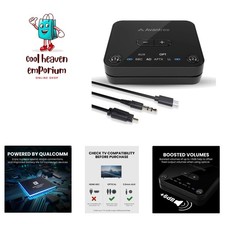
- [POWERED BY QUALCOMM] With its advanced Qualcomm chipset, the Audikast 3 delivers clearer sound, stable connections, and improved battery life for connected devices – all backed by Avantree's 20+ years of Bluetooth expertise.
- [FIRMWARE UPGRADABLE] Stay current with ongoing firmware updates. Whether it's performance improvements or future features, you can upgrade easily via our official support page.
 |
|