Nearly 100% satisfied customers!
Very fast national & international postage!
responseOur itemsOur offerCables & Connectors
PC / Laptop / Tablet Accessories
Console Accessories
Mobile Phone Accessories
Car Accessories
Memory Cards & Pen Drives
Digital Scales
Gadgets & Batteries
Thermometers & Clocks
Power Tools & Hand Tools
Sport & Health Accessories
Toys & Games
Vintage Computing Accessories
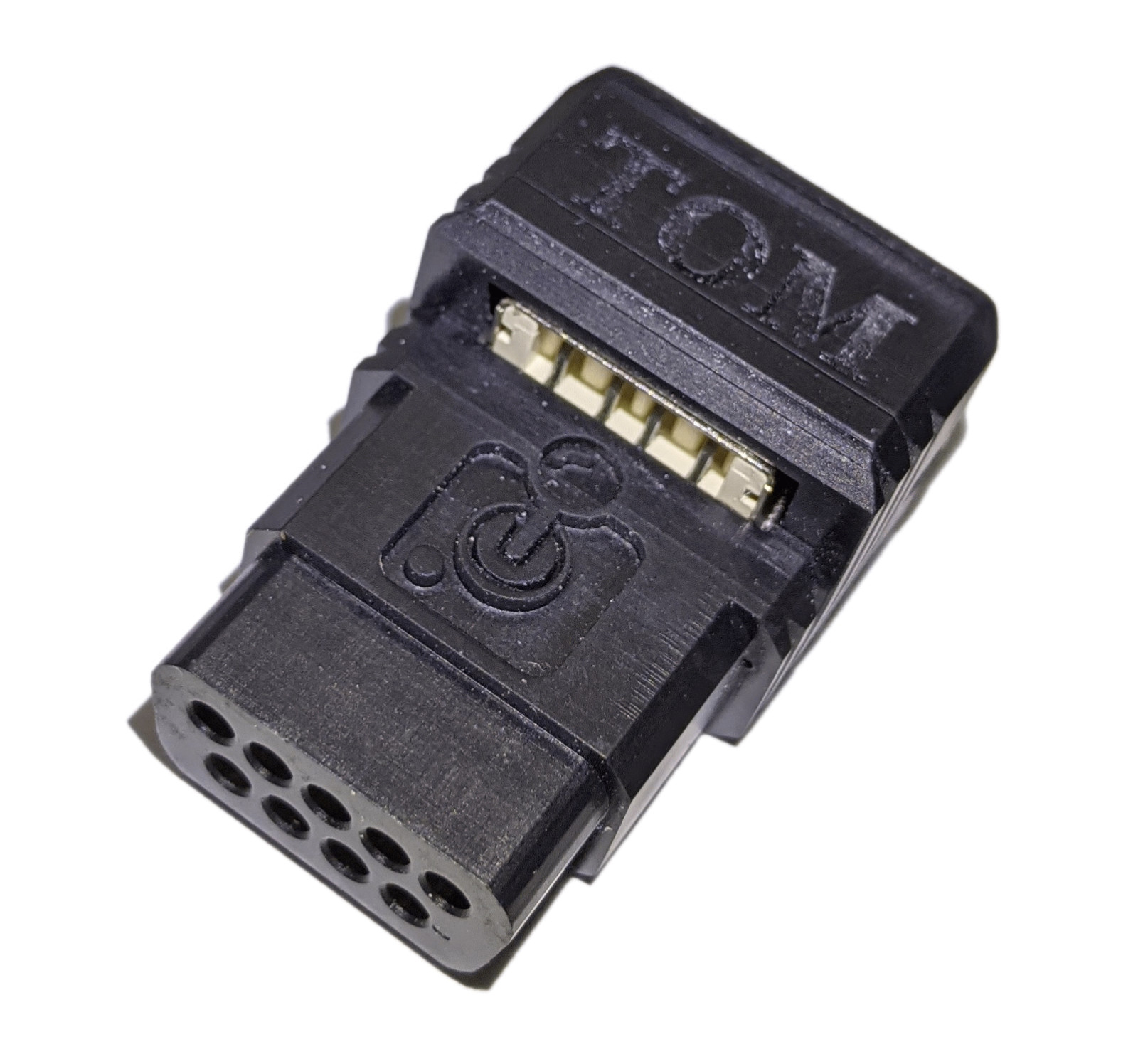
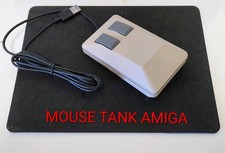
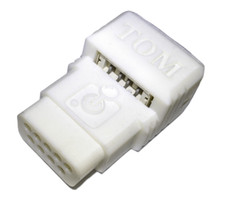
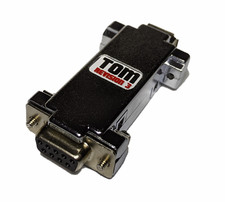
ShippingEvery package is securely wrapped with bubbles, peanuts, foams, paper, cardboard to insure the safe arrival of your new product. We understand the certainty of receiving a product the way you purchased it, that is why we have a strong, experienced packaging team to work with your every need.All parcels are shipped within 24 hours from the moment we receive the payment. We deliver worldwide.ReturnsIf you are not satisfied with this product, you can return the item within 14 days.Amiga C64 USB Mouse Adapter Micro Tom DB9 HID for Amiga Atari ST Scroll Black
Micro Tom is compatible with Amiga computers, Atari ST computers, Atari Falcon computers, Atari TT computers, Commodore 64 (only GEOS mouse emulation and nothing else!) and Commodore 128 (only GEOS mouse emulation and nothing else!) computers and allows you to connect most USB HID devices such as PC USB mouse, joystick, gamepad or keyboard which are not required driver installation on PC. It will also work with USB keyboard and mouse if same 1 dongle is used for both.
Please note: Not all USB devices are compatible with this adapter. Due to the high volume of USB devices available, 100% compatibility is not possible. Some specific devices may not work with this adapter.
Comes with excellent quality 3D printed white case
Connect Micro Tom adapter to DB9 mouse or joystick port when your computer is switched off! (If you connect it when your computer is switch on you can damage your DB9 port!). USB devices is working in Hotplug mode so can be connected when your computer is switched on.
There are 3 modes to choose:
- Amiga mode (default) with scroll support. Driver required available for download from here
- Atari ST / Falcon / TT
- Commodore 64/128 (only GEOS mouse emulation)
Changing mode is only possible by using USB mouse and it is ready to change after about 1 second when your computer is switched on.
To change the mode you need to:
1.) switch on your computer and hold: (for the entire duration of the confuguration)
- left mouse button for Amiga mode
- right mouse button for Atari ST / Falcon / TT mode
- middle mouse button for C64 / C128 mode
2.) Then you need to click another button quickly several times and your LED on adapter will flash
- right mouse button for Amiga mode LED will flash 1 time
- left mouse button for Atari ST / Falcon / TT mode LED will flash 2 times
- left mouse button for C64 / C128 mode LED will flash 3 times
3.) Release both mouse buttons
You can see how to change mode on these videos:
- youtube.com/watch?v=nVpGYbuq-aw
- youtube.com/watch?v=CU1cg9D2B-0 (from 13:12)
Whole operation must be done after a several seconds after your computer is switched on. When mode is correctly changed Tom adapter will remember your settings.
Compatible with:
- Amiga 500
- Amiga 500+
- Amiga 600
- Amiga 1000
- Amiga 1200 (also works with rev. 2B)
- Amiga 2000
- Amiga 2500
- Amiga 3000
- Amiga 4000
- Amiga CD32
- Atari ST
- Atari Falcon
- Atari TT
- Commodore 64 (only GEOS mouse emulation)
- Commodore 128 (only GEOS mouse emulation)
- Commodore 64 Ultimate (only GEOS mouse emulation!) Please refer to the instructions in the ReadMeFirst file in the GEOS folder to see how to correctly run the mouse in the system.
Full instruction (only in Polish language) is available