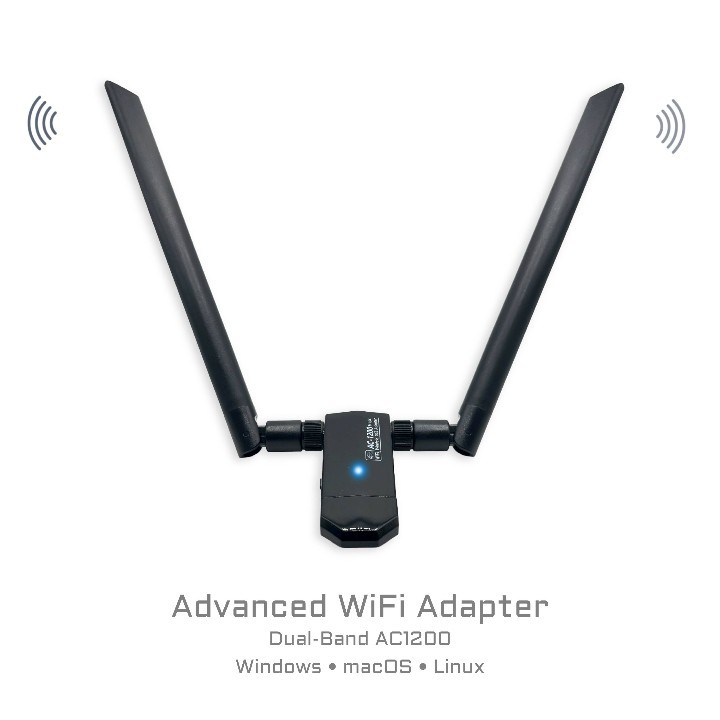
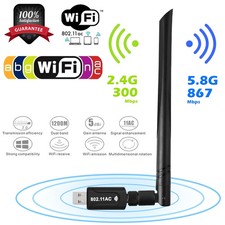
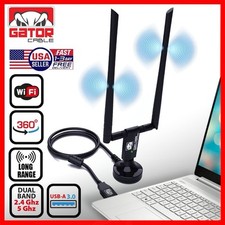
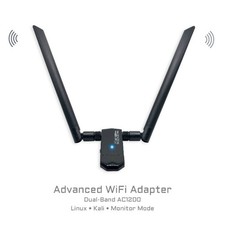
Serious Wi-Fi upgrade + complete driver kit. WIF02 is built around the popular Realtek RTL8812AU (802.11ac) chipset and includes a mini-CD with drivers for Windows, macOS, and Linux — ideal for offline installs, repairs, and Linux systems.
RTL8812AU • 802.11ac Dual-Band: 2.4 GHz + 5 GHz USB 3.0 / USB 3.1 Gen 1 External Antenna (Omnidirectional) Includes Driver Mini-CD (Win / macOS / Linux) Linux-Friendly (DKMS Option) What It’s Great For
- Upgrading PCs: add fast dual-band Wi-Fi to desktops and laptops.
- Linux & live USBs: excellent for Ubuntu, Kali, Tails, Mint, and repair toolkits.
- Offline installs: driver mini-CD helps when no internet is available.
- Authorized testing: RTL8812AU is commonly used for monitor mode (OS/driver dependent).
📦 Package / What’s Included
- WIF02 USB Wi-Fi adapter (Realtek RTL8812AU).
- External omnidirectional antenna.
- Mini-CD with drivers (Windows / macOS / Linux).
Chipset: Realtek RTL8812AU Wi-Fi Standard: 802.11ac (backward compatible) Bands: 2.4 GHz + 5 GHz Interface: USB 3.0 / USB 3.1 Gen 1 Connector: USB-A (USB-C via adapter) Antenna: External, omnidirectional (dipole)
The included driver CD is provided for convenience. On modern systems, newer drivers may also be available via OS updates or distribution repositories.
💿 Included Driver Mini-CD
This adapter includes a mini-CD with drivers for:
- ✅ Windows
- ✅ macOS
- ✅ Linux
Especially useful for older systems, fresh OS installs, or environments without internet access. For best compatibility on newer Linux systems, installing drivers from official repositories is recommended.
💻 Compatibility & Notes
- Linux: widely supported; some distros require DKMS packages for RTL88xxAU.
- Windows: often plug-and-play; driver CD included if needed.
- macOS: USB Wi-Fi support varies by macOS version; driver CD included.
- Monitor / Injection: advanced modes depend on OS, kernel, and driver configuration.
Looking for a ready environment for monitor mode? See our Kali Linux Bootable USB. For privacy-focused browsing, see Tails OS.
⚙️ Installation (Quick Steps)
- Windows: plug in → auto-install or use included driver CD → connect.
- macOS: install driver from included CD (if required) → reboot → connect.
- Linux: plug in → check interface → install DKMS driver if needed (see below).
On many laptops, internal Wi-Fi is wlan0; the external USB adapter is often wlan1 or wlan2.