 When you click on links to various merchants on this site and make a purchase, this can result in this site earning a commission. Affiliate programs and affiliations include, but are not limited to, the eBay Partner Network. When you click on links to various merchants on this site and make a purchase, this can result in this site earning a commission. Affiliate programs and affiliations include, but are not limited to, the eBay Partner Network.
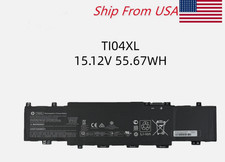
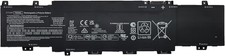
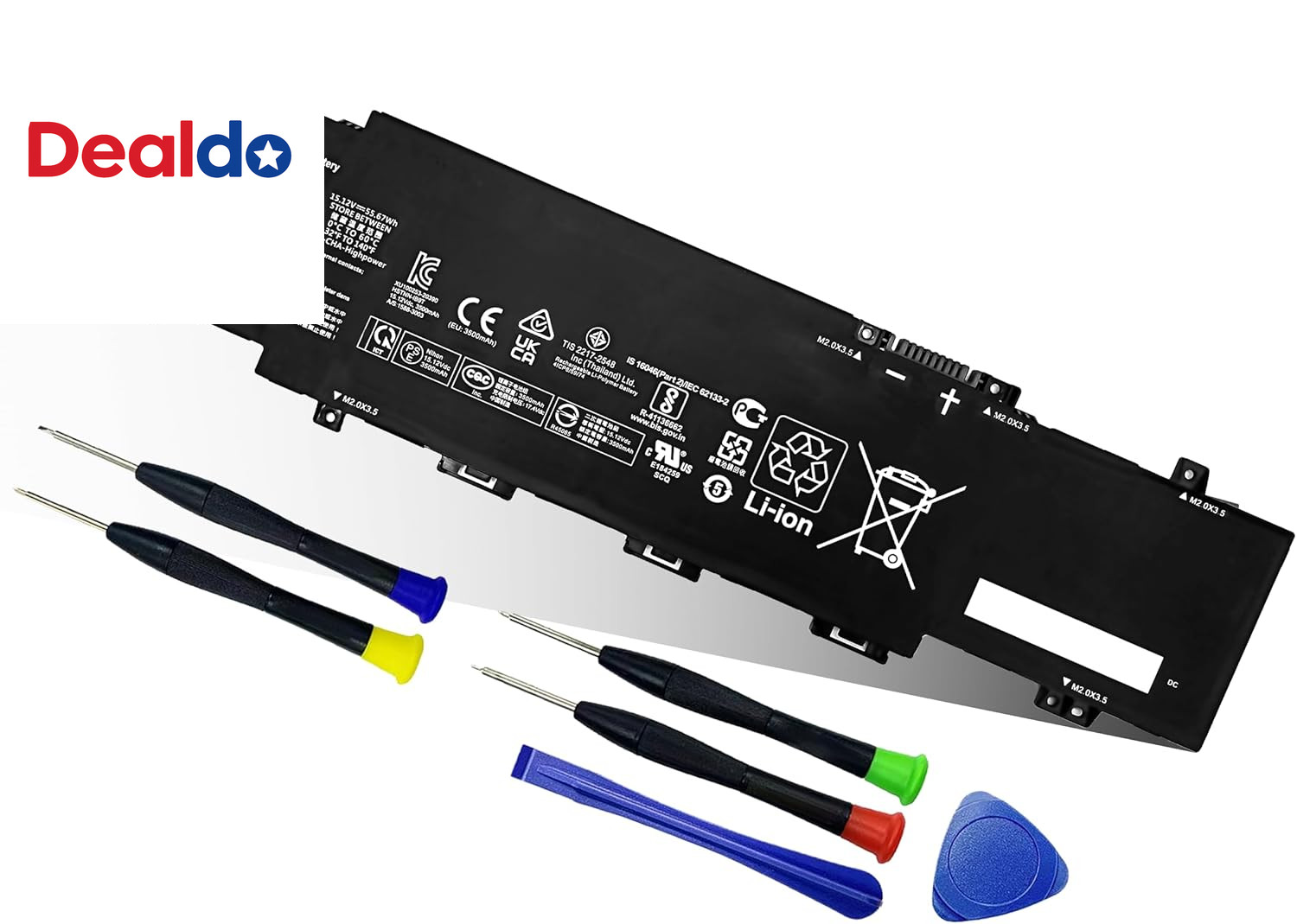
- 【Battery Specifications】Model Name: TI04XL Rechargeable Battery, Battery Type:Lithium_ion Voltage: 15.12V Capacity: 55.67Wh 3682mAh; Cells: 4-cell; Color: Black. More than 500 cycles, Packages includes: 1x TI04XL M24563-005 Battery for HP Envy 17 Envy 17-ch Series Laptop ,1 Set x Screwdrivers,1x Instruction for Laptop Battery
- 【Compatible Part Number】TI04XL, HSTNN-IB9T, M24420-1D1, M24563-005, TI04055XL, M24420-1C1
- 【Compatible Models】①Replacement for For HP Envy 17 Envy 17-ch Series Laptop,②For HP Envy 17m-ch0013dx 17.3" series,③For HP Envy 17M-CH Series
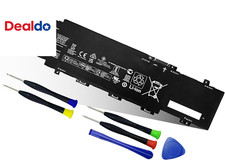
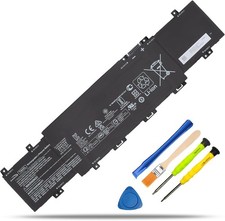
- 【What You Get】1 Battery, User Manual for TI04XL M24563-005 Battery. Email reply within 24 hours.For assistance with the battery , please visit our product detail page.battery comes with a screwdriver and pry bar for easy battery replacement. If you have any questions, please feel free to contact us, we will be happy to serve you.
- 【Easy Installation】battery comes with a screwdriver and pry bar for easy battery replacement. If you have any questions, please feel free to contact us, we will be happy to serve you.
- 【DURABLE& SAFE & RELIABLE】Premium A-rated batteries ensure safety with overcharge, overdischarge, overcurrent and short circuit protection. Strict compatibility guidelines and environmental safety standards.
Product description How to Choose the Right Battery for Your Laptop? - Method 1: Using System Information to Find Your Laptop Model
- Open the Run Window: Press the “Windows + R” keys simultaneously to bring up the Run window.
- Access System Information: Type “msinfo32” into the input box and click “OK” to launch the System Information tool.
- Locate the System Model: In the “System Summary” section, you will find the “System Model” item listed in the right pane. This will provide you with the exact model of your laptop, which is crucial for identifying the compatible battery.
- Method 2: Checking the Battery and Laptop Model Directly
- Power Off and Unplug: Before you begin, ensure that your laptop is turned off and the power cord is disconnected to avoid any risk of electric shock.
- Remove the Back Panel: Carefully use a screwdriver to remove the back panel of your laptop. Please proceed with caution to prevent any damage to the internal components.
- Disconnect and Remove the Battery: Gently disconnect the cable attached to the battery and remove it from the laptop. Once the battery is out, you can easily check its specifications, including the type, capacity, and model number.
55.67Wh M24563-005 battery For HP Specifications M24563-005 battery Battery Model: TI04XL Battery Capacity: 55.67Wh Battery Voltage: 15.12V Battery Cells: 4-Cell What's in the box: 1* TI04XL battery + 1* instruction manual + 1* screwdriver kit Condition: Grade "A" cells,100% brand New from Manufacturer Battery life: With a cycle at least 500+ cycles Battery Type: Rechargeable Lithium-ion Battery Replacement Part Number: TI04XL / M24563-005 / M24420-1D1 / M24420-1C1 / TI04055XL / HSTNN-IB9T / T1O4XL / TIO4XL / T104XL Compatible with Laptop models:Press [Ctrl + F] to search for your type 1. Replacement for HP Envy 17-CH000 Series: 17-CH0000NB 17-CH0000NC 17-CH0000NIA 17-CH0001NA 17-CH0001NV 17-CH0017NN 17-CH0001UA 17-CH0002NJ 17-CH0002NL 17-CH0003NC 17-CH0003NP 17-CH0004UR 17-CH0004NP 17-CH0005NC 17-CH0005UA 17-CH0006NN 17-CH0006UA 17-CH0007UA 17-CH0008CA 17-CH0009NM 17-CH0009NW 17-CH0010NM 17-CH0010UR 17-CH0011NB 17-CH0012NB 17-CH0013NN 17-CH0013UR 17-CH0014UR 17-CH0015NB 17-CH0023UR 17-CH0025UR 2. Replacement for HP Envy 17M-CH000 Series: 17M-CH1013DX 17M-CH0013DX 17M-CH1013DX ; 3. Replacement for HP Envy 17T-CH000 Series. Maintenance tips for laptop batteries: - New Batteries: When using a new battery, fully activate the battery by discharging it to 5% (not 0%) and then recharging it to 95% 3-4 times.
- Overuse: Do not always use the battery at 0%, as this may damage the battery or shorten its life.
- Charging sequence: When charging, install the battery first, then turn on the power, when fully charged, cut off the power first, then unplug the power.
- Long-term storage: Please store the unused batteries fully charged (charging once a month), do not store them at low battery level, which may shorten the life of the batteries.
- Charger: Please do not change the laptop adapter arbitrarily, do not connect the adapter for a long time when using the battery, if the original adapter can not be used due to malfunction or damage, please change the model to avoid reducing the life of the battery due to incompatibility.
Handle any situation easily and effortlessly Why does my laptop not recognize this battery? - It may be caused by a missing battery. Please reinstall the battery and make sure the battery connection cable is plugged tightly with the motherboard connector.
- It may be due to damage to the conductive material at the positive and negative contacts between the laptop motherboard and the battery, you can try to confirm with the original battery.
- Check whether the battery driver is normal, if not, please download the appropriate driver software to update.
Tips for installing a new battery: - A free removal kit is included in the package, you need to turn off your laptop and disconnect the power.
- Remove the old battery, carefully install the new battery on the battery compartment and connect the wires of the new battery.
- If you still don't understand the above steps, you can go to YouTube/official website to search for videos about laptop battery installation, which may help you.
Laptop Battery Instructions: - Upon receipt of the battery, first check if the battery size is the same as the original battery. When installing the battery, please pay attention to whether the battery connecting cable is fixed firmly. If the battery connecting cable is not installed correctly, the battery may not be charged.
- If you use the battery for the first time after installing the battery, please do not charge the battery immediately, first use the battery to 10-20%, then charge the battery and cycle charging 5-6 times to activate the battery's maximum usage space.
- It is recommended that you search for battery disassembly tutorials on the Internet or seek the help of professional technicians in advance. We are not responsible for any damage caused by improper operation.
Premium Performance & Safety - OEM-Equivalent Quality: Manufactured to meet or exceed original equipment standards for reliable, drop-in replacement.
- Grade A Lithium Cells: Built with top-tier cells for stable output, higher energy density, and extended cycle life.
- Complete Protection: Integrated circuit safeguards against overcharge, over-discharge, short circuit, and overheating.
- Optimized Power Experience: Engineered for longer runtime per charge and supported by efficient charging technology.
- Hassle-Free Installation: Designed as a direct fit for simple, tool-minimized setup within minutes.
 |
|