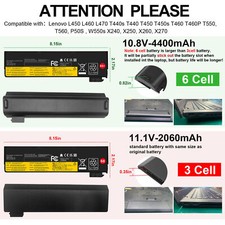
Tips: Please check carefully about your laptop model name/battery part number/battery shape and size to make sure you purchase the correct battery.Note:
6Cell Battery is Larger than 3Cell Battery!
It will be partically stick out the battery slot when installed into the laptop!
but battery life wil be longer!Tips: Please check carefully about your laptop model name/battery part number/battery shape and size to make sure you purchase the correct battery.
Specifications:
Condition: Brand New ,100% Compatible!
Battery type: Li-ion Battery
Voltage: 10.8V / 11.4V
Capacity: 24Wh / 48Wh (68 / 68+)
Number of Battery Cells: 3 / 6Cells
Certification: CE FCC RoHS
Color: black as pictures
Tips: Not Compatible with ThinkPad T460s, T470 , T470s !!!
Compatible Model:Lenovo T440s T440 T450 T450s T460 T460P T550, T560P50S, L450 L460 L470 ,W550s X240, X250, X260, X270Compatible Part number : 0C52861 0C52862 45N1126 45N1127 45N1125 45N1128 45N1129 45N1737 45N1734 45N1133 LC P/N 121500150
45N1132 45N1134 45N1136 45N1137
45N1144 45N1769 121500146 121500147 121500148
Note:
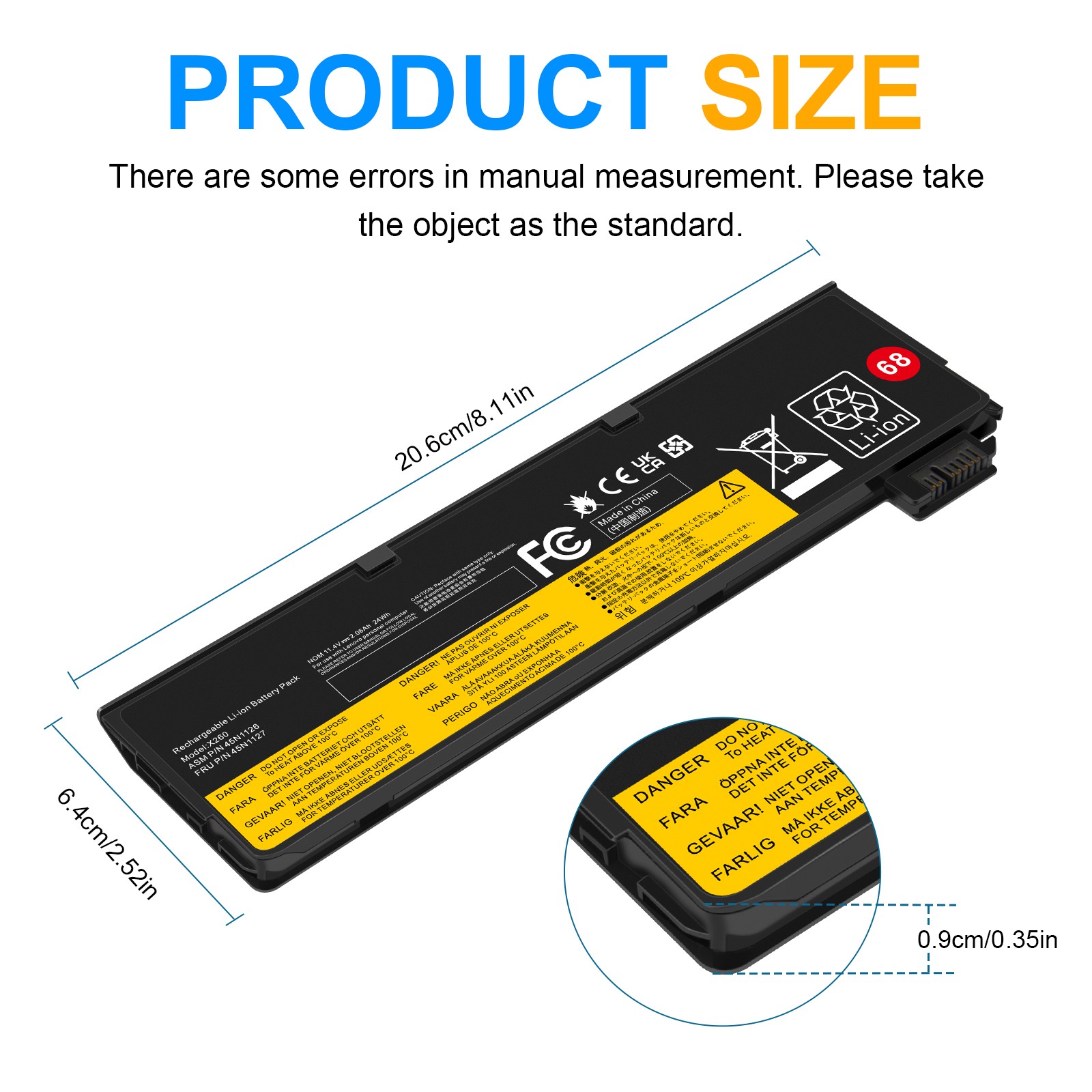
To ensure that the battery is suitable for your laptop,please open your laptop case, check and confirm your battery model and appearance, compared with our battery image, make sure that's what you need.
How To Install A New Battery?
1. You need to turn off your laptop and disconnect the power.
2. Remove the old battery, carefully install the new battery on the battery case, and connect the wiring of the new battery.
3. If you don't understand the above steps, you can search for the video about laptop battery installation on YouTube. Maybe it will help you.
Laptop Maintenance Tips:
1. New battery: For use a new battery, you’d better try a few cycles of discharging to 5%. then charging up to 95%. So that it can be activated completely
2. Overuse: Do not always run out of a battery to 0%, this would make it damaged or usage life shortened
3. Charging sequence: when charging, first install the battery, then turn on the power, when fully charged, first cut off the power, then pull the power plug.
4. Long-term storage:Please store the unused battery fully charged.(Charge it once a month) Do not store at low power to prevent reduce the lifespan of a battery
5. Charger: Do not replace the laptop adapter casually. If the original adapter cannot be applied due to malfunction or damage, please replace the models, so as not to reduce the service life of the battery due to incompatibility.
On Jul 8, 2026 at 00:00:53 PDT, seller added the following information: