DESCRIPTIONPAYMENTSHIPPINGRETURN POLICYCONTACT US Shop CategoryStore Home 118◈137 DELL◈1660 OtherHot Item 4PK Compatible CE410A 305A Toner Set for HP LaserJet M451dn M475dn USD 64.75 Homech Electric Heated Plush Throw Blanket 50 x 60'' w/ Remote 10 heat settings USD 41.95 Infrared Thermometer Digital Body Forehead Ear Body Temperature Gun NON-CONTACT USD 13.99 HY H625 S2825 Compatible Toner Set for Dell H825 H625cdw H825cdw S2825cdn USD 12.90 1PK MLT-D101S Compatible TONER FOR SAMSUNG ML-2165/2160/2165W SCX-3400 SCX-3405 USD 15.99 Excellent Delivery
Help & InfoPayment PolicyShipping PolicyReturn PolicyFAQAbout UsNew List Item 10PK CE285A Fits HP 85A Toner Cartridge Laserjet Pro P1102 P1102W M1132 M1212nf USD 51.37 10 Pack For HP CE285A Laserjet 85A Black Pro P1102w P1102 P1006 M1212nf Toner USD 57.50 10pk Compatible CE285A 85A Toner For HP Laserjet Pro P1102 P1102W M1132 M1212nf USD 57.50 10PK For HP 85A CE285A Black Laserjet Pro P1102w Printer Toner Cartridge CB435A USD 57.50 10x 85A Toner For HP CE285A Laserjet M1212nf MFP P1102w P1006 P1102 Toner CB436A USD 57.50 2PK Compatible TN660 TN630 Toner Cartridge for Brother HL-L2340DW L2380DW
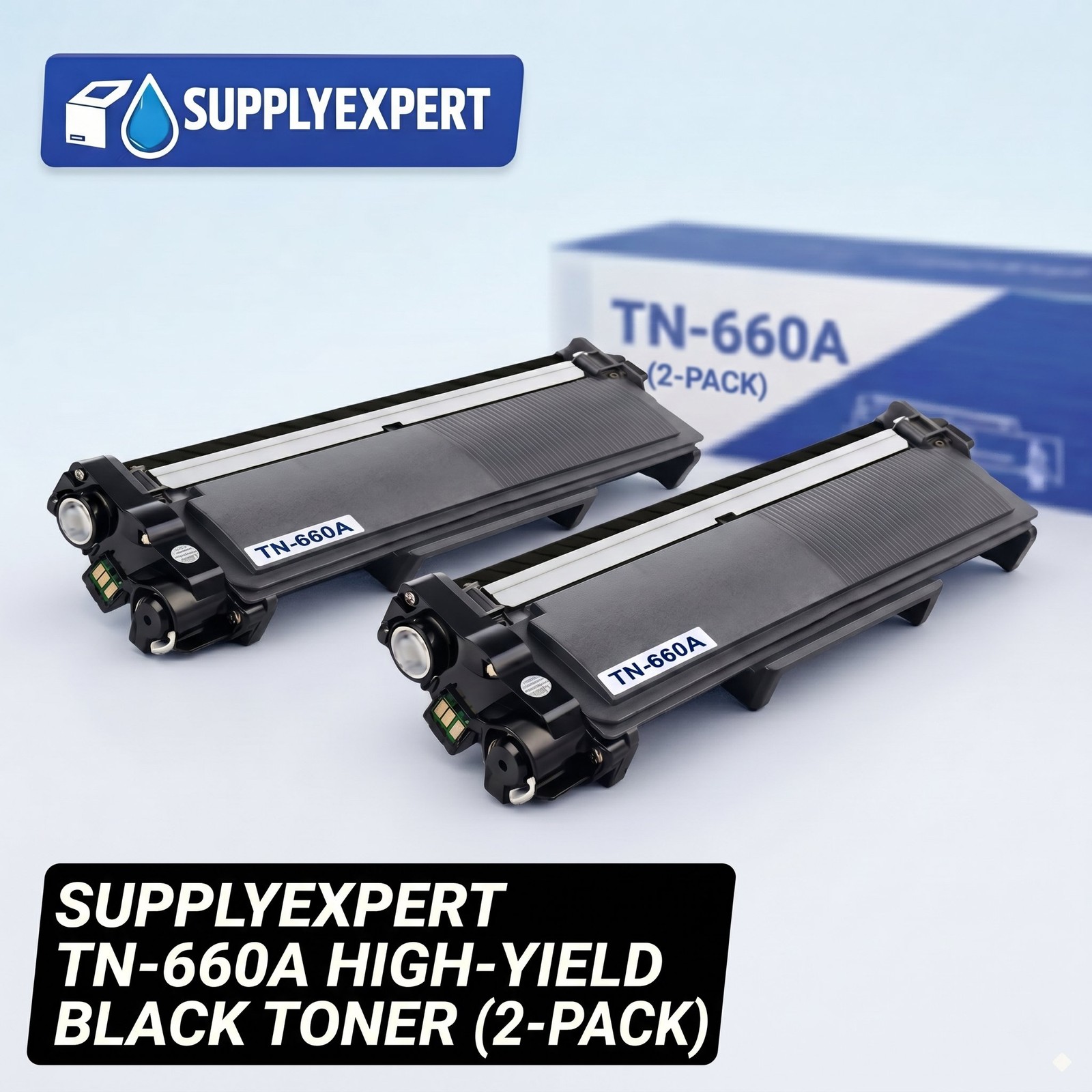
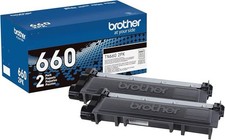
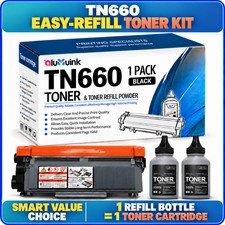
Compatible Brother TN660 Toner Premium
Compatible Printers:
● Brother-DCP Printer: DCP-L2520DW;DCP-L2540DW;DCP-L2300D; DCP-L2500D;
● Brother-HL Printer: HL-L2300D; HL-L2320D; HL-L2340DW;HL-L2360DW; HL-L2380DW;HL-L2305W
● Brother-MFC MultiFunction Printer: MFC-L2700DW; It is certified with ISO 9001 and ISO 14001
● Page Yield: Up to 2,600 Pages for Toner at 5% Coverage
● Warranty : 1-Year
● Shelf Year: 12 Months
● Print Technology: Laser
● Color: Black
● Model: TN660
● Condition: 100% Brand New
● Quantity: 2PK
Attention:
● For the new setting of TN660. Do not replace the Premium until your printer reports the Premium to be empty.
Package Includes:
● 2PK Compatible Brother TN660 Toner Premium
Compatibl Toner Printing Navigate through the menu of your laser printer using the keypad.
● Choose "Replace Toner."
● Select the Premium that you want to replace (the printer will give you options of which Premium you would like toreplace). The selected Premium will rotate to the inside front of the printer.
● Open the printer door and lift up the handhold. Gently dislodge the Premium for removal.
● Take a new toner Premium out of the box and shake it gently. Remove the protective tape.
● Insert the new Premium into the laser printer and align the Premium with the arrows. Push down gently to make sure it islocked into place.
● Close the front panel of the printer, and it is ready for use. Print a test page.
PaymentTip&WarningShippingContact Usresponse
- Tips & Warnings
- Be careful when handling the toner cartridge. If toner gets on your hands or clothes, be sure to wash them immediately with cold water.
- Replace the toner cartridge gently. If you're doing it right, it won't need to be forced.
- Wait to unwrap thetoner cartridge until just before you put it in the printer. If toner cartridges are left uninstalled for a long time outside the packaging, the toner life will be shortened.
- Item location: Los Angeles, California United States
- Shipping to: United States
- Excludes: Alaska/Hawaii, US Protectorates Refund will be given as: Money back Return
- Leave us message for your issues which would be answered within 1 business day.
- We appreciate your action of contacting us first to see what we can do to help before leaving your negative response.
All rights reserved.