PLEASE READ CAREFULLY BEFORE PURCHASING
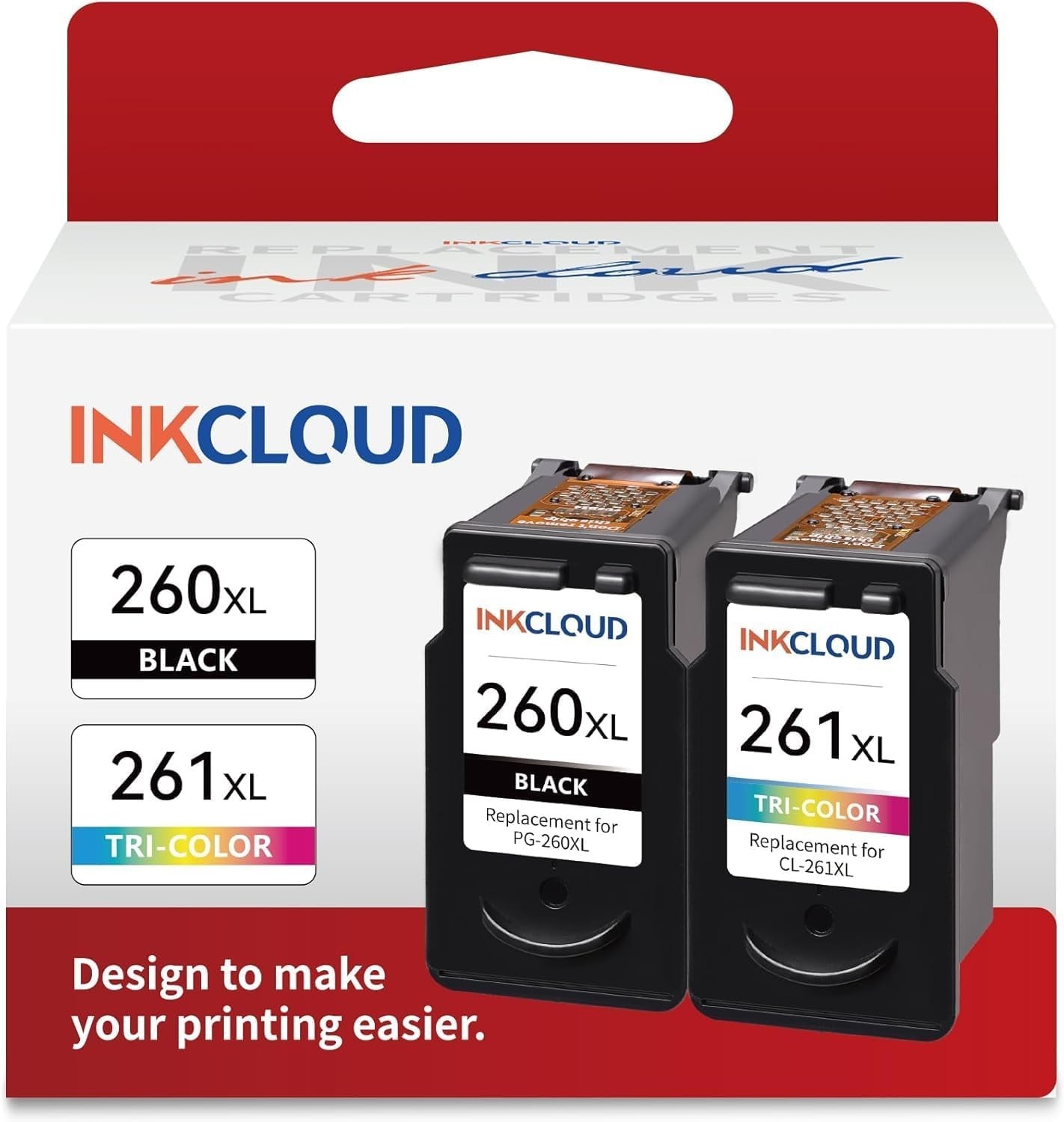
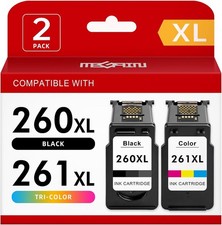
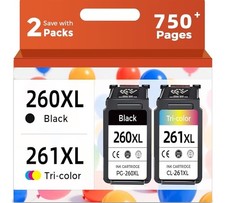
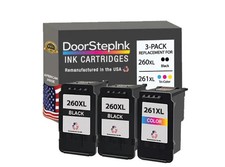
INKCLOUD 260XL / 261XL Compatible High Yield Black & Tri-Color Ink Cartridges – 2 Pack
Keep your compatible Canon PIXMA printer ready for everyday documents, schoolwork, and photos with this INKCLOUD ink cartridge combo pack. Includes one PG-260XL black cartridge and one CL-261XL tri-color cartridge.
THESE ARE NON-OEM REPLACEMENT CARTRIDGES. THEY ARE NOT ORIGINAL CANON CARTRIDGES.
PACKAGE INCLUDES
• (1) PG-260XL High Yield Black Ink Cartridge
• (1) CL-261XL High Yield Tri-Color Ink Cartridge
• Total: 2 cartridges
APPROX. PAGE YIELD
• Black: Up to approximately 400 pages
• Tri-Color: Up to approximately 350 pages
Page yields are manufacturer estimates. Actual yield varies depending on page coverage, printer settings, cleaning cycles, and usage.
COMPATIBLE PRINTERS
Canon PIXMA:
• TS6420a
• TS6420
• TS6400 Series
• TS5320
• TS5300 Series
• TR7020a
• TR7020
• TR7022
Please verify that your printer uses PG-260 / CL-261 or PG-260XL / CL-261XL cartridges before purchasing.
PRODUCT FEATURES
• High yield black and tri-color combo pack
• Compatible replacement for Canon 260 / 261 ink cartridges
• Suitable for documents, schoolwork, and photos
• Each cartridge tested before packing, according to the manufacturer
• Installs into the matching cartridge slots after removing protective tape
SHIPPING
• Fast & Free Shipping
• Each item is inspected before shipping
• Ships within 2 business days
• Shipped via USPS with tracking
RETURNS
• 14-Day Money Back Guarantee if defective or not as described
• Item must be returned to receive a refund
• Buyer is responsible for return shipping
• If you experience a printer error, please provide a clear photo of the error message or code when contacting us
IMPORTANT
• These are compatible NON-OEM cartridges. Some printers may not recognize them immediately.
• Your printer may display an ink-level warning or “ink cannot be detected” message. Ink levels may not display accurately.
• According to the cartridge supplier, pressing and holding the printer’s Stop button for 5–10 seconds may allow printing to continue after an ink-level warning. Follow the instructions shown by your printer.
• Your printer’s automatic update function may need to be disabled. Firmware updates may affect recognition of non-OEM cartridges.
• If cartridges are not recognized, power cycle the printer and remove and reseat the cartridges. Confirm that all protective tape has been removed.
• Recommended for advanced printer users who are comfortable troubleshooting compatible cartridges.
• Stock manufacturer images may be used. Actual packaging may vary.
By purchasing this item, you acknowledge that these are NON-OEM replacement cartridges and that ink-level warnings, cartridge recognition issues, or additional installation steps may occur. Please confirm printer compatibility before ordering.