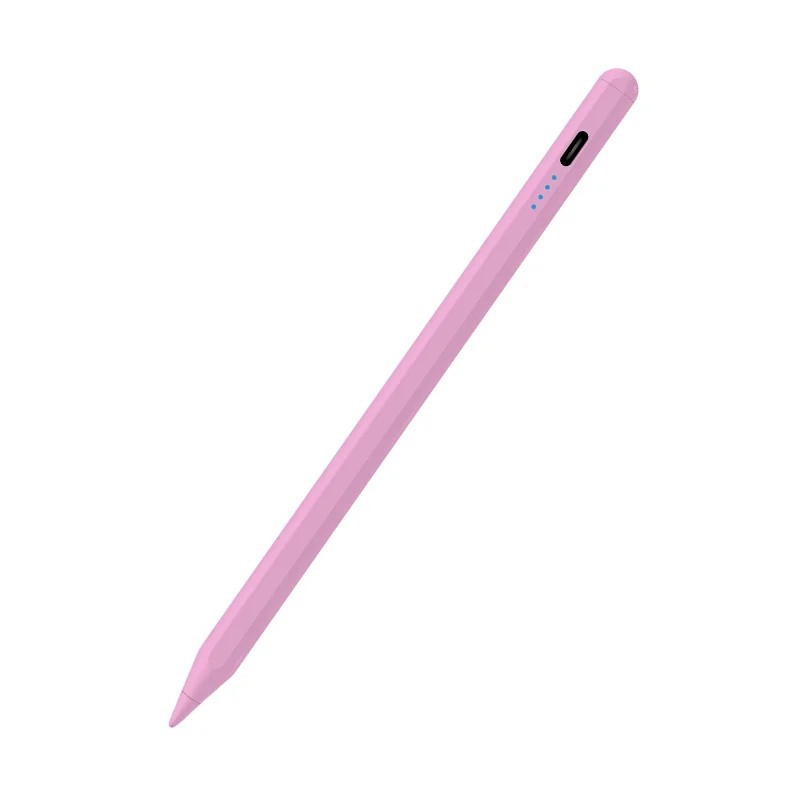
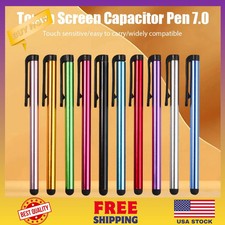
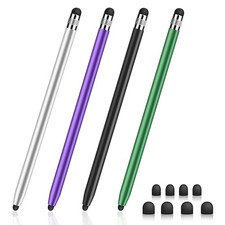
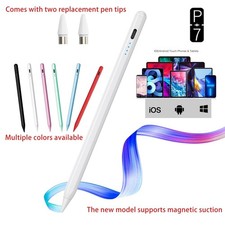
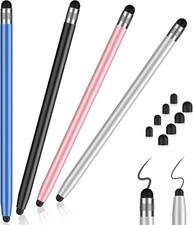
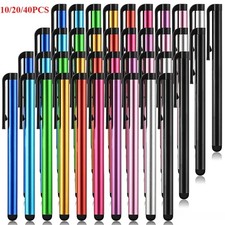
Universal Stylus Pen for iPad Surface Samsung Touch Screen Tablet Smart Phone 1PcProduct Overview
Upgrade your digital workflow and release your creativity with the Universal Capacitive Stylus Pen! Designed for ultimate precision and seamless responsiveness, this ultra-lightweight touch pencil delivers a smooth, natural writing and drawing experience across all your favorite devices—from iPads and Android tablets to smartphones. Say goodbye to smudgy finger marks and hello to pinpoint accuracy!
Key Features
Universal Multi-Device Compatibility: Effortlessly switch between iPad, Samsung Galaxy, Huawei, Xiaomi, Surface, and iOS/Android smartphones without pairing issues.
Smart Magnetic Suction: Features an integrated magnetic body that snaps securely to compatible tablet frames so your pen is always within reach.
Lightweight & Ergonomic Build: Ergonomically designed to feel just like a real pen, allowing for comfortable, fatigue-free note-taking and sketching for hours.
Precision Touch Response: Uses fine capacitive sensing technology for exact accuracy, fluid strokes, and minimal lag while writing, navigating, or drawing.
Long-Lasting Battery: Built-in rechargeable battery gives you dependable, all-day power for work, school, or creative projects on the go.
Technical Specifications
Material: High-Grade ABS Plastic
Type: Active Capacitive Stylus (Designed specifically for capacitive touch screens)
Battery Included: Yes (Rechargeable)
Chemical Safety: None (Safe, non-toxic materials)
Weight Profile: Ultra-lightweight for comfortable grip
Simple Usage Instructions
Power On: Turn on the stylus pen (ensure it is fully charged before first use).
Angle Correctly: For optimal accuracy, tilt the pen at an angle greater than 15 degrees against the screen (do not write vertically at a strict 90-degree angle).
Start Creating: Tap, write, or draw on any touch screen without needing complex Bluetooth pairing or drivers!
Safety, Care & Troubleshooting Tips
Screen Protector Recommendation: Works best with thin screen protectors (such as paper-like or hydrogel films). Very thick tempered glass screens may reduce touch sensitivity.
Do Not Use While Charging: Ensure neither your tablet/phone nor the stylus is actively charging during use, as electrical current can disrupt touch signal accuracy.
Adjustable Tip Tightness: If you experience intermittent touch signals, gently check and adjust the tightness of the pen tip or swap in a spare tip.
Screen Maintenance: Device screens that have undergone non-original aftermarket replacements may vary in touch sensitivity. Keep the screen clean and free from heavy oils for best performance.
Ready to find your next favorite item?
Visit our store Happy Trail Trading to explore these items and more!
Visit Our Store
FREE SHIPPING
PREMIUM QUALITY
100% SATISFACTION
FAST DELIVERY
YOU MIGHT ALSO LIKE
Discover more great products from our store
class="extend--iframe--to7hHIV" style="box-sizing: border-box; -webkit-tap-highlight-color: transparent; outline: 0px; margin: 0px; padding: 0px; height: 9480px; position: absolute; top: 0px; visibility: hidden; width: 1000.5px; z-index: -1;">