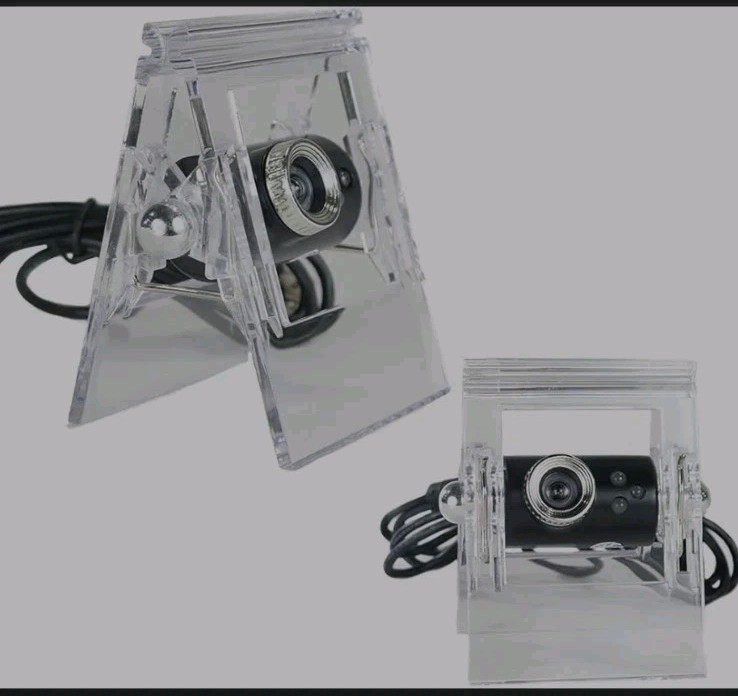
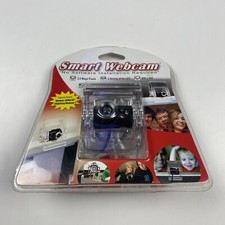
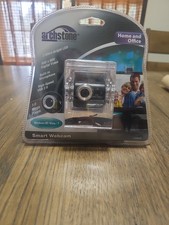
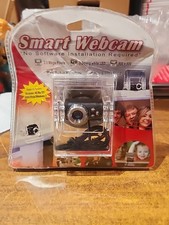
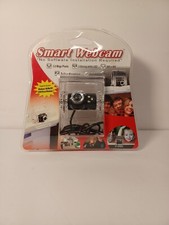
The Archstone Smart Webcam (often branded as Next Products) is a basic, UVC-compliant USB 2.0 camera. It is entirely plug-and-play and does not require specific manufacturer software or standalone drivers to function.
Setup
Because it uses standard plug-and-play technology, your computer should detect it automatically. Follow these steps to get it running:
Hardware Connection: Plug the webcam into an available USB port (USB 2.0 or 3.0) on your desktop or laptop.
System Detection: Windows and macOS will automatically configure the generic webcam driver.
App Access: Open an app like Zoom, Microsoft Teams, or Google Meet, and select the webcam from the Video/Camera Settings menu.
Windows Camera App: You can test the camera directly by opening the built-in Camera app on Windows.
Microphone: The webcam has a built-in microphone. You will need to select the webcam's microphone in your computer's audio settings or within your video conference app so others can hear you.
*Photos are a representation of condition, please check carefully so you understand what you will receive.
**Please ask any questions or request additional information before purchasing
*** Colors may vary due to lighting conditions or screen resolution
PLEASE REMEMBER TO LEAVE A POSITIVE response.
** NO RETURNS ON NEW ITEMS IF THE ITEM HAS BEEN OPENED
** If there are any problems, please reach out to me before opening a return claim.
** All items MUST be returned, in original condition, to receive any refund
** A 20%+ restocking fee will be deducted for all returns, not in original condition
** Buyer Is Responsible For The Shipping Cost Of The Returned Item.
** Please Use Delivery Confirmation.
** Only The Cost Of The Item Will Be Refunded
** Shipping Cost Will Not Be Refunded
** If free shipping, the original shipping cost will be deducted from the refund amount.
🍊 🍊 🍊 🍊 🍊 🍊