Specification:
Battery type: Li-polymer
Warranty: 365 days
Product Type: Replacement Battery,not original battery
Compatible Part Numbers:
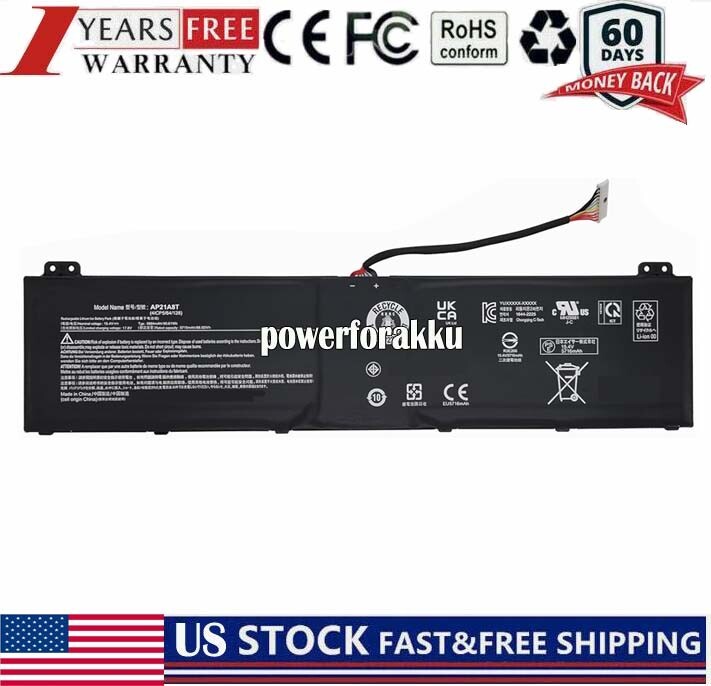
AP21A8T AP21A7T AP21A5T KT0040G014 4ICP5/63/133 4ICP5/64/128.
Compatible Models:
For Acer Nitro 5 AN517-55 AN517-55-50NF AN517-55-50P0 AN517-55-523H AN517-55-53ZU AN517-55-55AM AN517-55-56G1 Series;
Acer Predator Helios 18 PH18-71 PH18-71-72AS PH18-71-72QZ PH18-71-74ET PH18-71-74M5 PH18-71-77CC Series
Acer Predator Helios 300 PH315 PH315-54-760S PH315-55-51BA PH315-55-538Z PH315-55-58FY PH315-55-70N1 Series
Acer Predator Helios 300 PH317 PH317-55-95XR PH317-56-70C3 PH317-56-70XJ PH317-56-710H PH317-56-718D PH317-56-722C Series
FAQs
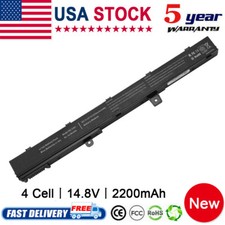
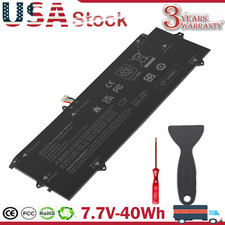
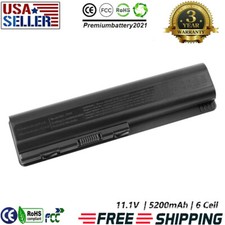
Q: How do I select the right replacement battery for my laptop?A: First of all, you need to assure the model of your laptop or the part number of your laptop battery. you'd better look at our battery from our pictures
and check if it is the same as your original one,If you don't know how to find the right battery for your laptop, please press Windows+R,type"msinfo32"
then click ok,then you can find "System Model" in the pop-up window. Moreover,you can click the icon "contact seller" on the right of this page to ask us.Q: How to charge the laptop battery properly?A: You should charge the replacement battery before the battery exhaustively discharged, otherwise it will shorten its life. It is feasible
to charge the laptop battery before the power is less than 20%. Meanwhile, the battery should be charged in a dry place, and please pay attention to high
temperature, which is the biggest threat to battery life.Q: How to deal with the replacement battery when you won't use for a long time?A: If you let your battery lay idle for a long time, please charge the laptop battery or discharge to about 40%, and then put it in a dry and
cool place to save. Indoor temperature is best maintained at 15 to 25 degrees Celsius because the temperature is easy to accelerate the battery aging either
too high or too low. You'd better fully charge and discharge the battery at least once a month. Finally please save it in accordance with the above method.Q: How to replace your Battery?1: Turn off your laptop and disconnect the AC adapter.
2: Release the latch or other attachment devices that hold your battery in place.
3: Slide the old battery out of its compartment or storage bay
4: Take the replacement battery out of the box.
5: Slide it into the notch or bay.
6: Close the safety latch to lock it into place.
7: Reconnect the AC adapter and give the new battery for your notebook a full charge.
PaymentDelivery detailsTerms of salesAbout usWarranty Policy
1.We accept payment via PayPal, Visa, Mastercard, Apple Pay, Google Pay etc.
2. All payments must be prepaid.