Note:
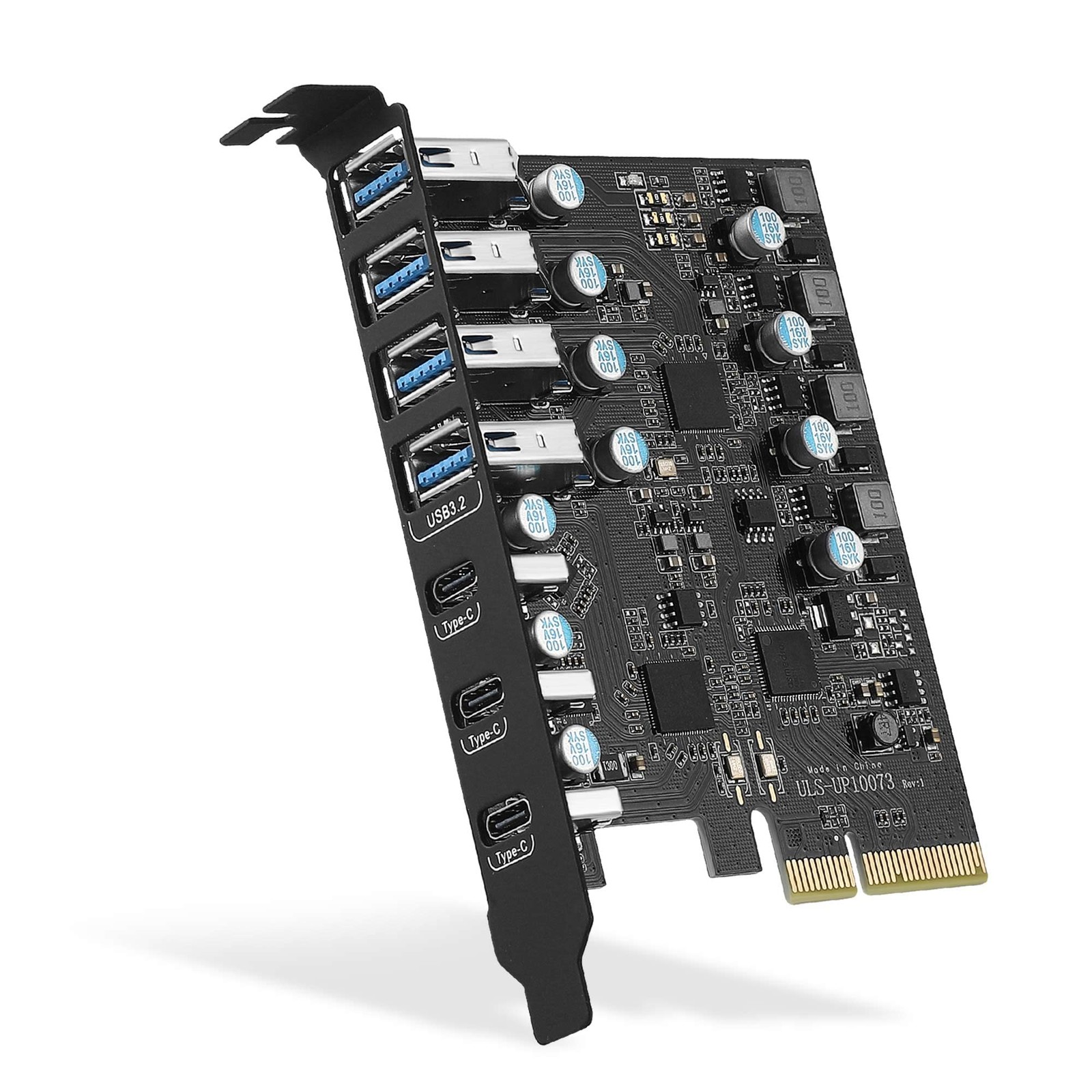
1. Not equipped with a Low-profile bracket. The overall size of the PCI-card is 3.43(in) in length and 3.15 (in) in height, The height of the iron is 0.71 (in), It doesn't apply to small computers and servers chassis, like 1U and 2U.
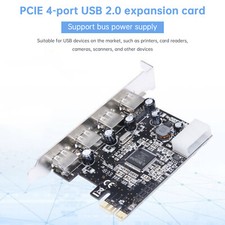
2. The USB-A port is vertical. The vertical height is approximately 0.62 in. Please check the height of the expansion slot on the back of the computer host before choosing, to avoid the narrow expansion slot of the host computer that prevents the port of the USB device from being plugged into the female PCIe card port.
3. Install the driver before inserting the USB card.In addition, for some special motherboards Windows 10/11 System there is no way to recognize the card, Please your motherboard vendor for additional USB drivers.
Frequently asked questions:
Why 10Gbps speed not achieved?
1.Please the manufacturer of the motherboard and check the following information.
1). PCI-slot protocol requires PCIe version 3.0 or higher.
2). The lanes assigned to the PCI-interface are x4 or higher (The lanes assigned to the PCI-interface are x4 or higher. (x1,x2 channels are also available, but the speed will not be reached).
2.When a USB pcie card, USB devices have performance limitations on the throughput/performance of the card's data transfer. This depends on the USB protocol and cable material of the end device.you can check if your external USB device supports 10Gbps bandwidth by consulting your external USB device vendor.
Why is this USB 3.2 port detected as USB 3.1 by the computer system?
According to the latest USB-IF standard: the USB-A ports on this card is USB 3.2 Gen 2x1 = USB 3.1 Gen 2 = USB 10Gbps.
【7-Ports Expansion Card】PCI-expansion card provides 7 external USB 3.2 Gen 2 Ports (4 USB -A and 3 USB -Ports) for your computer. You can connect a keyboard, , external hard drives, CD/drives, webcams, USB printers, scanners, game controllers, USB VR, digital cameras, etc
【10Gbps Transmission Rate】USB -port and three USB -A ports share 10Gbps bandwidth, and the rest three ports share another 10Gbps bandwidth, with a total bandwidth of up to 20Gbps. Each port supports transmitting data at a rate of up to 10Gbps when used solely. Note: The USB expansion card only supports data transfer, Not PD fast charging and video signal transfer (DP, HDMI, VGA display conversion) and USB-Thunderbolt protocol
【Widely Compatibility】The card is with Windows 7/8/10/11 (32/64 bit) and Mac OS 10.8.2 and above. Perfect for HP windows 11 desktop,Dell 8950,MacPro 4.1/5.1,Lenovo P520. Note: Windows XP/Vista/7, Server, requires driver installation, Windows 10/11 and Mac OS and Linux don't need drivers. If your computer can not be recognized by windows 11 or Mac os with any driver, Please anytime
【Stable and Easy to Use】The internal USB card is provided from the motherboard through the PCI Express slot to ensure a stable connection and improve data transmission speed. Will not lose the connection problem like an external USB Hub. Quick and easy installation, a simple solution for connecting to and USB 3.2 devices on your standard desktop
【No External Power Adapter】 Users do not need to plug any additional power cable on from powersource and 5V/12A max power supply for high-power consuming device ( NOT BC 1.2 charging or Power Delivery) , device only, Like HDD/SSD enclosure, VR etc
【Installation】Turn off the PC and unplug the power plug from the socket, remove the PC case, insert the card into the PCI-slot,Since the card USB A port is vertical, Insert the U disk/usb cable into the usb slot for positioning. tighten the screws, close the PC case cover, turn on the PC and install the driver. For the narrow rear slot area of the PC host,you need to just cut the crossbar between the 2 slots with small metal hand pliers
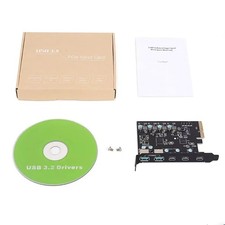
【What You 】Packing List: 1 x 7 Ports USB PCIe Card,1 x CD drive,1 x mounting screws and 1 x user manual. In addition, this card comes with an industry-leading 1 years-product-care and 24/7 technical-