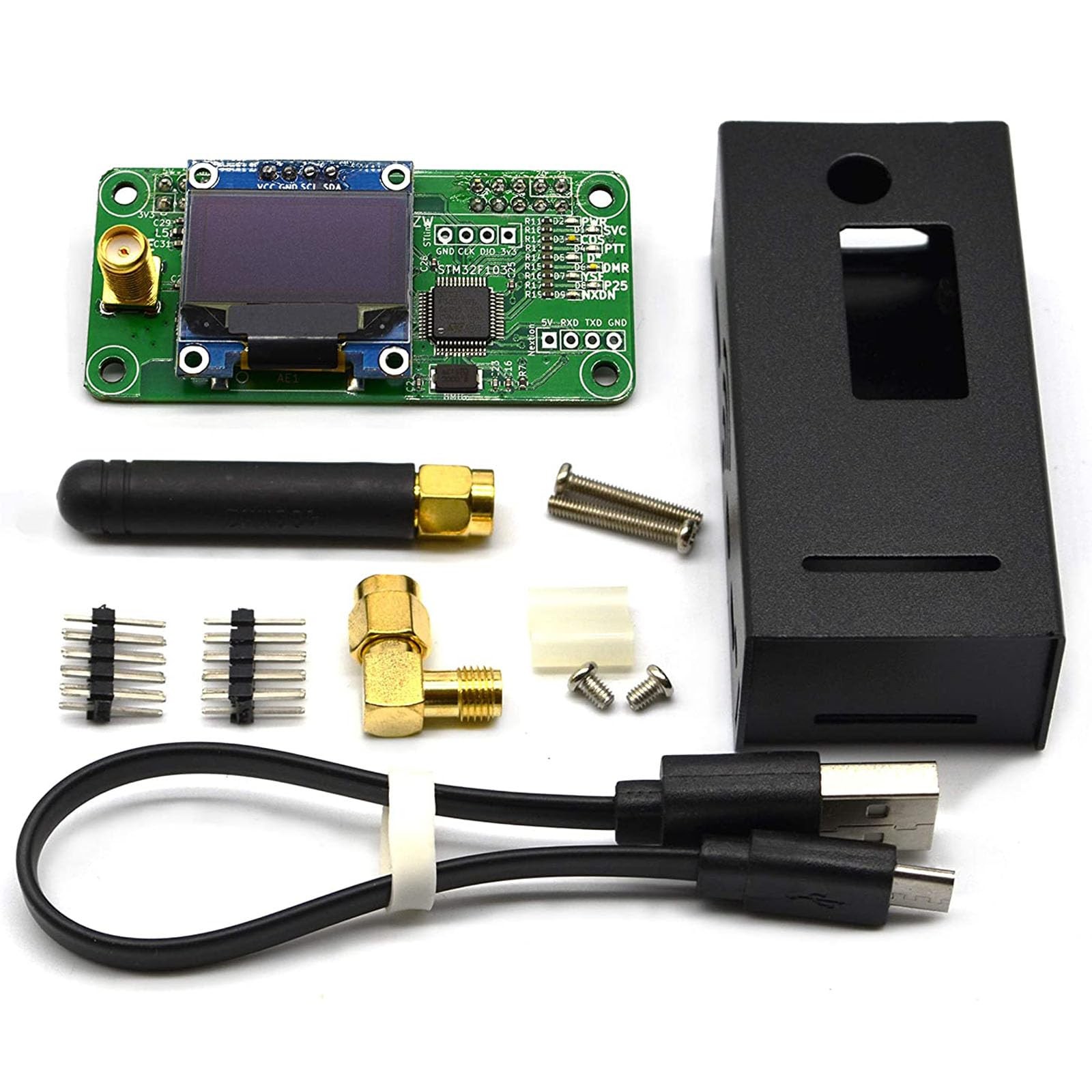
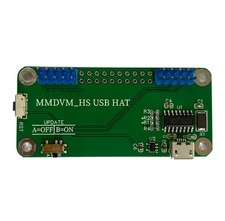
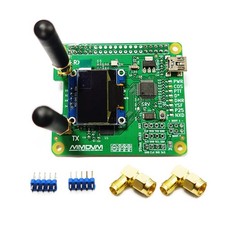
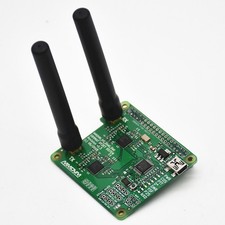
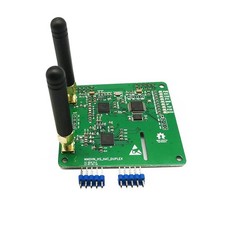
If the Raspberry fails to connect the hotspot board, please try update the firmware of the hotspot board by conducting the command: sudo pistar-mmdvmhshatflash hs_hat. More info pls view When connecting the MMDVM board to a RPi 4, please note: If it works normally, no additional settings are required. If the SVC indicator does not flash, choose of these methods (refer to the product diagram):
Method 1: Remove the R1 resistance of the hotspot board(single/dual) ;
Method 2: Cut off the 2 Raspberry Pi pin headers on the corners of the board ( pick to operate on your MMDVM board, refer to the product image for the R1 and 2 pin headers locations)
Features
High efficiency, less power comsumption, High quality TCXO, stable, low BER
Support Raspberry Pi 4, 3B, 3B +, Pi ZERO, with NanoPi NEO, Orange Pi, with BlueDV (requires USBtoTTL or Bluetooth model)
Support MMDVM mode DMR / YSF / P25 / NXDN / DSTAR / POCSAG
Support online upgrade, User-friendly OLED and Nextion special design location, reserved for additional installation of Bluetooth modules
Package List
1x MMDVM motherboard(UHF/VHF), 1x Antenna, 1x Aluminium Case, 1x USB Type-C Cable, AccessoriesMMDVM hotspot supports UHF VHF, frequency range: 144MHz-148MHz, 420MHz-475MHz, 842MHz-950MHz (depending on ADF7021 and TCXO, HAT firmware amateur radio brand license restrictions)
mmdvm hat supports Raspberry Pi 4, 3B, 3B +, Pi Zero W, Pi Zero 2W, with NanoPi NEO, Orange Pi, with BlueDV (requires USBtoTTL or Bluetooth model). Great way to roll your own hotspot. Added a Pi Zero 2W, power supply, microSD, and loaded with WPSD. You will have a great simple hotspot, great way to help learn about DMR
Firmware Update: If the Raspberry fails to connect the hotspot board, please try update the firmware of the hotspot board by conducting the command: sudo pistar-mmdvmhshatflash hs_hat(How to Update MMDVM_HS for WPSD 1.6.1: jumbo5566.github.io)
[Multifunction] Hotspot board saves electricity, High quality TCXO, stable, low BER. Support MMDVM mode DMR / YSF / P25 / NXDN / DSTAR / POCSAG. Support online upgrade, User-friendly OLED and Nextion special design location, reserved for additional installation of Bluetooth modules
When connecting the MMDVM board to a RPi 4, please note: If it works normally, no additional settings are required. If the SVC indicator does not flash, choose of these methods (refer to the product diagram): 1. Remove the R1 resistor on the hotspot board. 2. Cut off the 2 RPi pin headers on the corners of the board
[Note] Please refer to this to test whether your device can receive or transmit signals: m7spi.co .uk/mmdvmcal/. If you encounter that the device cannot connect to network after setup, please kindly us. We will help resolve this issue