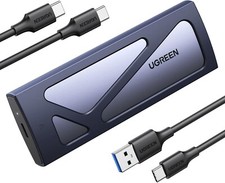
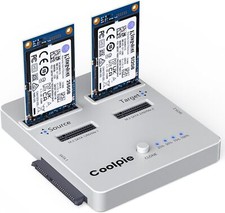
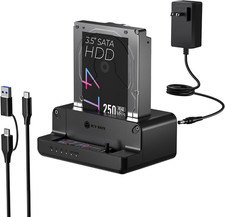
Coolpie 5 Bay M.2 NVMe SATA SSD HDD Cloner, 10Gbps Type-C Docking Station | 5 in 1 Offline Duplicator Auto-recognize, One-Click Cloning with LED Status Indicator,M.2 NVMe & SATA SSD HDD Hard Drive Docking Station for 2.5"/3.5" SSD SATA Hard Drives
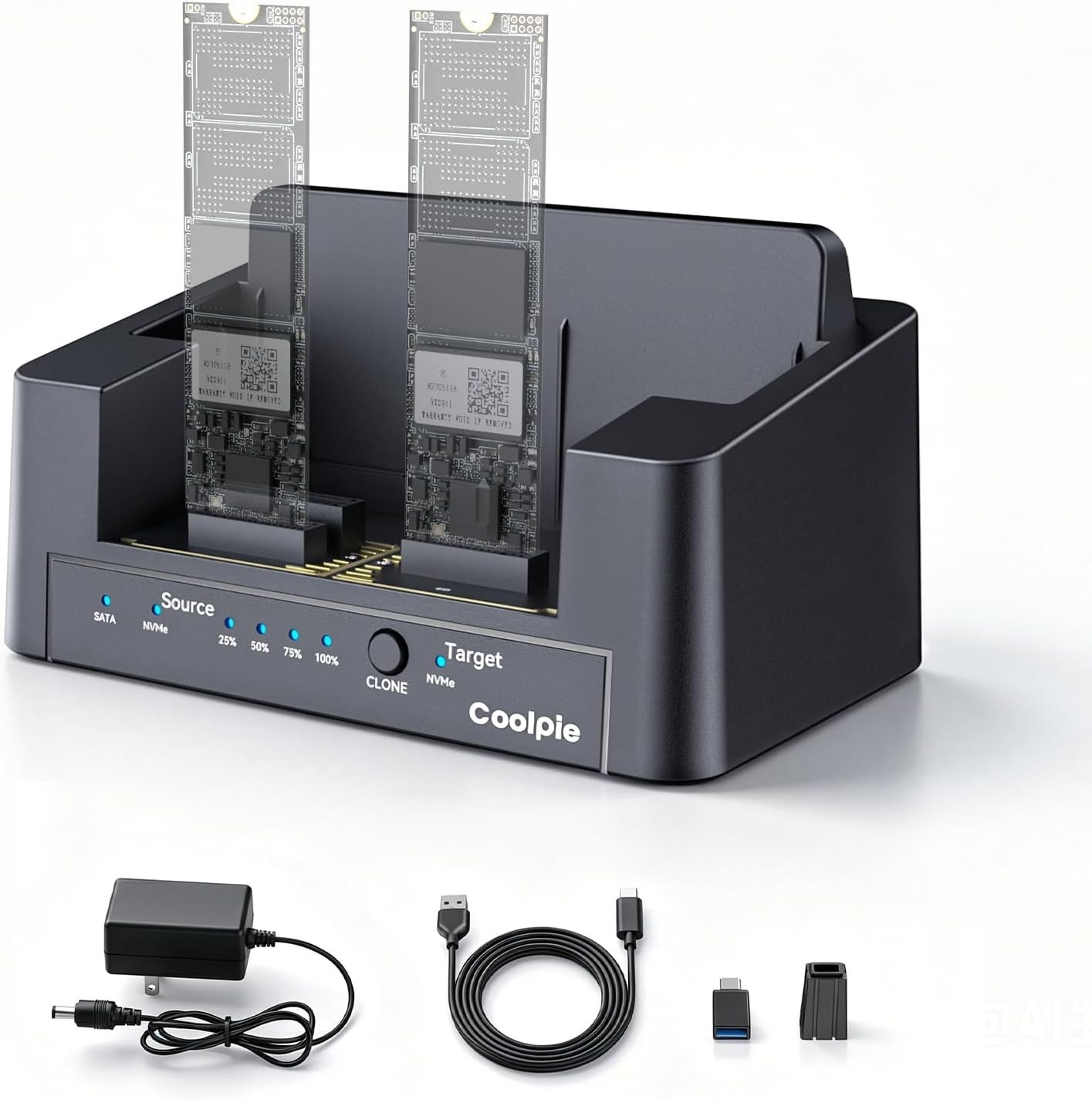
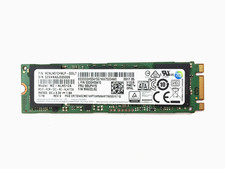
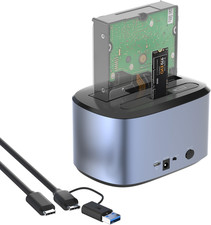
- [Multi-Protocol 5 Clone Modes] Support 5 cross-protocol offline clone modes: M.2 NVMe→NVMe / M.2 SATA→NVMe / mSATA→NVMe / 2.5/3.5” SATA→NVMe. Built-in smart chip automatically identifies all hard drive protocols, no manual distinction needed. Compatible with 5 types of storage drives for system migration & data backup. (Tips: The target disk must be M.2 NVME.)Equipped with a high-speed USB-C 3.2 Gen 2 interface ensure fast data transfer during heavy workload.
- [Intelligent One-Click Cloning] Smart chip auto detects source and target hard disks (recognition speed differs by drive brands). LED progress lights display real-time clone percentage clearly. Key Reminder: Target drive actual usable capacity must ≥ source drive. Minor labeled capacity deviation among different disk brands will cause clone failure, which belongs to hard disk hardware feature, not dock defect.
- [Dual Function Modes] Two independent working modes to meet different needs: Offline one-click clone without computer; PC connection for direct file read & write. Important Note: Clone function is disabled when USB data cable plugged in. Unplug the cable first if you need offline disk duplication.High-Capacity Read/Write/Copy: Our m.2 drive cloner supports reading, writing, and copying; Whether you're an individual user or a business, you can easily handle massive data migration and backup requirements.
- [High-Speed PC Transmission] Stable high-speed data transfer speed under PC read-write mode, greatly accelerate transmission of large video, photo and game files. Dual bay design supports placing two hard drives at the same time for daily file sorting and permanent data storage.
- [Stable Design] Custom integrated injection molding shell provides solid structure and efficient heat dissipation for long-hour clone work. Independent Source & Target slots prevent wrong disk insertion, plug-and-play without extra driver software, perfect for IT workers, photographers and gaming users.
- [Fast Cooling Design] The open-air 360° hollow architecture maximizes heat dissipation by allowing uninterrupted airflow around the entire device, effectively lowering internal temperatures during intensive data cloning—giving you a clone that’s not only fast but also bit-perfect and reliable, even for large-scale or sensitive data migrations.
- [Clear LED Status Indicator] Multiple LED indicators separately show power, disk detection and cloning progress status. No complicated operation steps, one-button offline clone design greatly simplifies mass disk duplication work for office, studio and data maintenance scenarios.
- [Expandable Full Disk Capacity] When connecting to PC for data access, cloned target drive only shows the same capacity as source disk by default (e.g. 256GB target only displays 128GB after copying a 128GB source). The rest storage space is reserved. You can create new partitions on your computer to unlock full capacity of target hard drive easily.
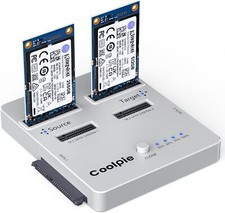
Note that they only support clone and read&write for the same protocols, so you can clone and read between NVME protocols(m. 2 nvme to m.2 nvme), or between SATA series protocols(m. 2 sata、msata、sata).
How to distinguish the source disk and target disk?
There are arrows on the cloner for guidence. The three slots on the left are the source disks, and the three slots on the right are the target disks.
Can it work as a reader except as a cloner?
Yes, it can also support read-write. Just notice, either as a cloner or reader, it can only insert up to two hard drives at a time. And they must be the same protocols. Such as, both m.2 nvme or both sata. (m.2)sata/msata/sata are all SATA protocol.
Can hard drives with different protocols be mixed for cloning?
No. They can't clone for different protocols. M.2 NVME hard drive can only work with M.2 NVME hard drive. SATA hard drive can only work with SATA protocol hard drive. (M.2) SATA/mSATA/SATA are all for SATA protocols, they can be used together.
The progress indicator blinks simultaneously but doesn't clone. Why?
This is most probably because the capacity of the source disk is greater than that of the target disk. You can swap their locations, or take a hard disk with a significantly larger capacity than the source disk to clone.
Why I can't clone it successfully?
1)The hard disk has problem.
2)Didn't disconnect the cloner from other devices.
3) The two disks are not the same protocols.
4) Source disk's capacity is larger than the target's, notice that even if labeled the same, capacities may slightly differ.