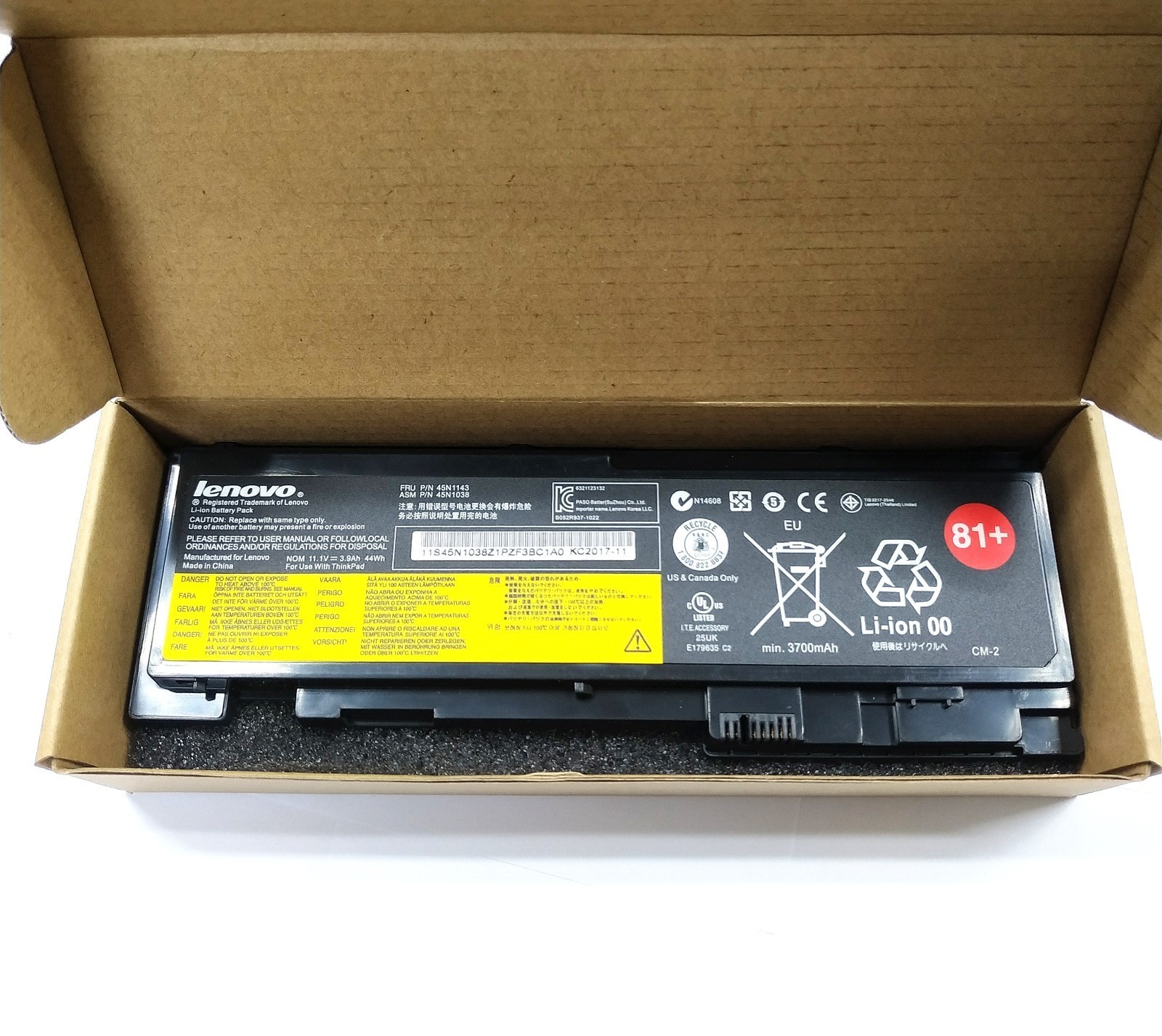
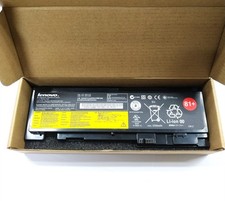
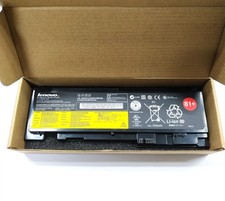
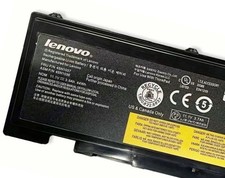
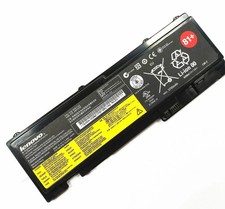
Genuine 81+ T430S Battery ThinkPad 0A36287 45N1143 45N1036 45N1037 T420i T420sPerduct Description:Voltage: 11.1VCapacity: 41WhBattery Type: Li-ionCell: 6-CellCondition: Brand New, 'A' grade cells, 100% compatible!Compatible Part Number:
45N1143 42T4844 42T4845 42T4846
42T4847 45N1036 45N1037 45N1038
45N1039 45N1064 45N1065 0A36287
Compatible Models:(Ctrl + F for fast search your laptop model)
For Lenovo:
For ThinkPad T420i Series
4170A11 4171A12 41716EC 4170A25 4172A25 4172A16
For ThinkPad T420s Series
4173A39 4171A58 4171A57 4171A13 4174EM7 4172A21
4173PU9 4172A35 4172A24 4171A22 4171A42 4171A24
4171A49 4172A364172A18 4172A34 4171A59 4172A26
4171A96 4172A17 4173A41 4171A25 4171A15 4171A35
For ThinkPad T430s Series
2355C72 2355C92 2355CB6 2355G3C 23522RC 2352A32
23522SC 2352A94 2352A13 2352A31 2352A98 2355BT5
2355AK6 235244C 235243C 23524BC 2353C15 235245C
235246C 2355HNC 2355A83 2355BF2 2355AK7 2355B54
FQA
Q: why battery don't hold a charge, how to fix it?
A: this is new battery,for first use, we suggest buyer:
Remove the battery for a while
Install battery and full charge it by ac adapter
Leave charger and let the battery drain to shut off
Repeat above charging and discharging at least 2 times.
you charge the battery when power lower than 20%. If available, connect ac charger when doing computer work.
If run the battery shut down often, it will shorten the battery life.
Q: battery can't charge fully,how to fix it?
A: Remove the battery for a while
Install battery and full charge it by ac adapter
Leave charger and let the battery drain to shut off
Repeat above charging and discharging at least 2 times.
Q: Battery can't be recognised by my laptop?
A: we met this issue before, maybe beacuse of your laptop system, we suggest you can:
Remove all battery drivers
Remove battery
Connect laptop using AC charger, double check no battery drivers installed
Connect battery
Drivers will install automatically
Full charge the battery by ac adapter
Leave charger and let the battery drain to shut off
Repeat full charge and full discharge about 2 times.
Q: Battery dies suddenly at about 20%
A: Kindly check the battery settngs and BIOS
then:
Remove the battery for a while
Install battery and full charge it by ac adapter
Leave charger and let the battery drain to shut off
Repeat above charging and discharging at least 2 times
PaymentDelivery detailsTerms of salesContact usPayment* Please pay the money within 4 days after the sale ended.
* Non-Paying buyers: Serious Buyer Only! Please place offer or "Buy it now" only if you agree the price and terms of the product and no argument after the sale end. And payment must be received within 4 business days of the sale close. We will report Non-paying buyer to .Delivery details* Our shipping rates include the cost of shipping, handling, packaging and related manpower costs.
* We are not responsible for wrong or undeliverable address. We reserve the right to charge the shipping fee again for returned items due to wrong address.Terms of sales* It is our goal to provide our customer 100% satisfaction.
* 30 Days Money Back Guarantee and Full One Year Limited Warranty from the date of original purchase.
* Product should be returned with original packages and must be returned in like-new condition with all accessories and packaging.
* In all cases, buyers pay shipping fees at their own cost to return products for exchange or refund. We will be responsible for the postage of replacements. Refund will be made upon receipt of the returned item.
* If the return is due to the mistakes of buyers, for example, wrong purchase, no need of the batteries after transaction, or other artificial damages, P&P would be deducted while refunding.
* Refund will be made upon receipt of the returned item.Contact us* We have always been trying our best to provide the best service and reliable products for every customer. Please contact us via message or email to resolve the issue before leaving negative response.Compatible BrandFor LenovoCompatible part Numbers 345N1136 45N1738 45N1128 45N1767ColorBlackCompatible part Numbers 245N1037 45N1038 45N1039 45N1064 45N1065 0A36287Compatible ModelFor ThinkPad T420i, T420s, T430s SeriesMPNType T430SBattery TypeLi-IonCompatible Product LineFor Lenovo ThinkPadBrandBAOFUTypeAC & DCCompatible part Numbers45N1143 42T4844 42T4845 42T4846 42T4847 45N1036Unit TypeUnitBattery Capacity41WhManufacturer Warranty3 YearsVoltage11.1VNumber of Battery Cells6Country of OriginChina
On Oct 18, 2026 at 18:20:25 PDT, seller added the following information: