 When you click on links to various merchants on this site and make a purchase, this can result in this site earning a commission. Affiliate programs and affiliations include, but are not limited to, the eBay Partner Network. When you click on links to various merchants on this site and make a purchase, this can result in this site earning a commission. Affiliate programs and affiliations include, but are not limited to, the eBay Partner Network.
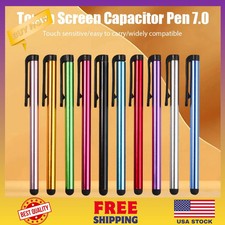
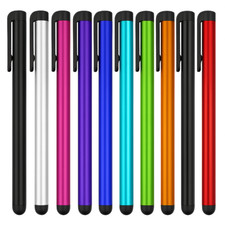
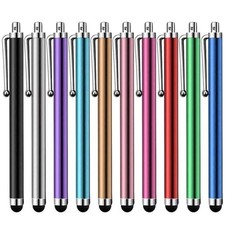
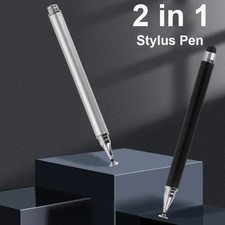
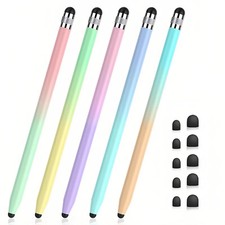
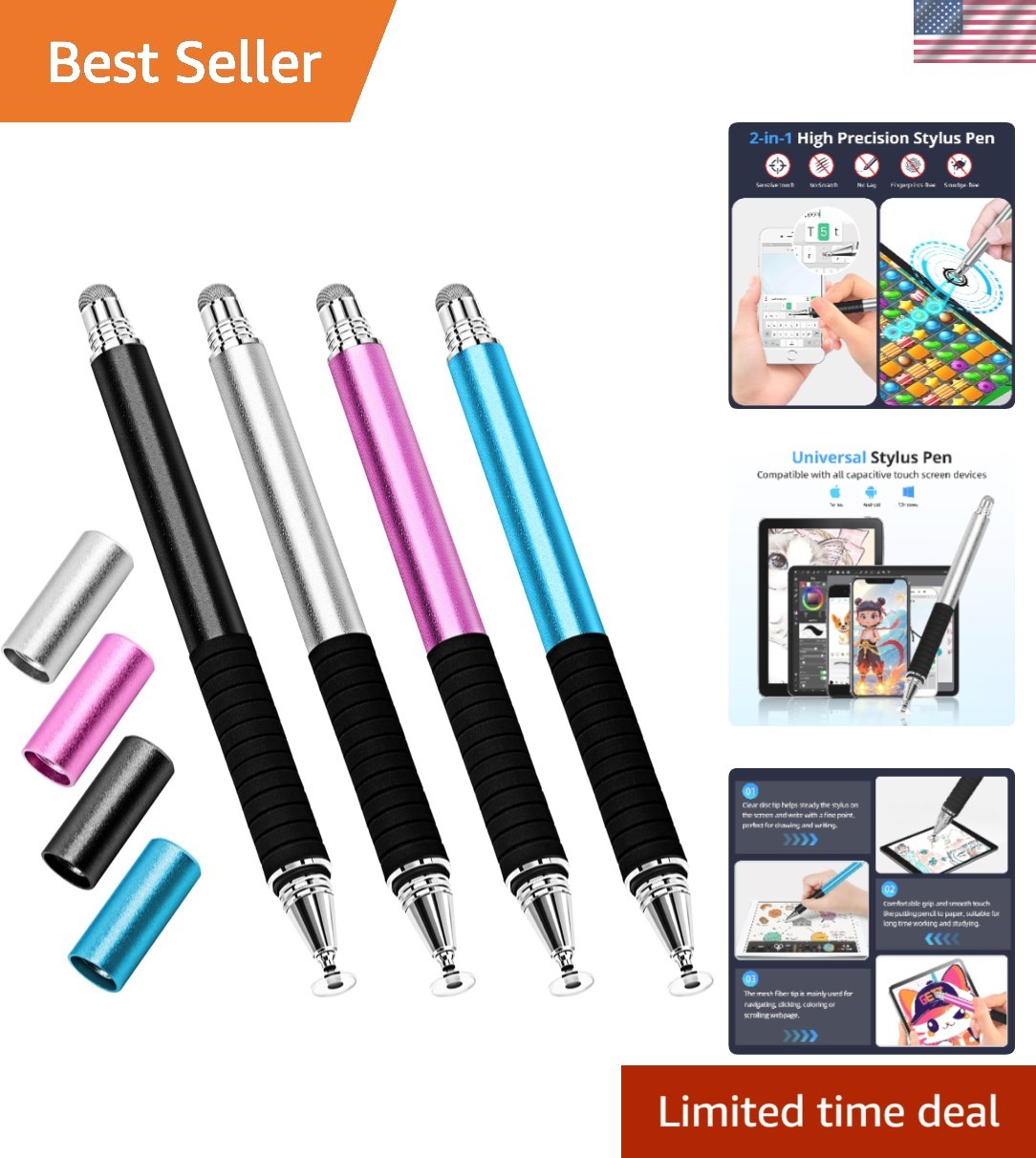
Capacitive Stylus Pen for Touch-Screen 4-Pack 2 in 1 Universal Mesh Stylus | Compatible for i/iPad/Android/Tablet, Fine Point Disc-Mesh nibs Touchscreen Pencil for Drawing,Writing Stylist Great Stylus Pen for Touch Screen: High Precision & Accuracy,Features a fine point clear disc tip for supreme precision and quiet, accurate writing or drawing. Perfect for detailed work like note-taking, sketching, and navigation. 2-in-1 Functional Design:Includes a soft fiber mesh tip for smooth navigation and a clear disc tip for precision tasks. Both tips are anti-scratch and protect your screen from smudges and fingerprints. Universal Compatibility:Works seamlessly with all capacitive touchscreens, including iPads, is, Android devices, Samsung Galaxy, e-readers, and more. Durable & Ergonomic Build:Crafted with stainless steel and aluminum for a , pen-like feel. Features a comfortable grip area and lightweight, compact design for extended use. Portable & Practical:Comes with screw-on tip covers and velvet drawstring pouches for safe storage. Extra tip s can be purchased separately, making it easy to maintain. 2 in 1 High Precision Stylus Pens Why Choose Stylus Pen? Smooth Disc & Fiber Tip - allows you to write and draw in freehand using just your Buletooth & Charging - you can use it anywhere anytimeLightweight Aluminum Alloy - easy to carry, even children can also use it instead of fingers, cleaner and more precise.Comfortable Rubber Grip - makes you get a precise real pen experience when you use it. Important Cautions: Normally our stylus won't cause scratches on touch screen, but we still suggest you to use a screen protector on your device to protect the screen from any possible damage/scratches which may be caused by dirt on disc/screen, damaged tips or defective product of low is an universal stylus. No Bluetooth connected or specified apps required, just take it as your fingers to write on your touch screens directly. Remember not to rest your palm on the screen when you use the stylus, or it won't work don't remove the clear plastic disc from the tip. It is not an unnecessary part. Instead, it's very important to receive and conduct touch screen signal, without which the stylus will not work. See More  |
|